This site is in beta — features and content may change.
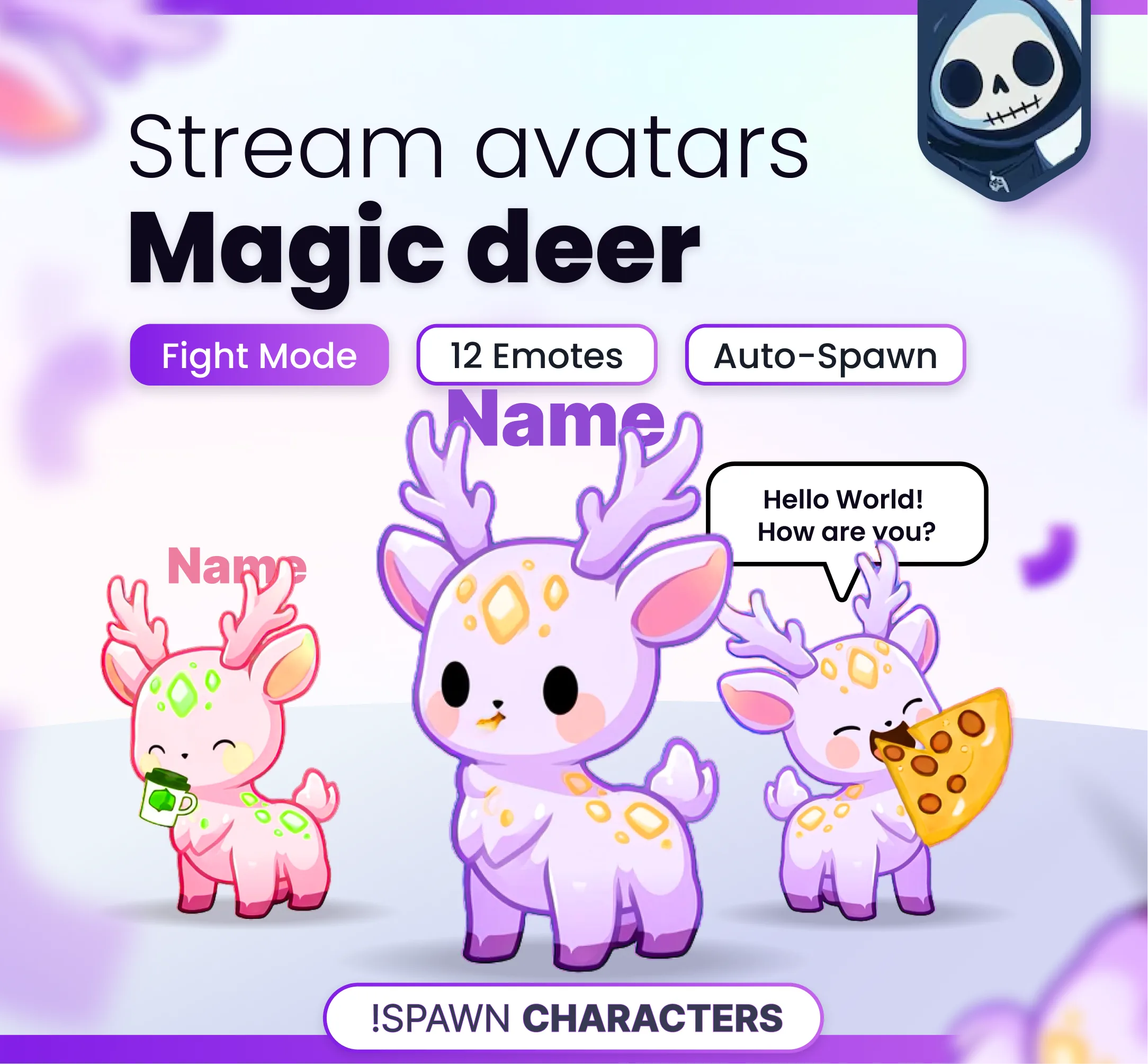
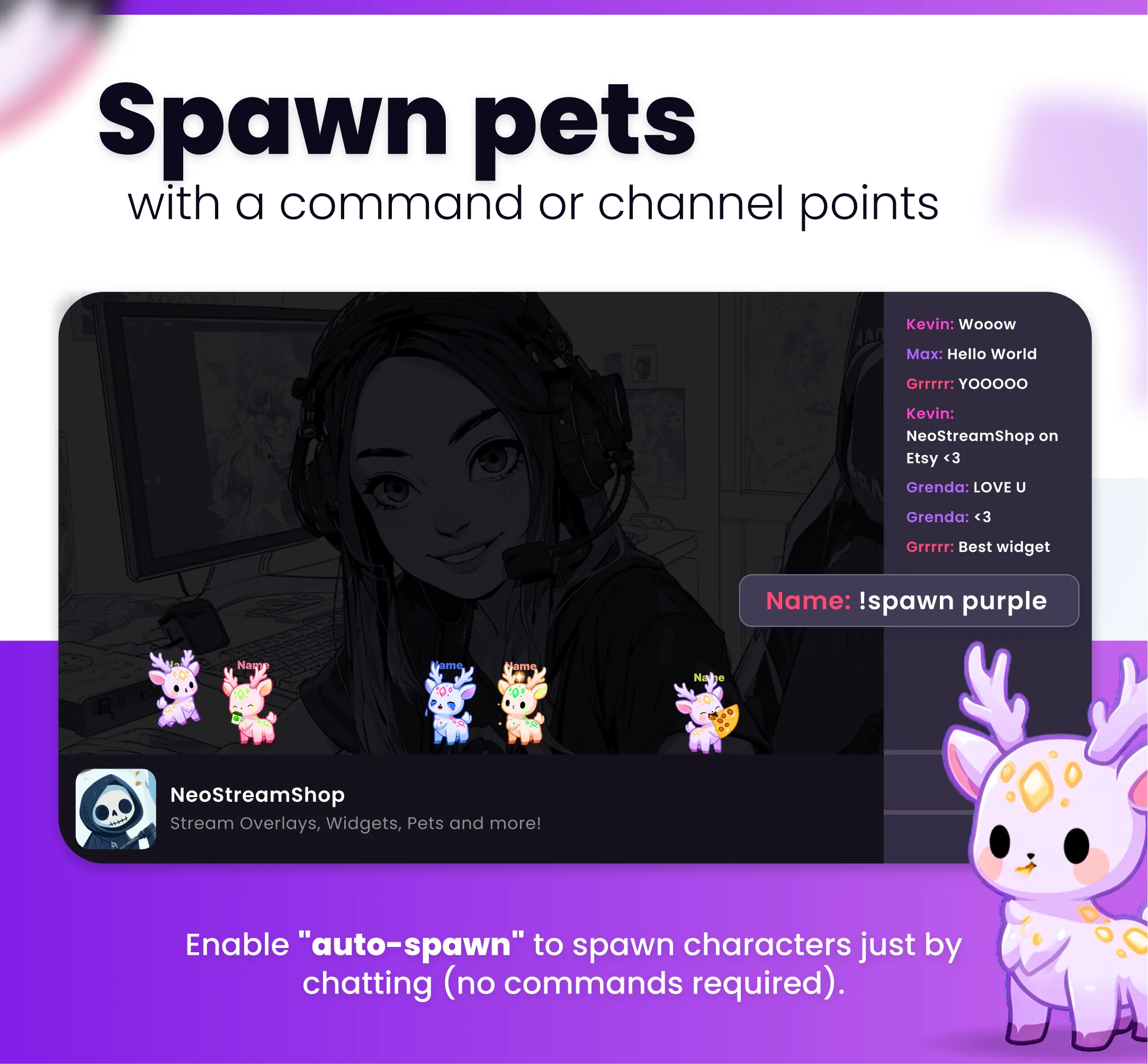
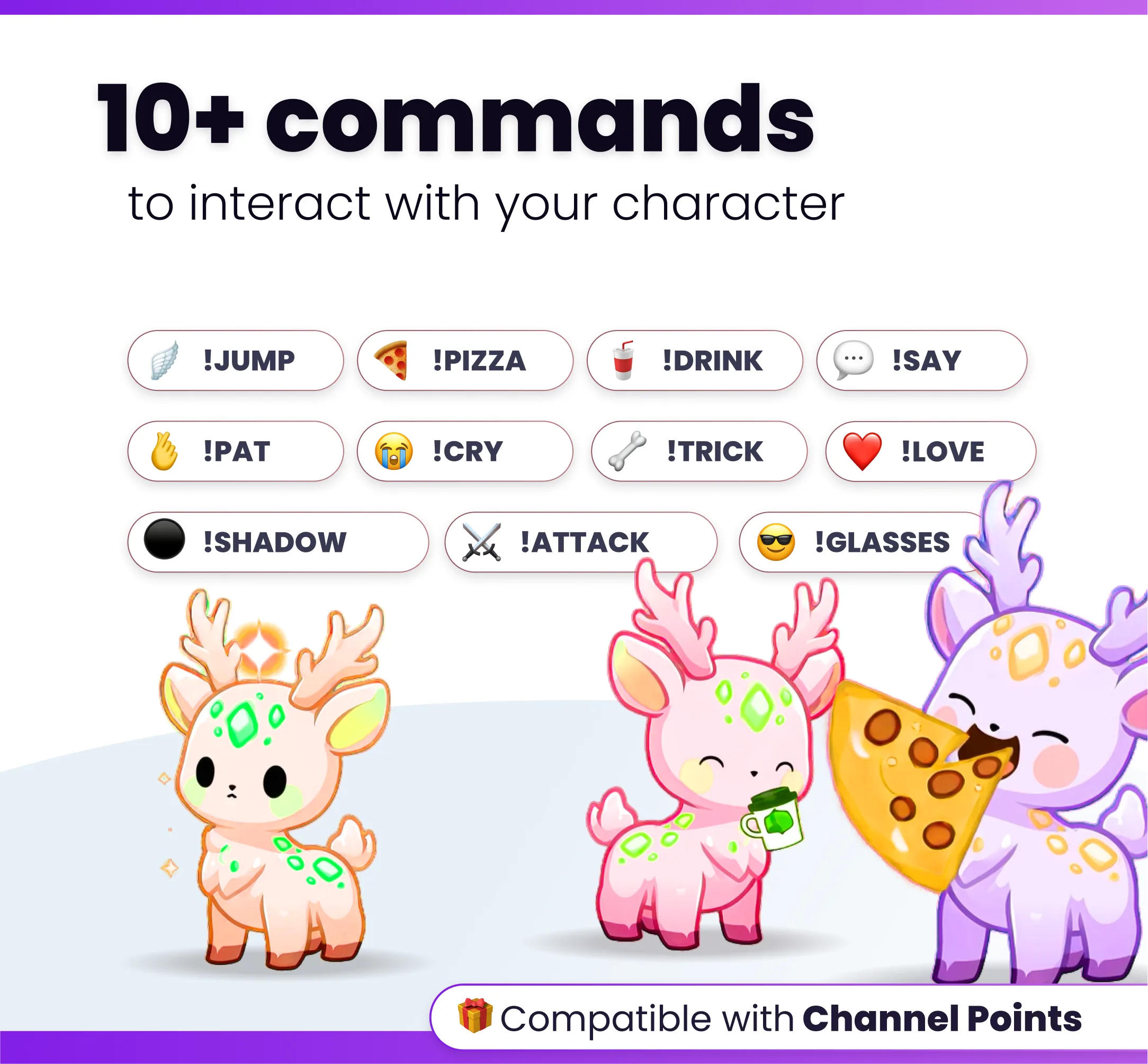
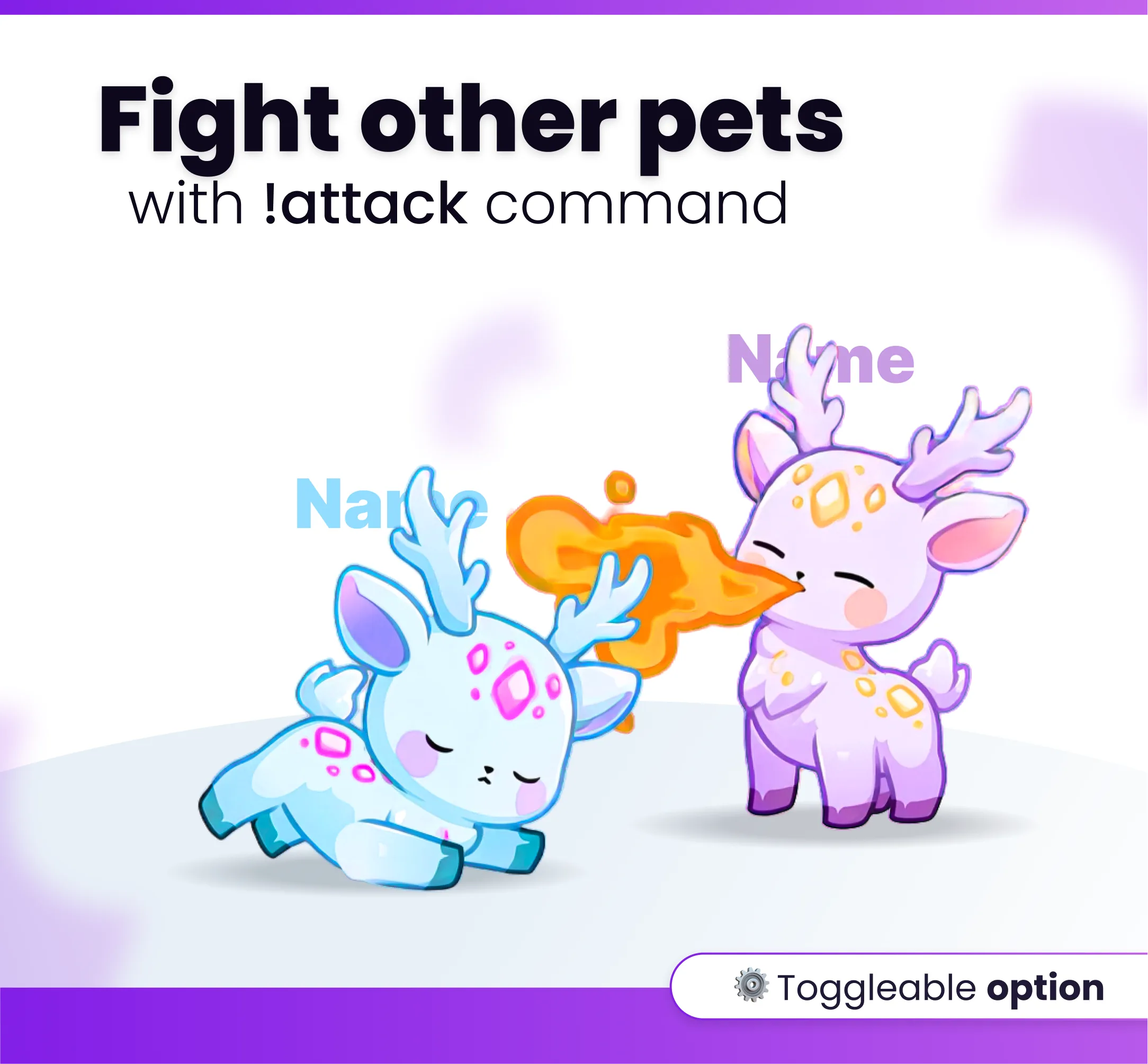
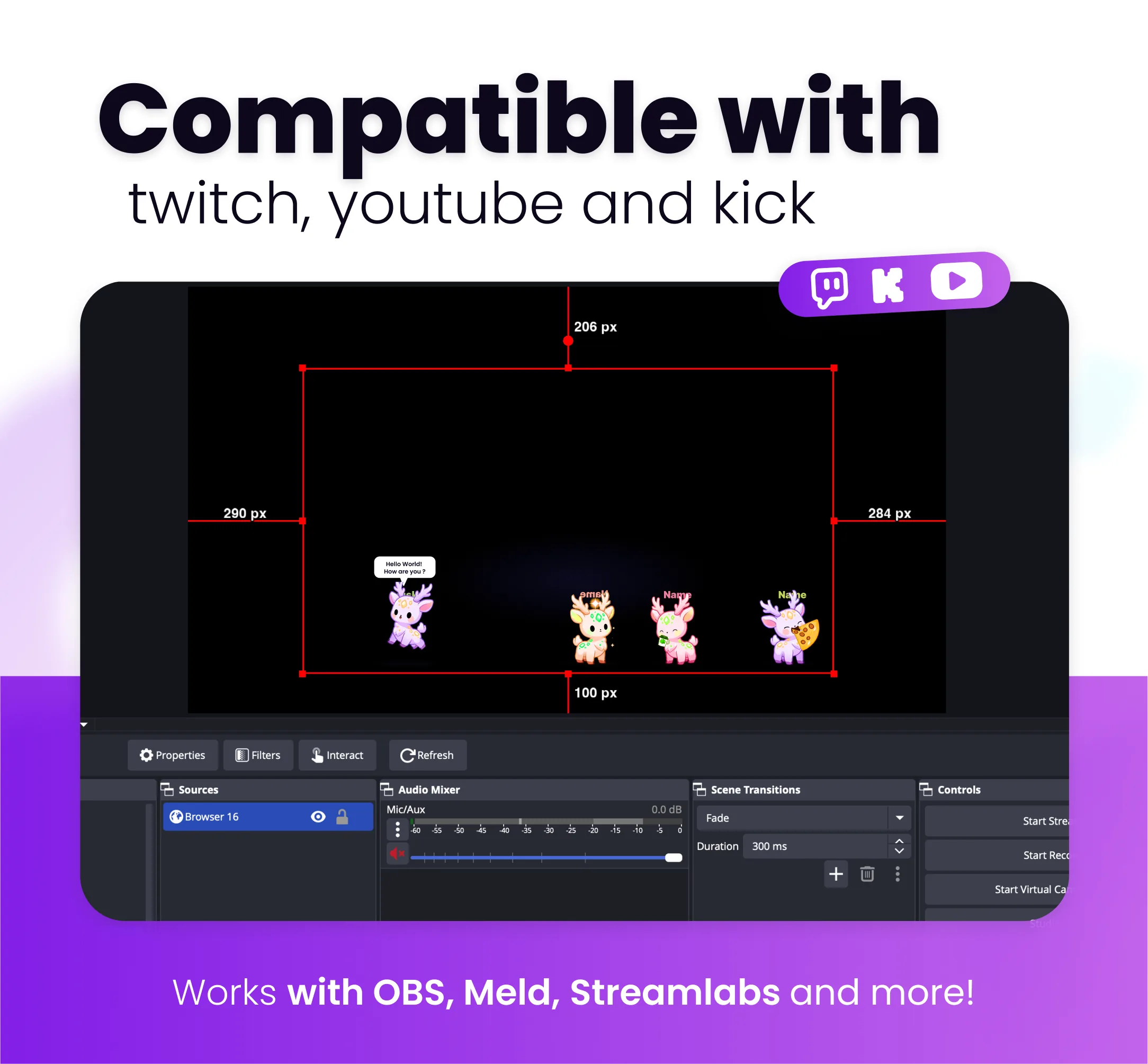
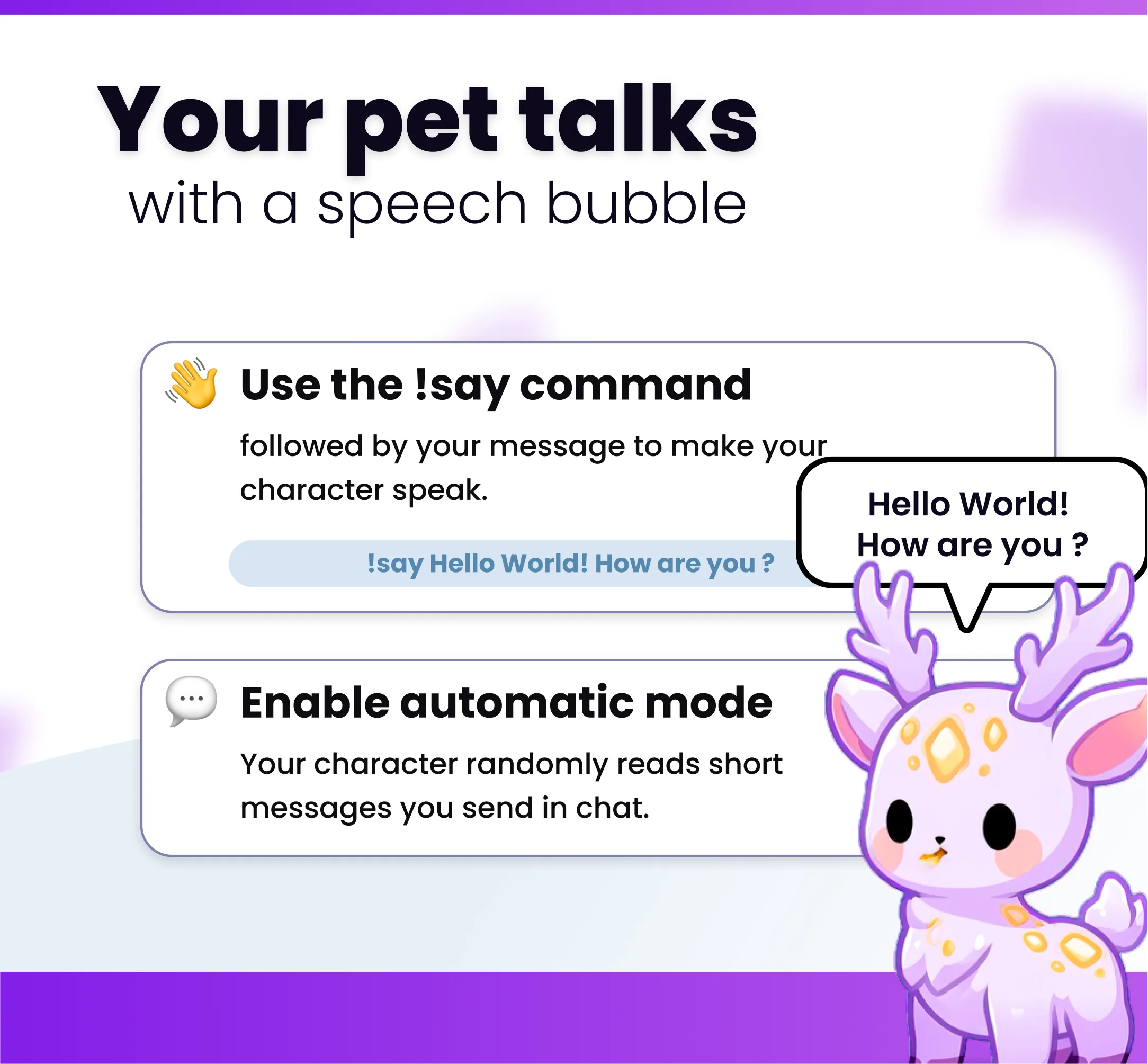
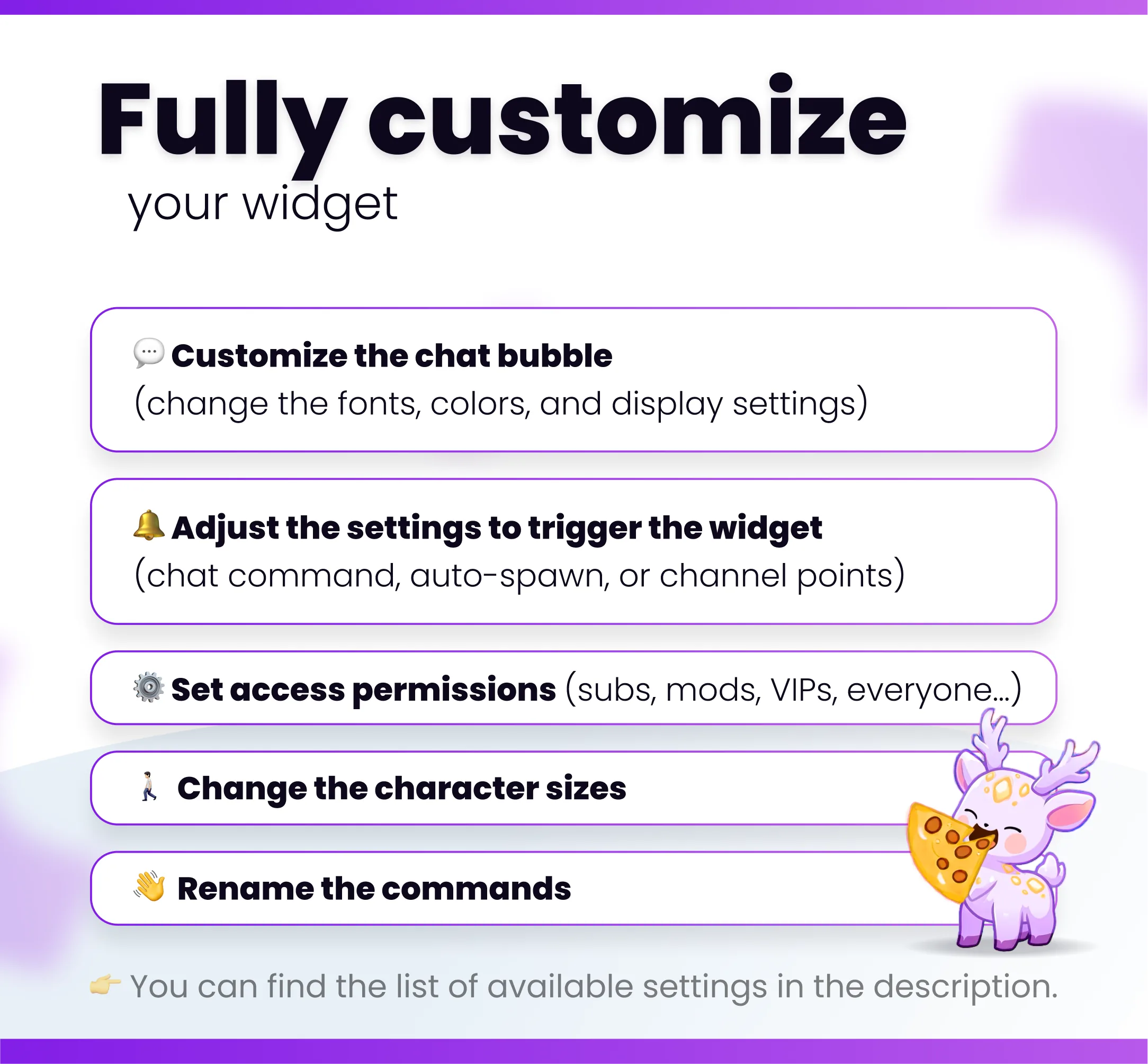
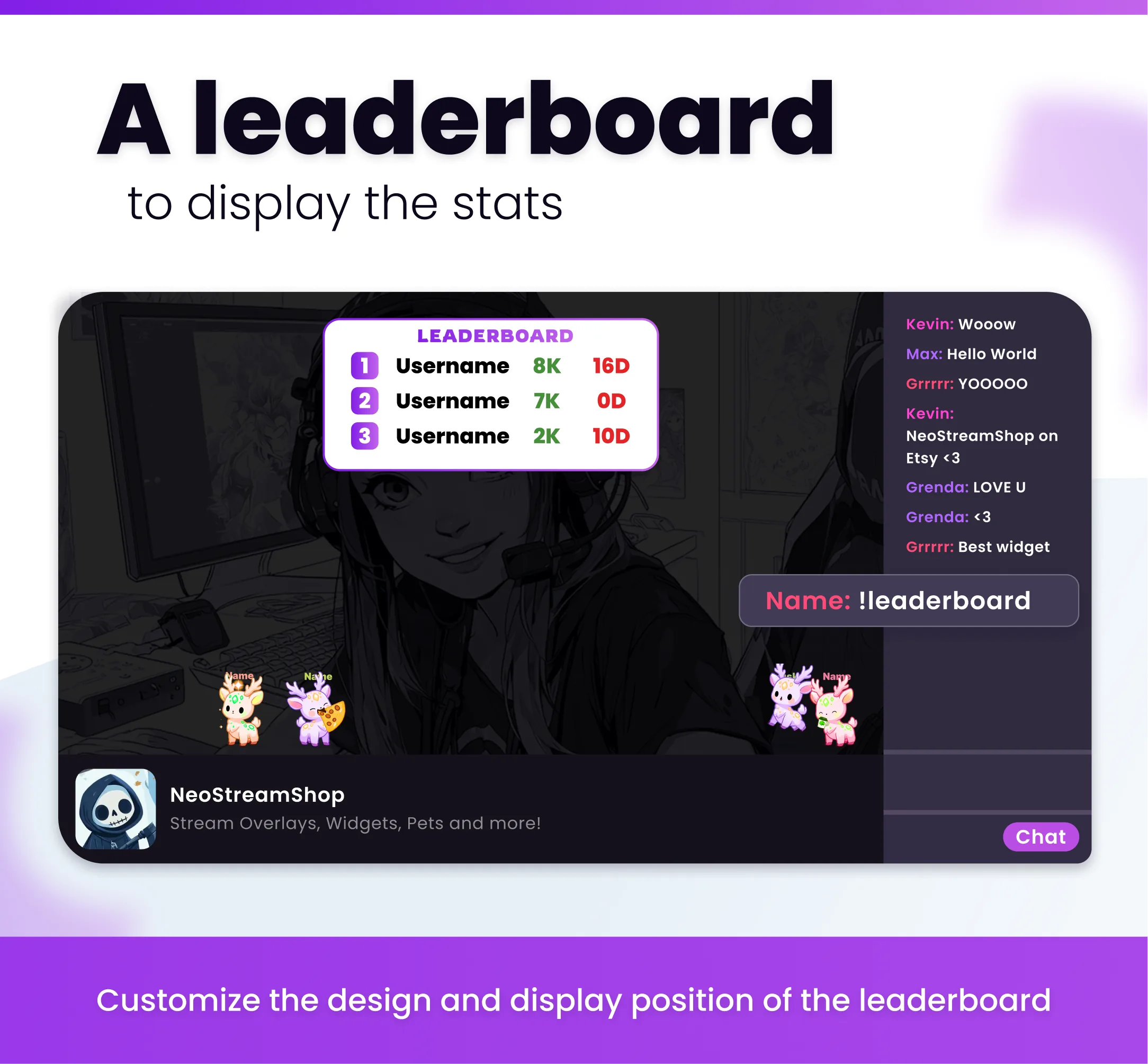
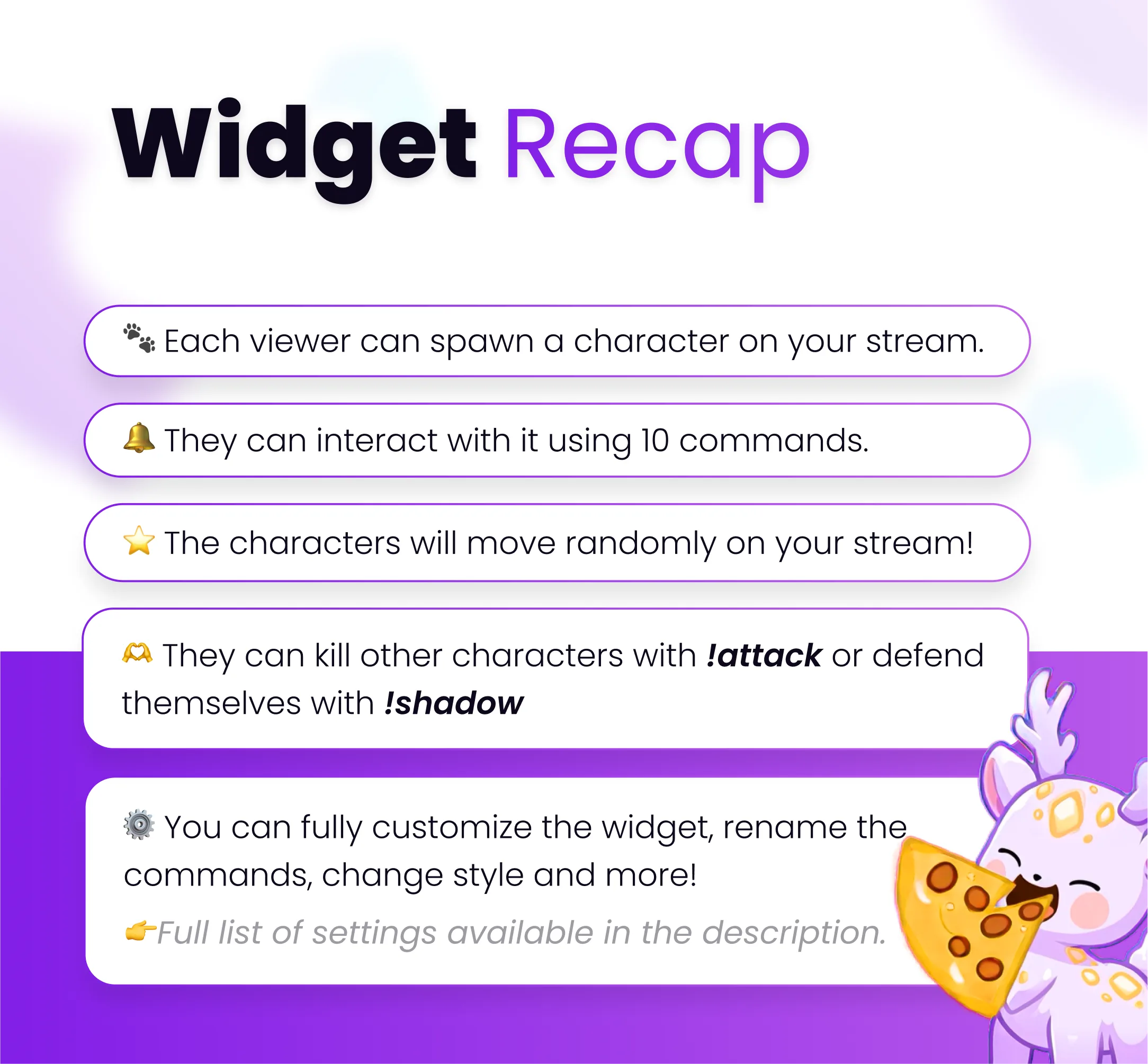
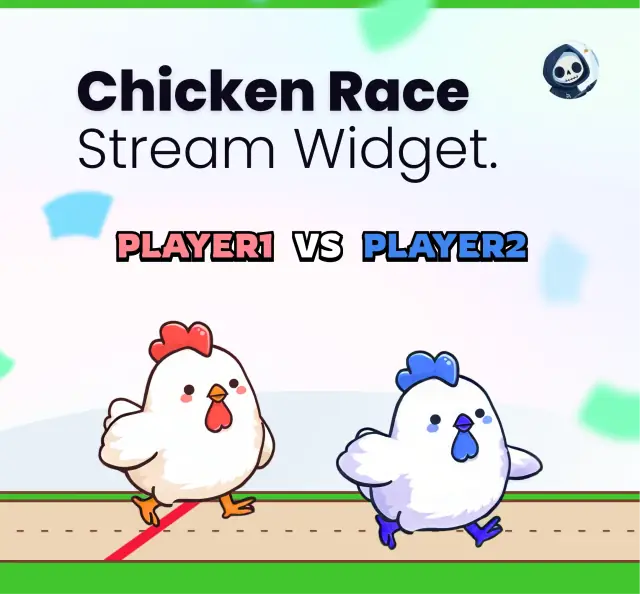
🌟 Spawn adorable interactive companions directly on your stream. 🐾 They walk around on screen, fight each other, and talk with chat bubbles! 💥 COMMANDS: You can interact using 10 chat commands to trigger fun little reactions: !love, !pat, !cry, !glasses, !jump, !trick, !pizza, !say, !attack, !shadow (You can also choose to use channel points instead of commands.) ⚔️ FIGHT MODE: Attack other characters with the !attack command, or protect yourself by turning invisible for a few seconds using the !shadows command. 🏆 LEADERBOARD: The widget tracks your kill/death ratio. You can check out the top five players by using the !leaderboard command. ⬆️ AUTO-SPAWN: Have characters spawn automatically as soon as someone sends their first message in chat. Just stay active to see your character pop up. 🎨 COLOR: Pick your character's color when you spawn them, and set a default color for your profile. 💬 CHAT BUBBLE: You can make your character talk using !say followed by your text. Example: !say hello world You can also turn on an automatic message reading mode. Your character will randomly display your shortest messages directly on stream. ⚙️ CUSTOMIZATION: Tweak the maximum number of characters on screen, the spawn conditions (commands, channel points), and plenty of other settings. You can find the full list at the bottom of this description. 🎁 CHANNEL POINTS: You can choose to use channel points instead of commands. (The widget works too, even if you haven't unlocked channel points yet.) ===============⚙️++SETTINGS LIST++⚙️=============== - Light Mode (boosts performance by slightly lowering video quality) - Auto-Spawn (spawns the character automatically as soon as someone types in chat) - Change command names - Use channel points to trigger any event - Set cooldowns and timers to prevent command spam - Set access permissions to restrict certain user categories (Subs, Mods, VIPs, Everyone, etc.) - Adjust the size, speed, and maximum number of characters - Toggle nicknames above the characters on or off - Change the fonts used - Customize the design of the text bubble shown above characters (display duration, font, etc.) - Customize the leaderboard style, as well as its display duration, position, and text elements - Save data between your streams - Blacklist (set up a blacklist of usernames banned from using the widget, which is super useful if you use bots) =========================================== 📩 Feel free to reach out if you have any questions! 📛 Do not resell or copy this project. All rights reserved to @Createdbynoe 📛

Compatible with

OBS & Streamlabs

OBS Studio Streamlabs

Works on

Twitch & Kick

Twitch Kick

You might also like

  • Widget Bears

    Widget Bears

    Open bear-themed loot cases on your stream. Viewers spin for rare bear skins using commands, alerts, or channel points.

  • Cute koala

    Cute koala

    Add an adorable interactive mascot to your Twitch, YouTube, or Kick stream. He will react to your stream events and be j…

  • Love Command

    Love Command

    This Twitch command plays a love animation overlay on your stream when triggered by chat, alerts, or channel points.

  • OnlyFans Command

    OnlyFans Command

    This Twitch command plays a onlyfans animation overlay on your stream when triggered by chat, alerts, or channel points.