Create 3D animated logos for free → Studio Neostream
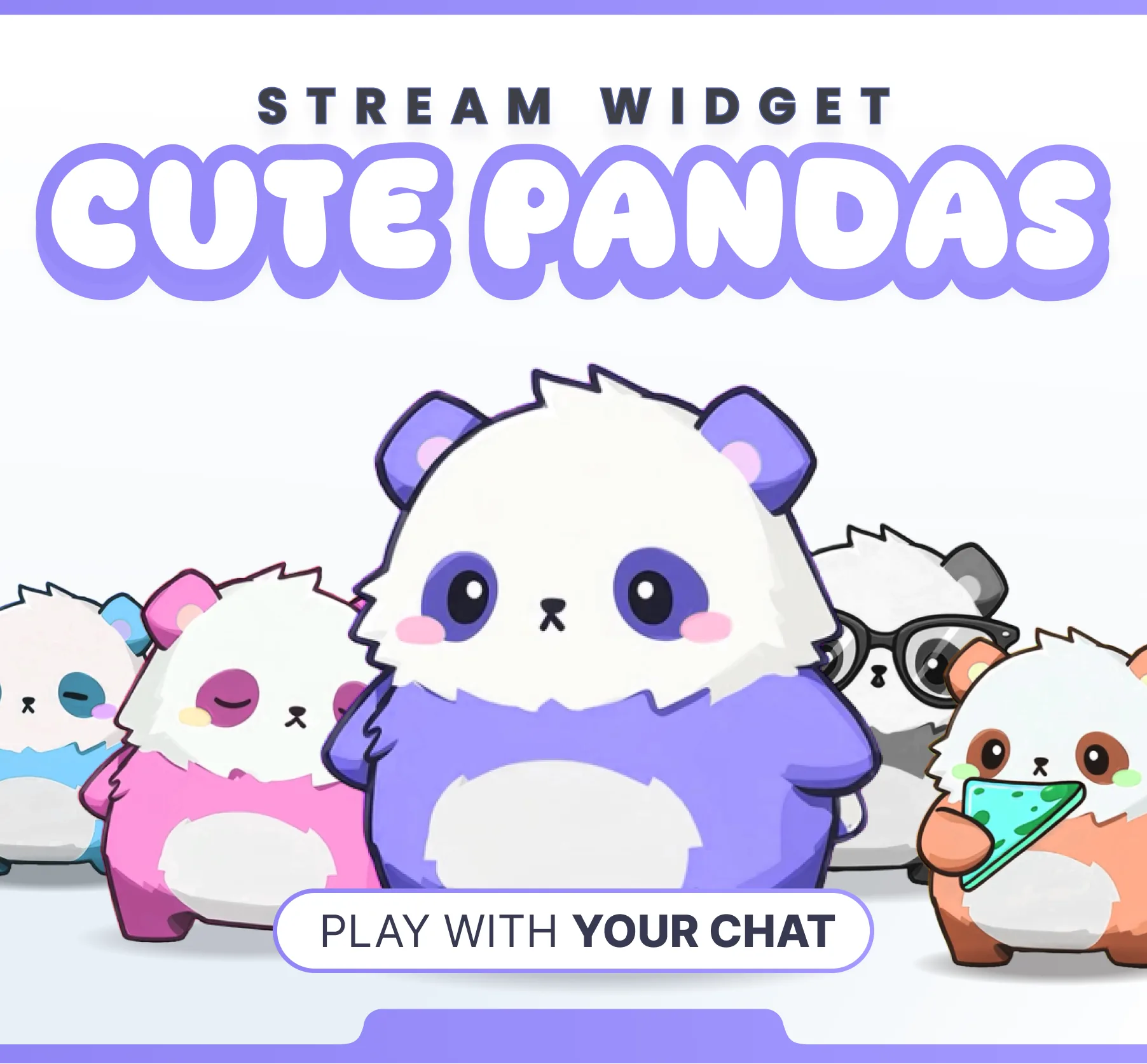
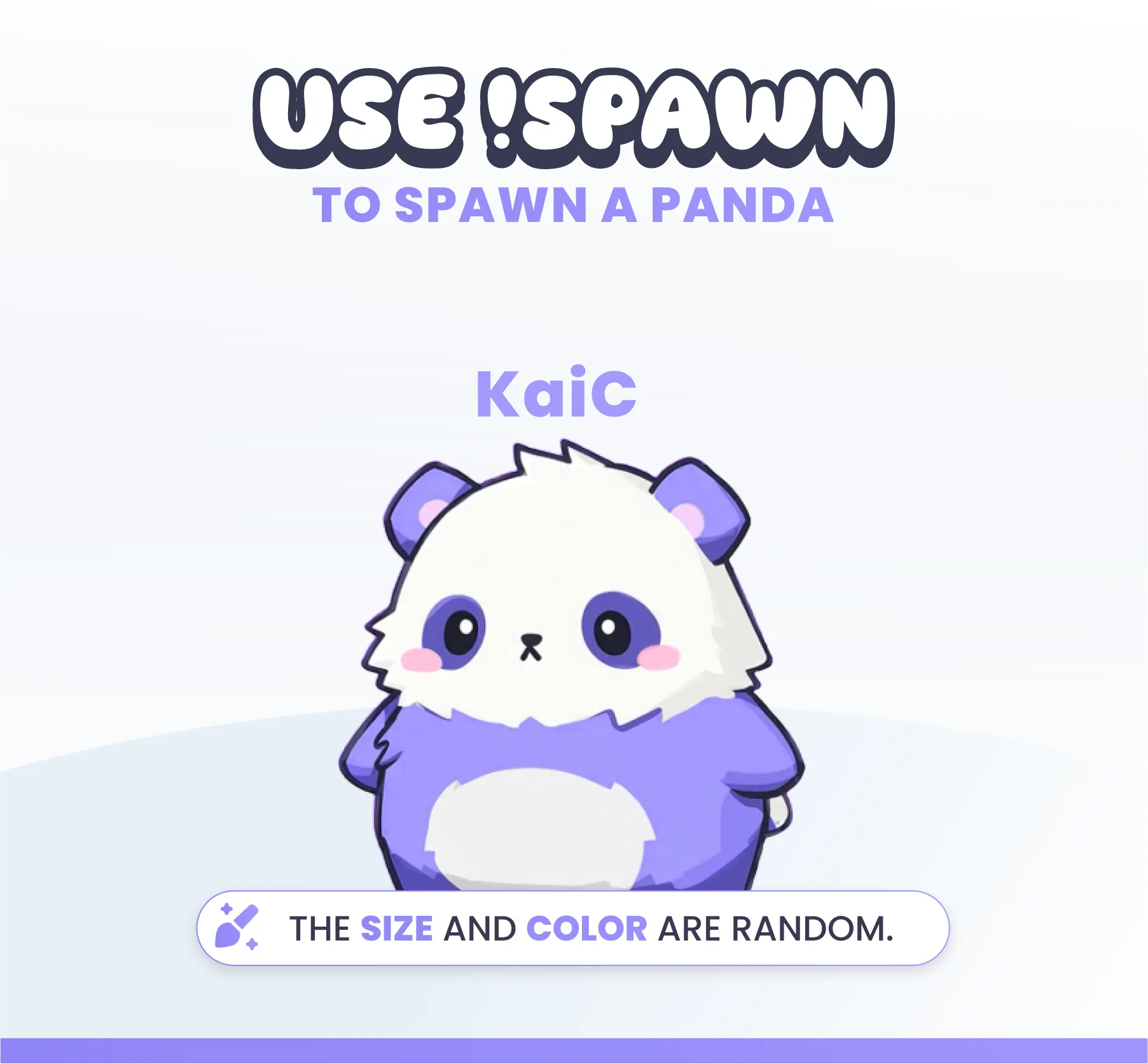
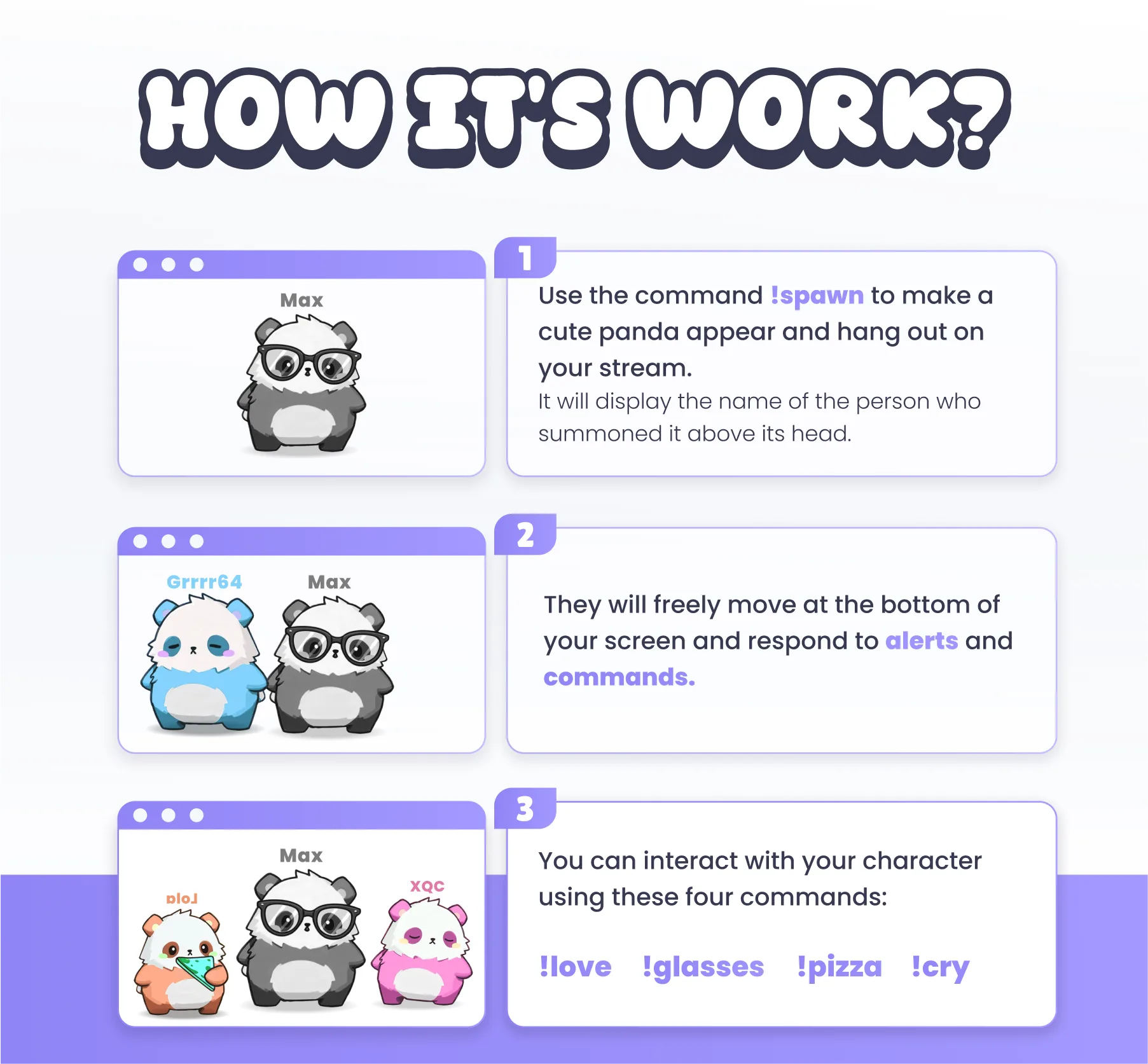
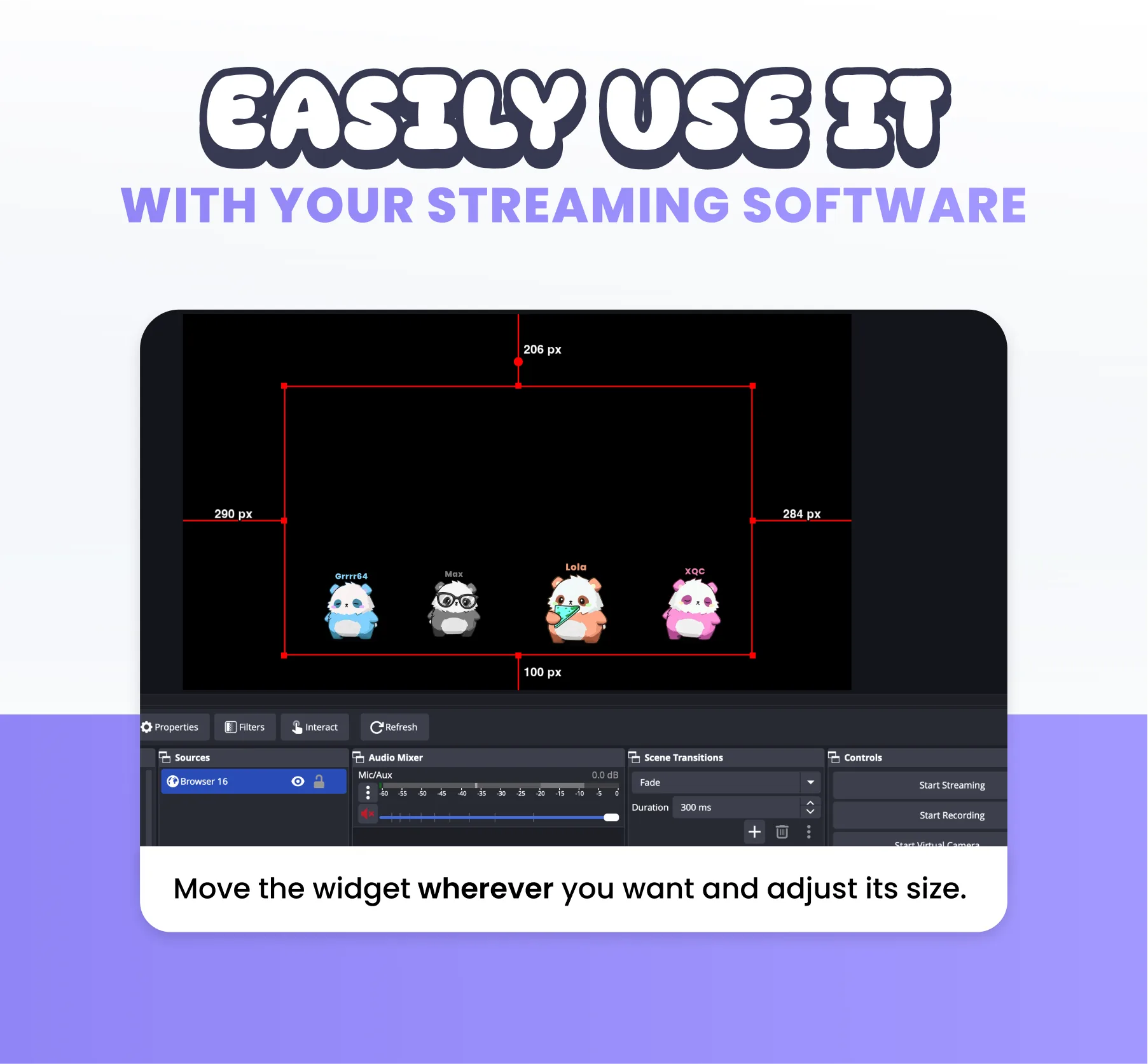
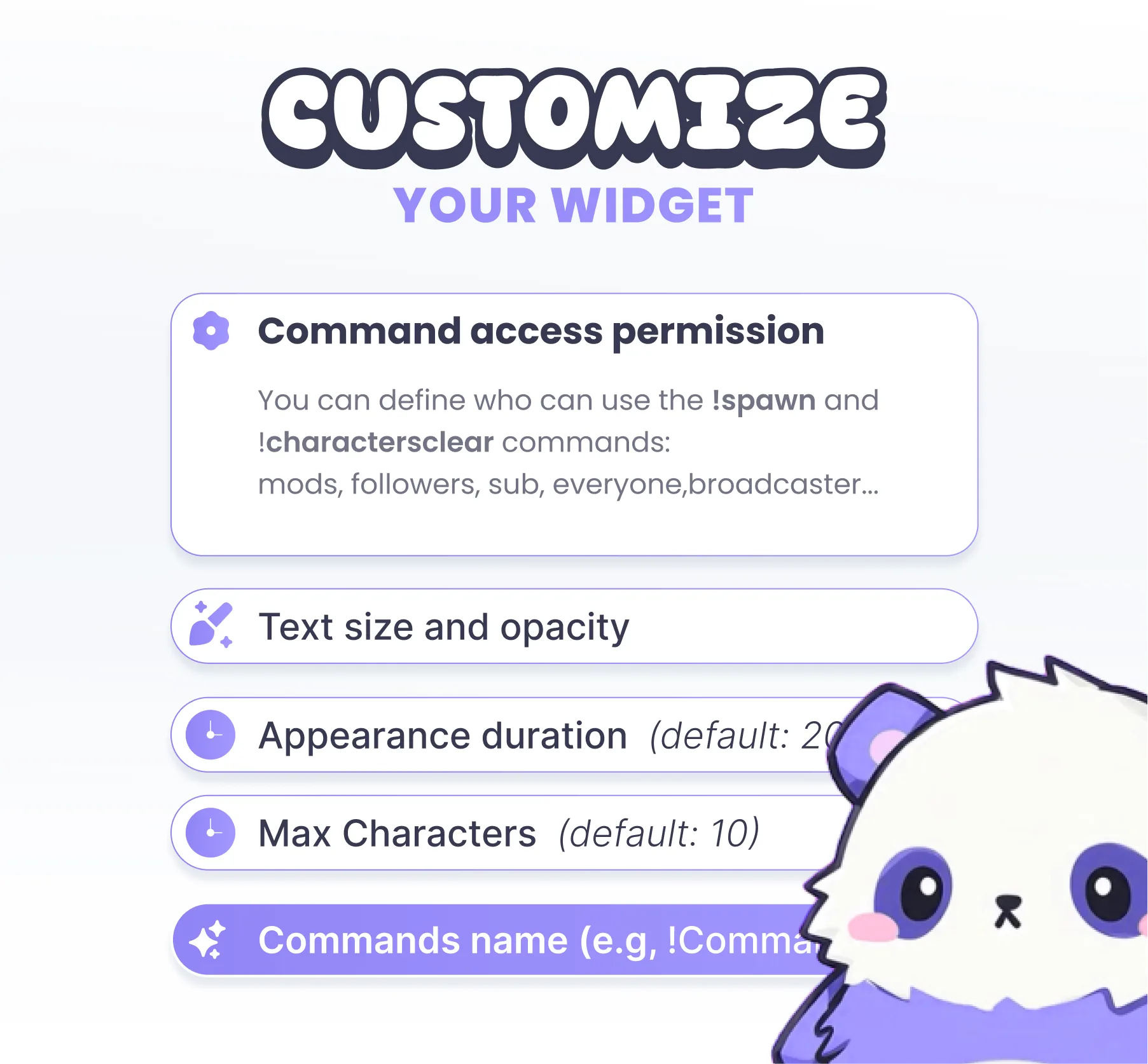
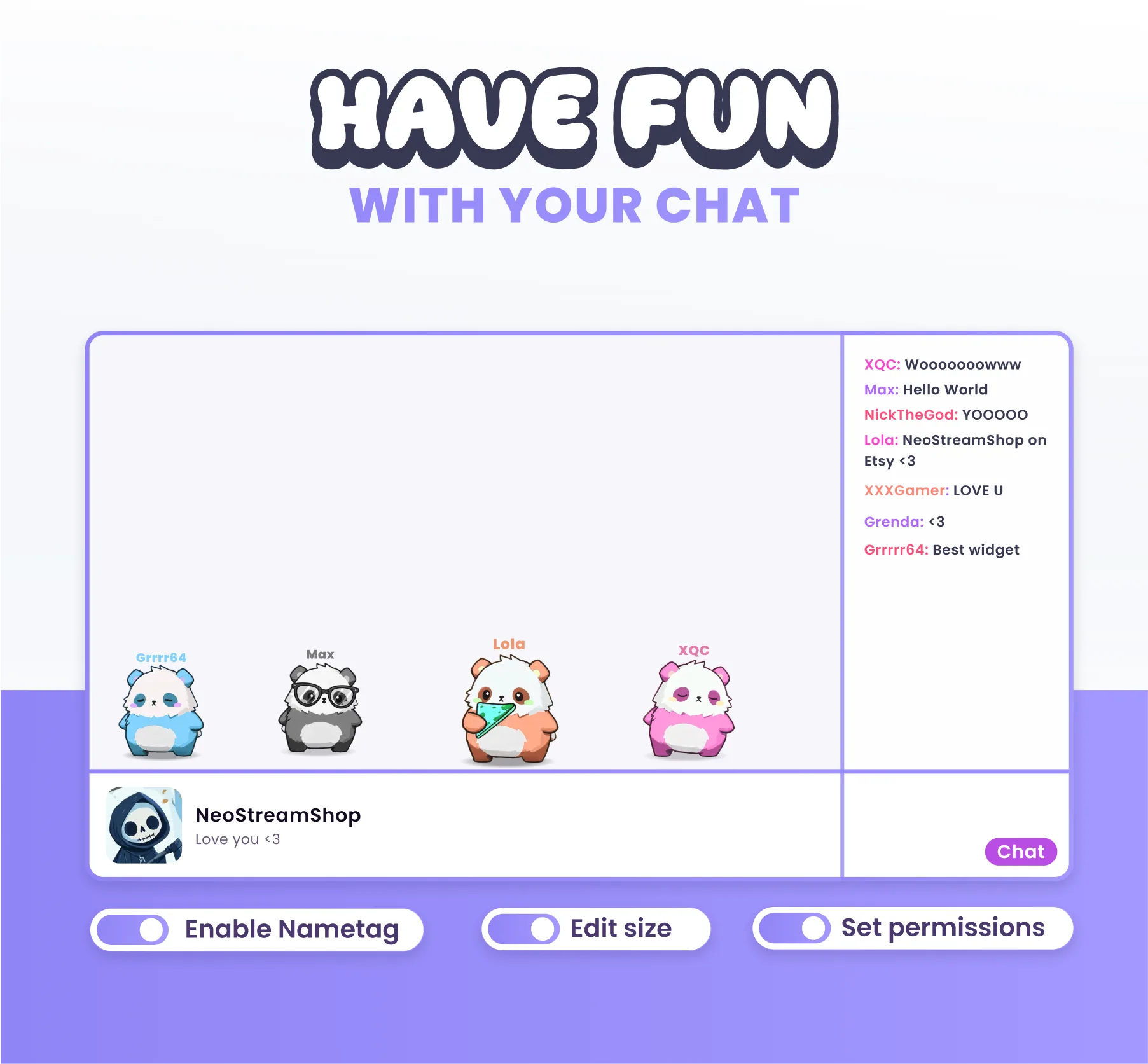
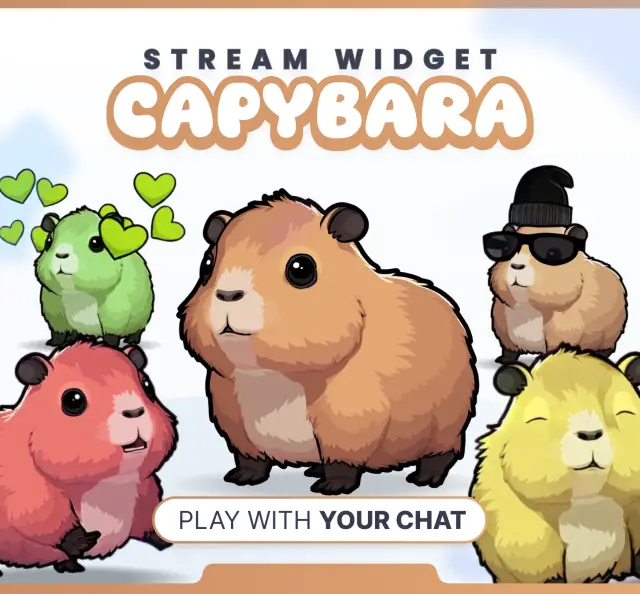
🎉 This widget lets you spawn little characters on your stream simply by typing the !spawn command. Every member of your chat can spawn their own character, complete with their username floating right above it. The characters will move around randomly at the bottom of the screen. To keep things fresh and unique, the color and size of each character are completely randomized. ✨ FEATURES: ✅ Interact with your character using 7 dedicated commands (!pizza, !glasses, !love...). ✅ Watch the characters walk freely ✅ Channel Points Trigger CUSTOMIZE: ✅Command to Spawn Characters (!spawn) ✅Command to Clear Character (!despawn) ✅Access Permissions ✅Maximum Number of Characters ✅Username Text Size ✅Character despawn Delay ✅ Characters size You can use multiple community widgets at the same time. Simply change the command name, allowing your viewers to choose exactly which character they want to spawn.

Compatible with

OBS & Streamlabs

OBS Studio Streamlabs

Works on

Twitch & Kick

Twitch Kick

You might also like

  • Banana Poke Command

    Banana Poke Command

    This Twitch command plays a banana poke animation overlay on your stream when triggered by chat, alerts, or channel poin…

  • Reapers Community Widget

    Reapers Community Widget

    This community widget lets viewers spawn reapers on your stream. Triggered by chat commands, alerts, and channel points.

  • Widget Pet Rain

    Widget Pet Rain

    Cute pets rain down on your stream overlay. Triggered by commands, alerts, and channel points.

  • Bees Community Widget

    Bees Community Widget

    This community widget lets viewers spawn bees on your stream. Triggered by chat commands, alerts, and channel points.