Create 3D animated logos for free → Studio Neostream
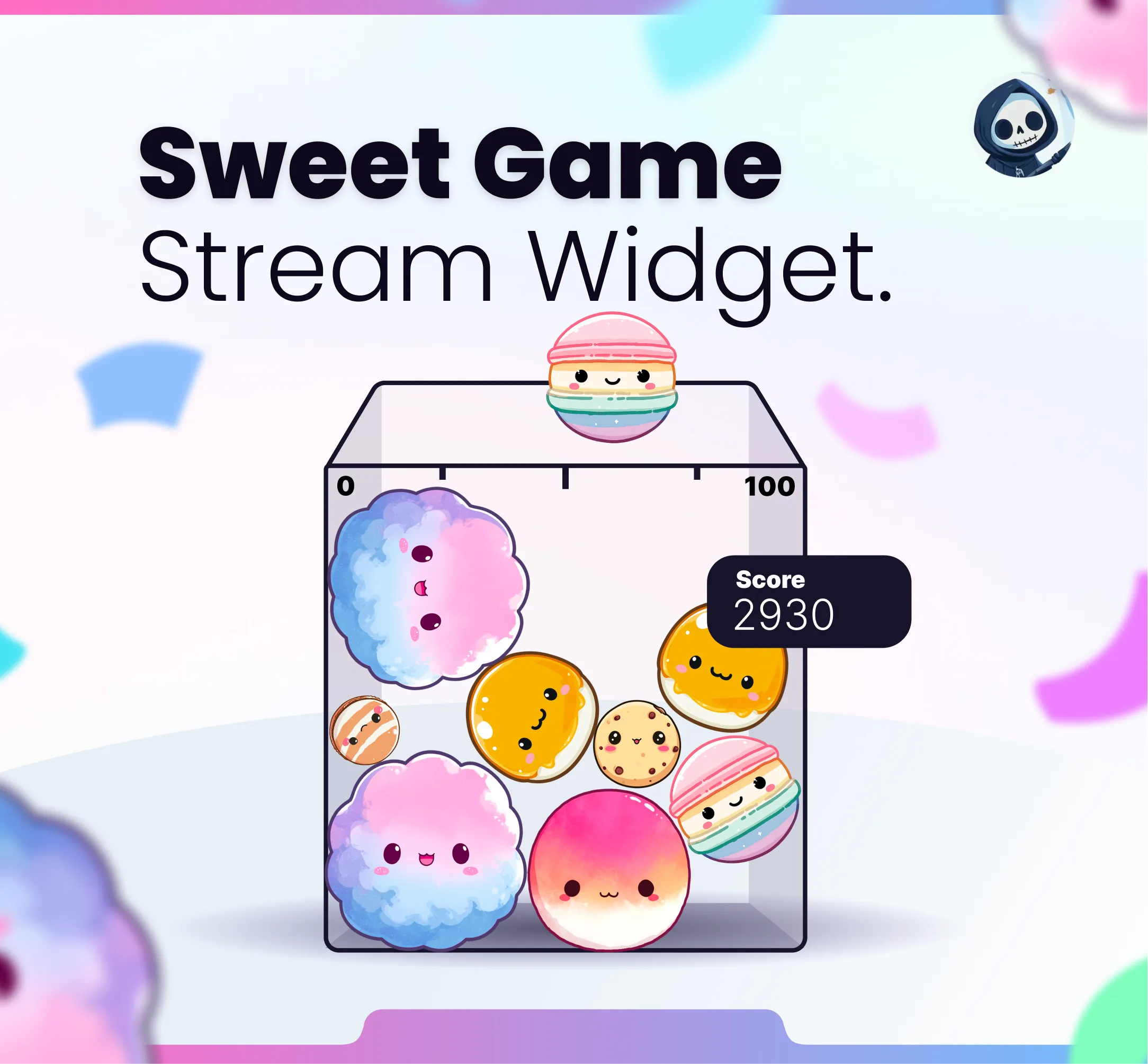
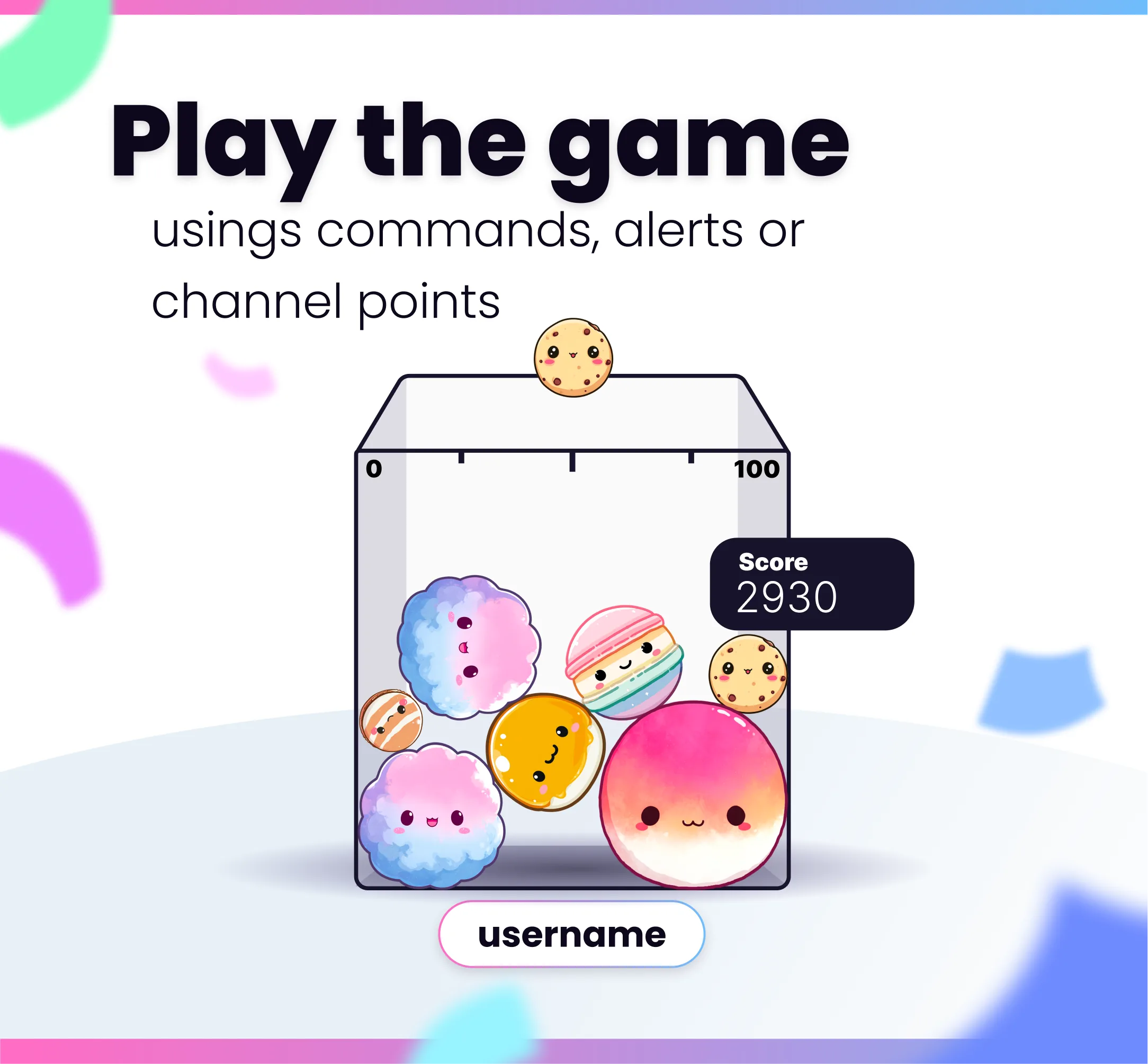
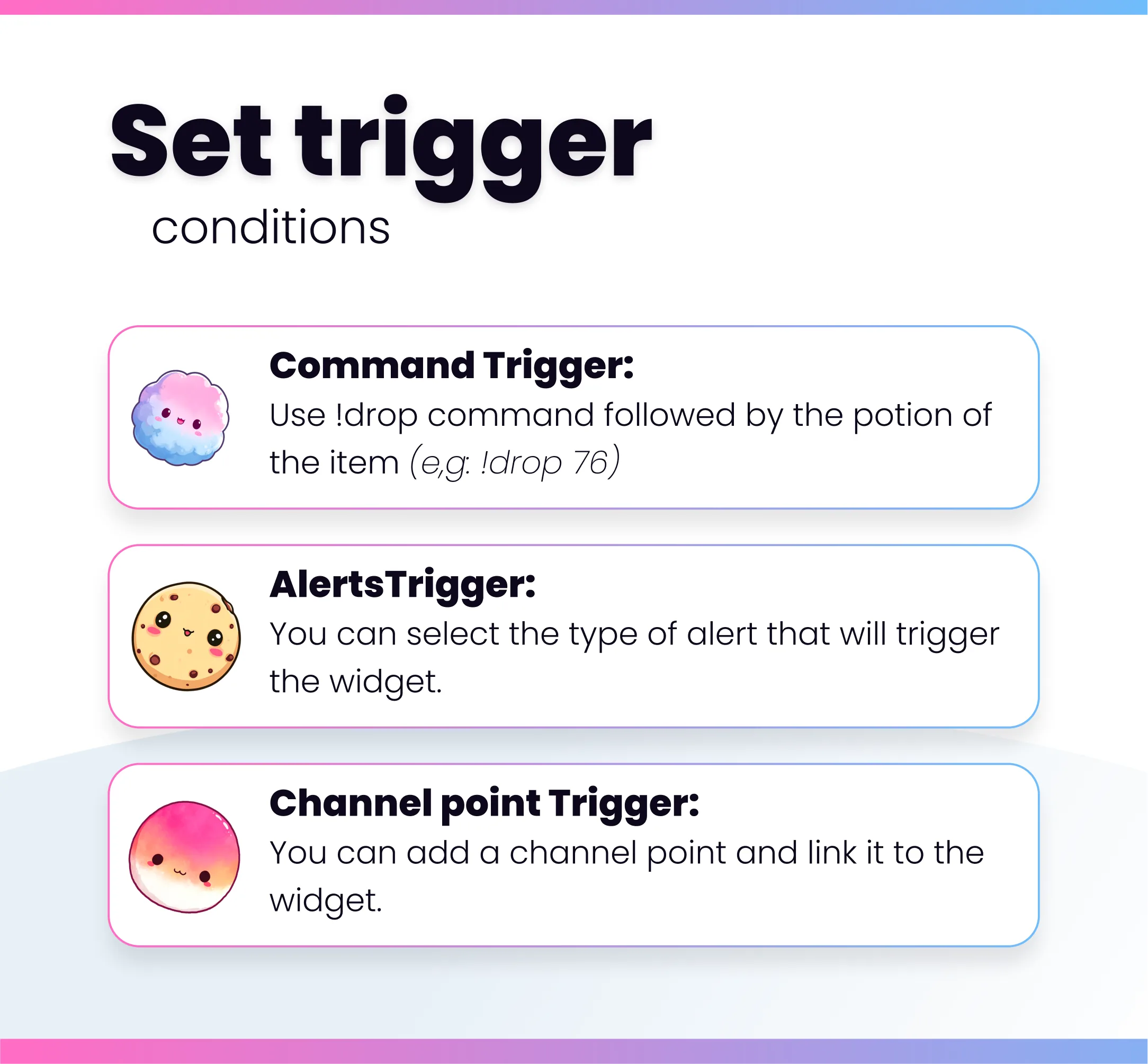
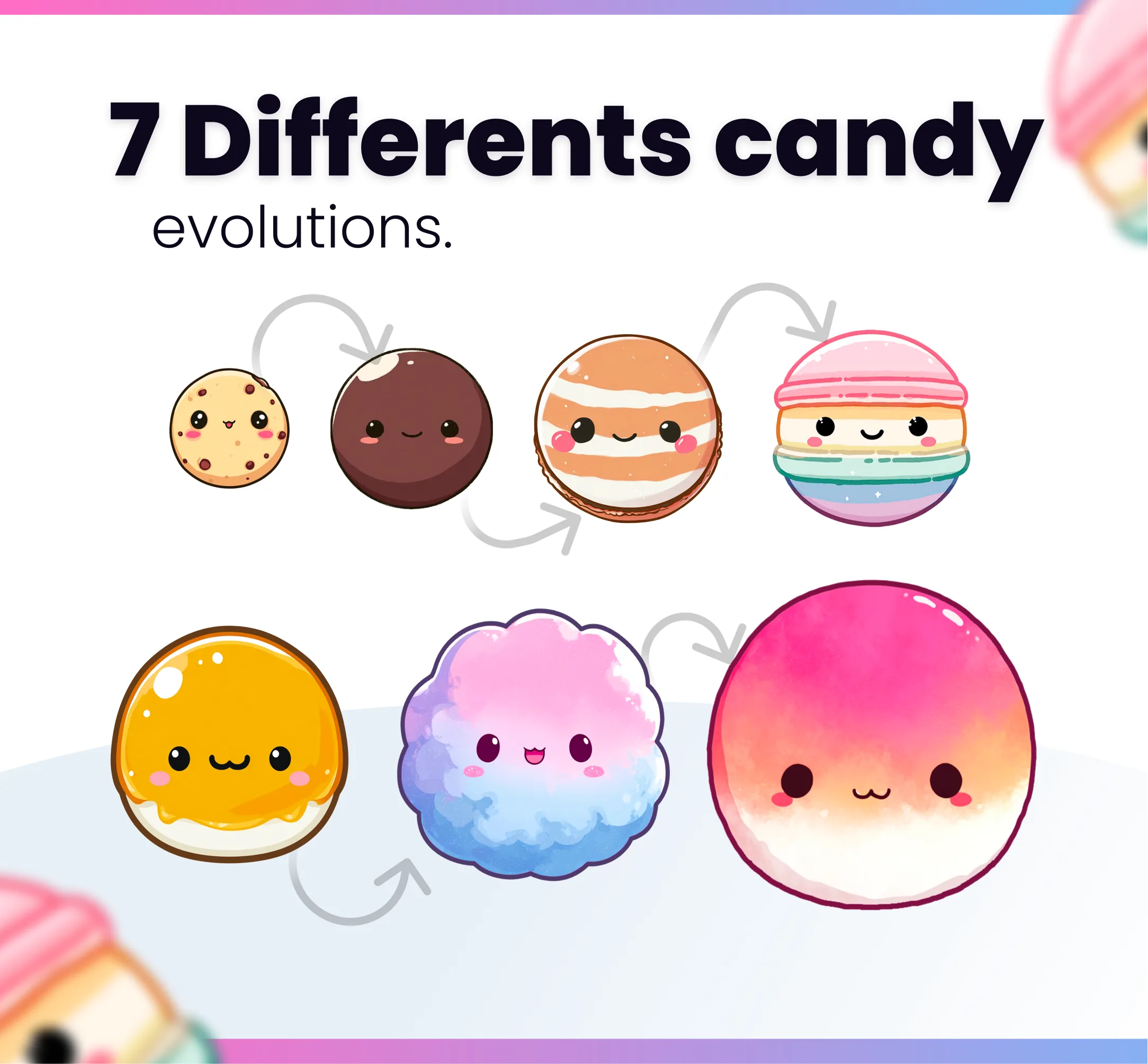
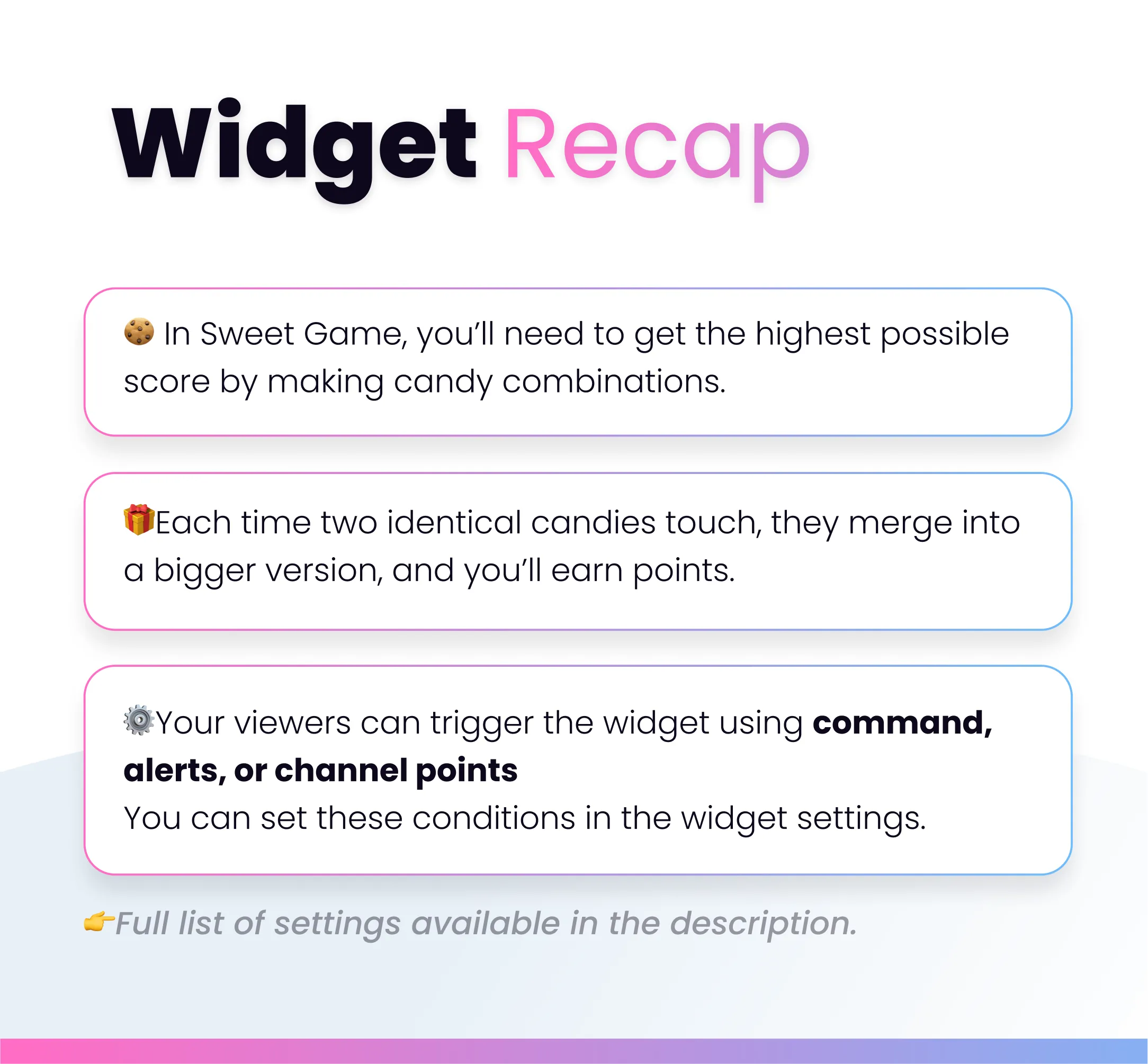
👉 Each time the widget is triggered, an item will fall into the box. Whenever two identical items meet, they merge and evolve into a higher version. Each fusion increases your score. If the total number of items exceeds the box’s capacity, the game will be lost and you’ll have to start over. 🩵To activate the widget with a command, simply type the command !drop followed by a number between 1 and 100, which corresponds to the item’s position. 🧵You can also choose to trigger the widget with alerts or channel point rewards. Use the “advanced settings” guide to learn how to adjust these settings directly from StreamElements. ⚙️From the Stream Element settings, you can also change the color of the box. You’ll be able to choose between white, black, or pink.

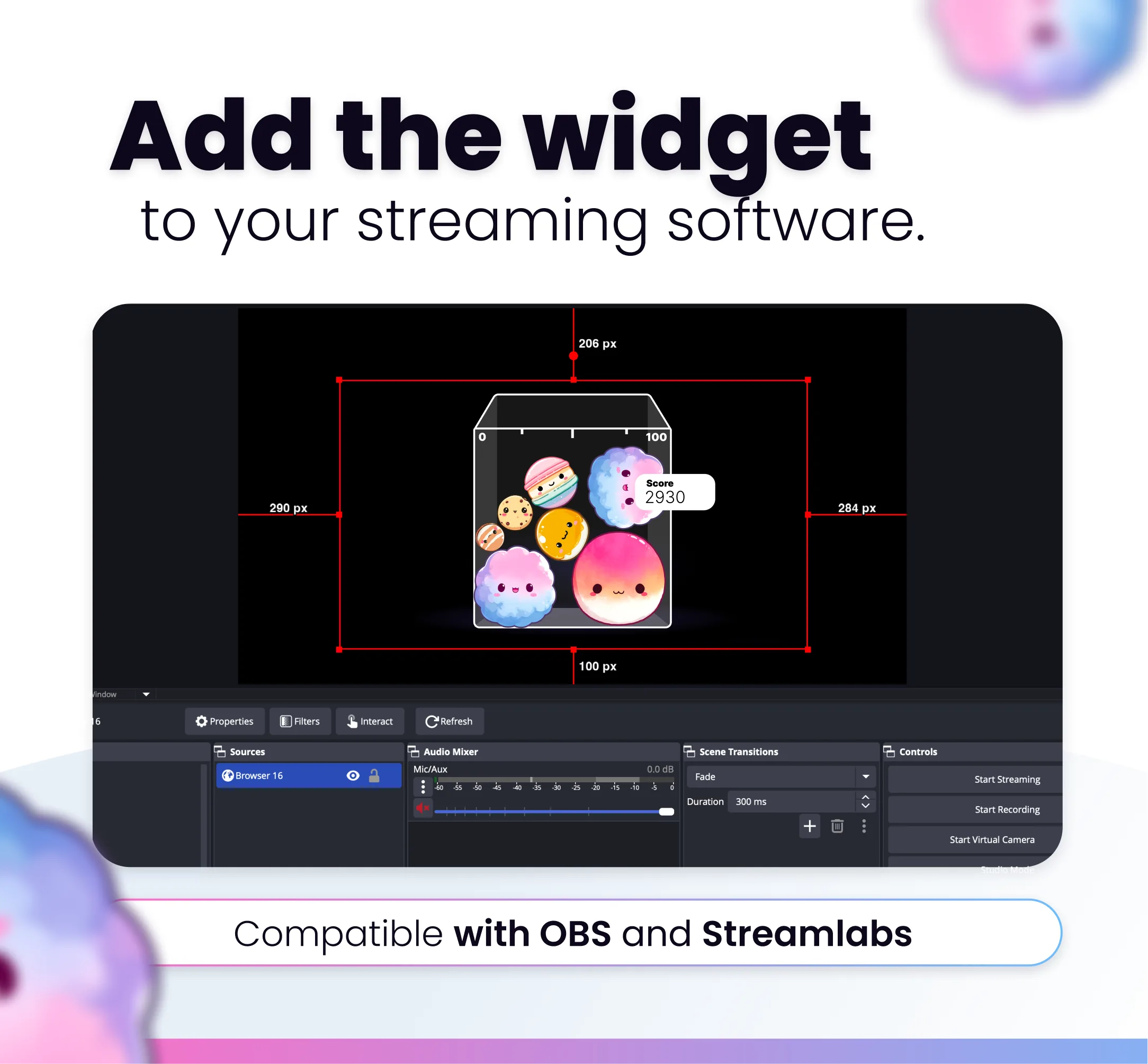
Compatible with

OBS & Streamlabs

OBS Studio Streamlabs

Works on

Twitch & Kick

Twitch Kick

You might also like

  • Widget Sunflowers Garden

    Widget Sunflowers Garden

    Grow a sunny sunflower garden on your stream. Viewers trigger flowers and decorations through chat commands, alerts, and…

  • Stream Village Bees

    Stream Village Bees

    This streaming widget adds a bee village to your stream. A character collects resources to level up and unlock new items…

  • Stonks Command

    Stonks Command

    This Twitch command plays a stonks animation overlay on your stream when triggered by chat, alerts, or channel points.

  • Pickle Command

    Pickle Command

    This Twitch command plays a pickle animation overlay on your stream when triggered by chat, alerts, or channel points.