Create 3D animated logos for free → Studio Neostream
Back to shop
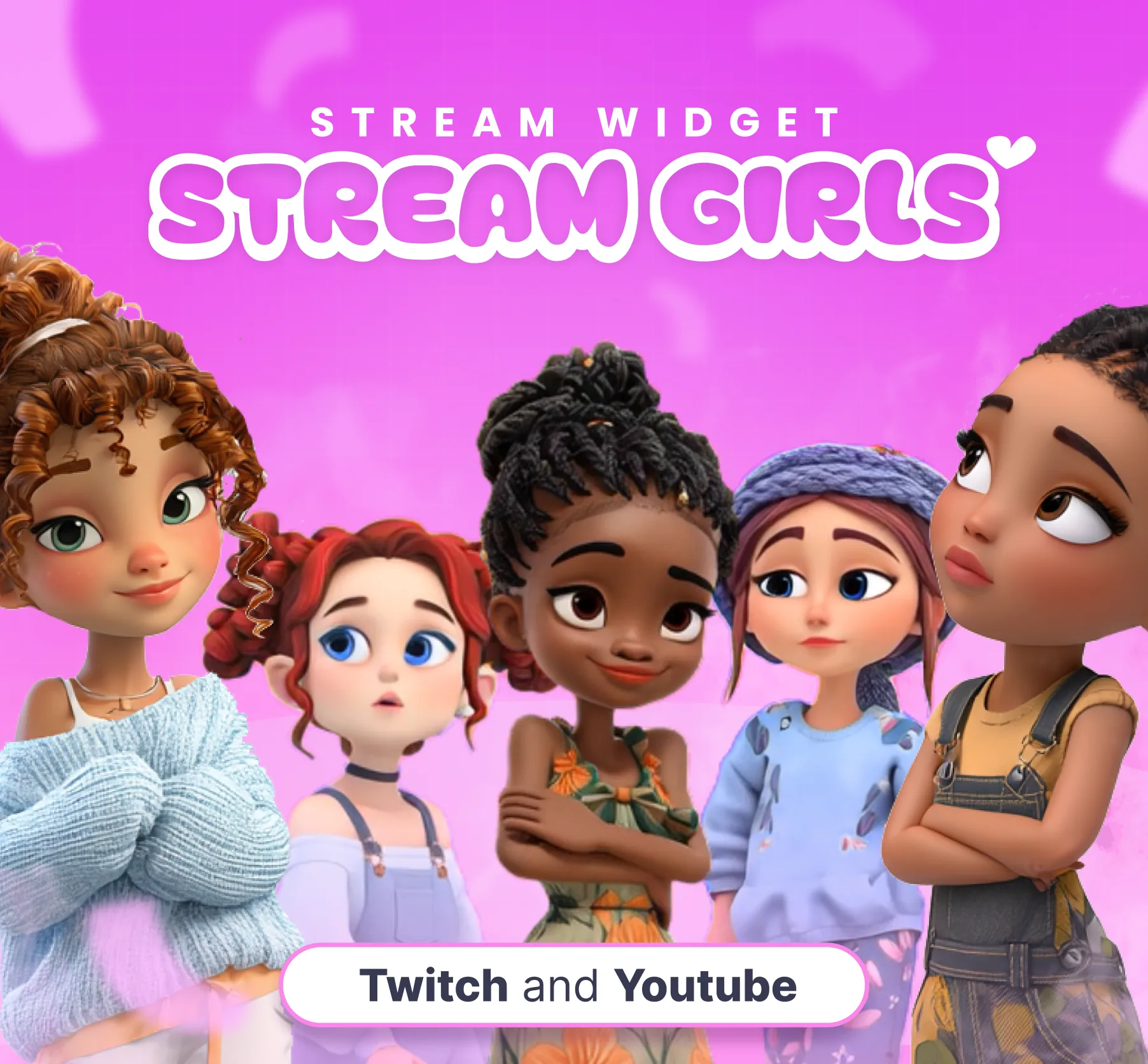
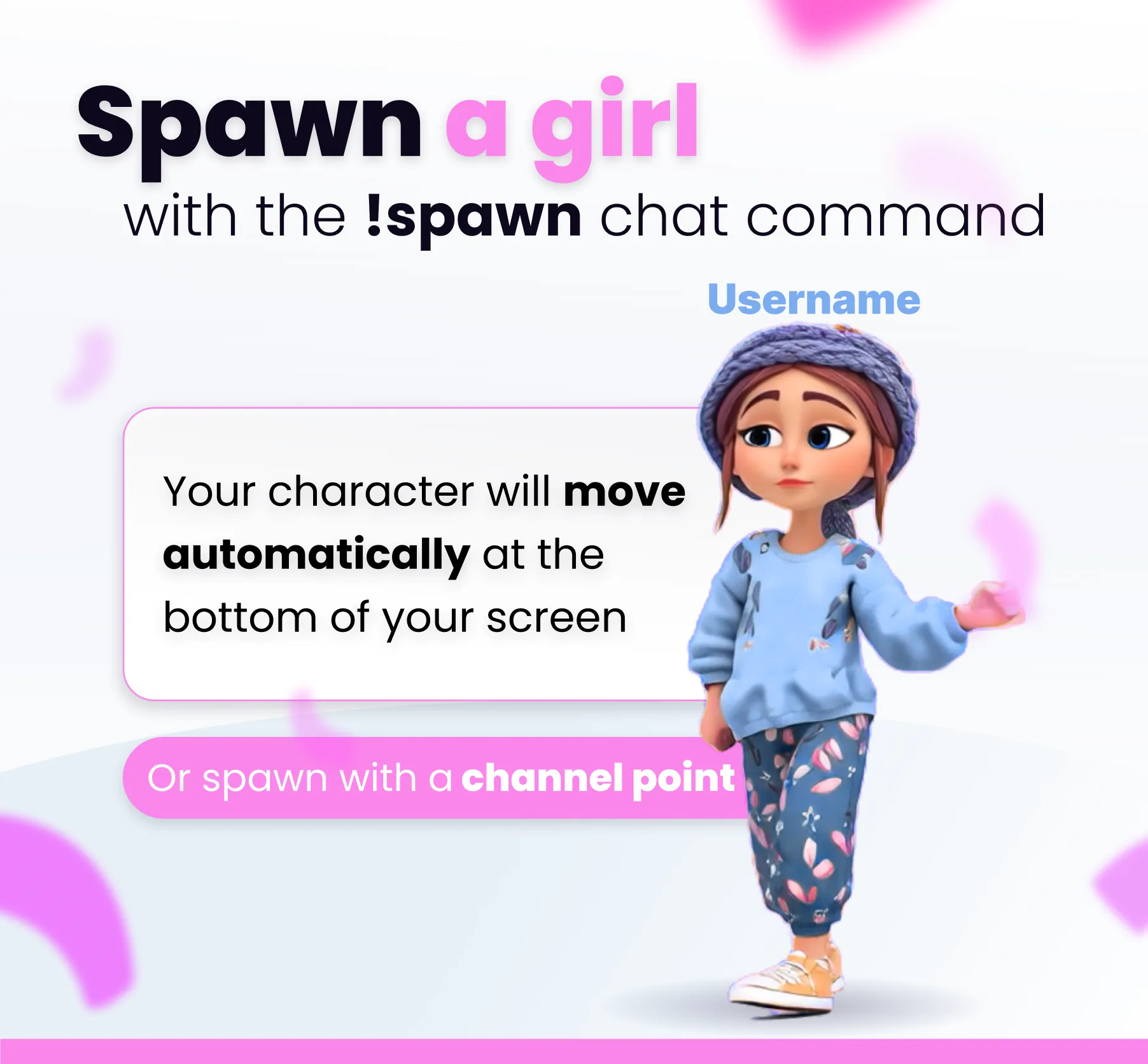
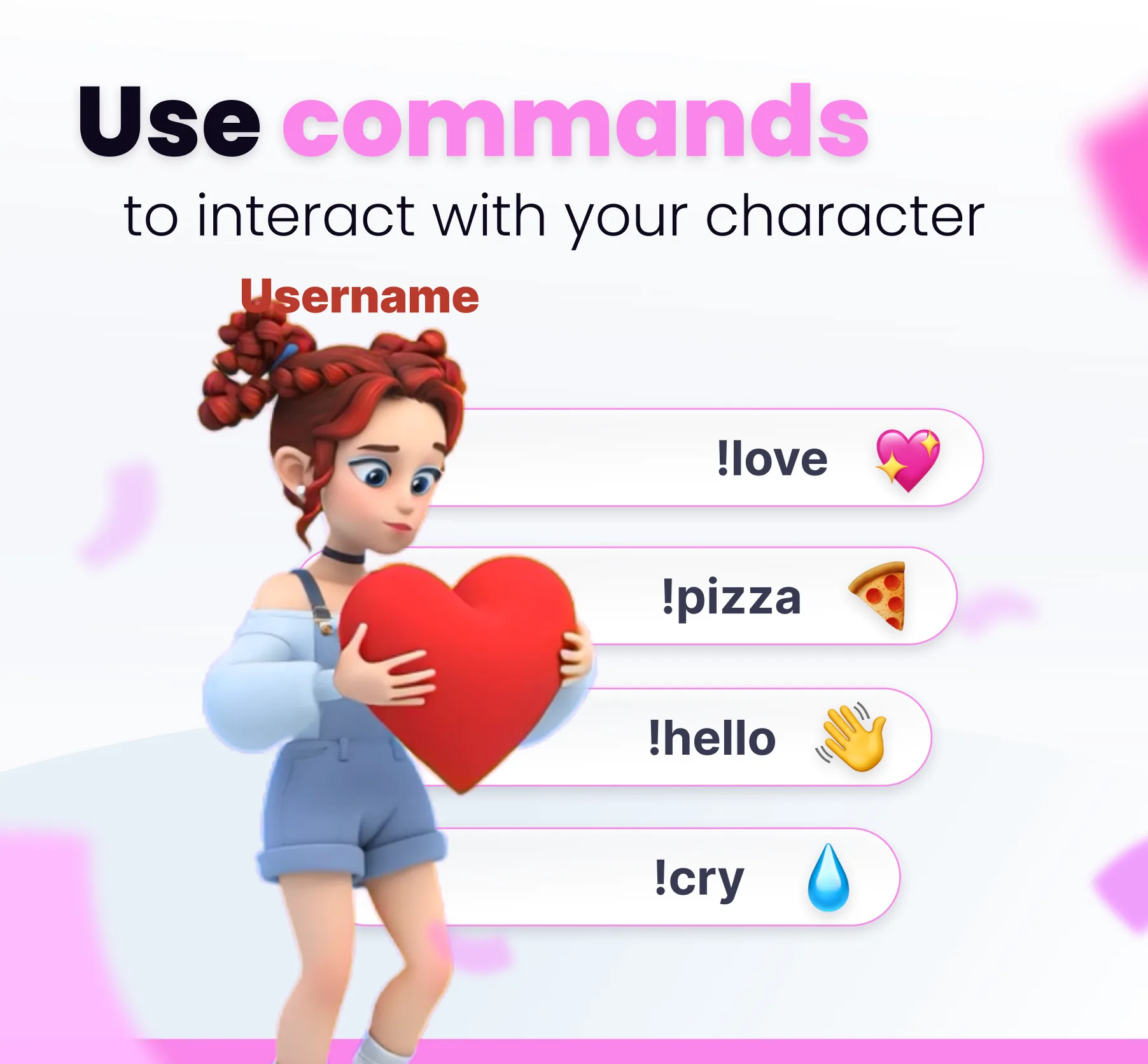
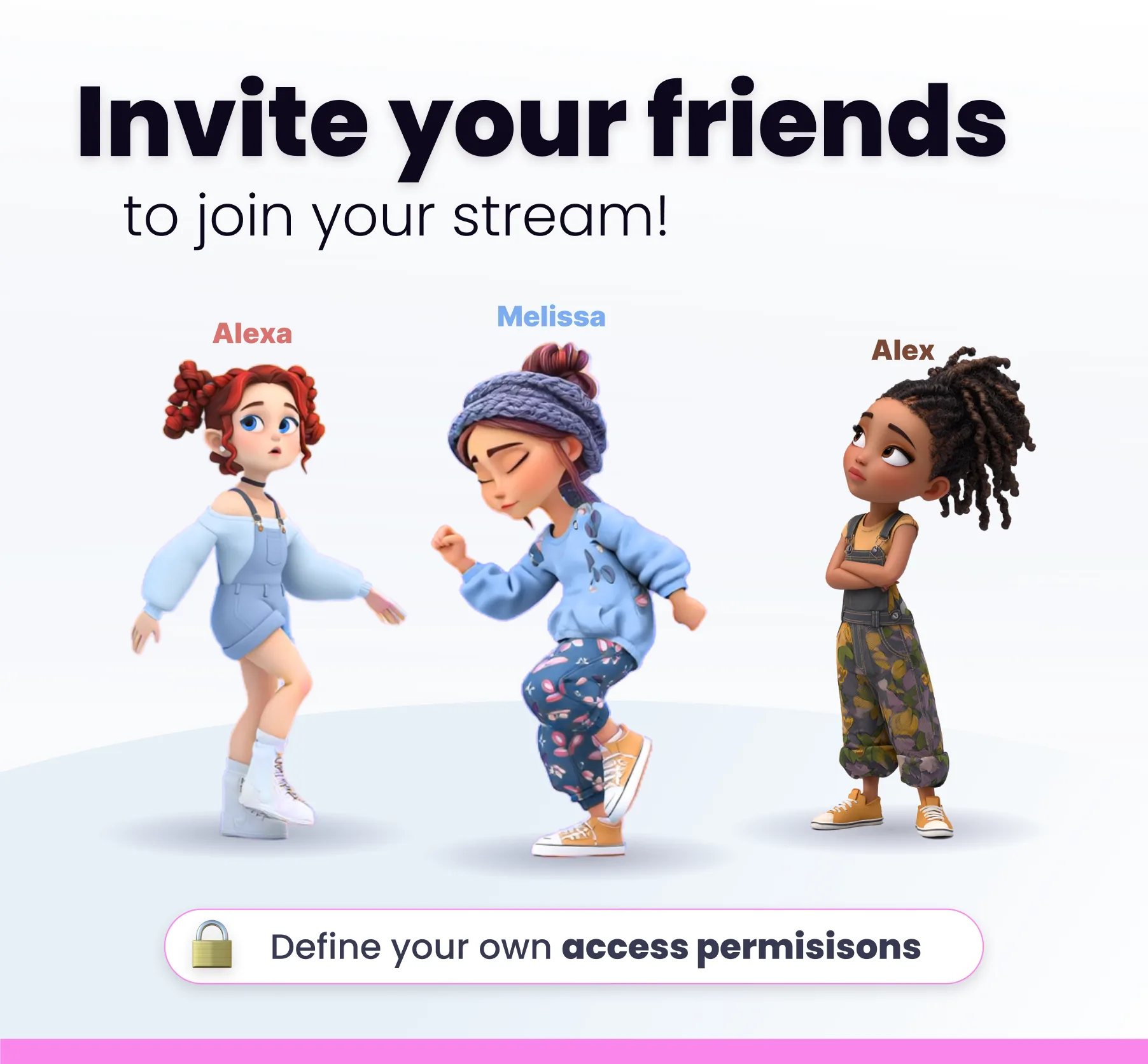
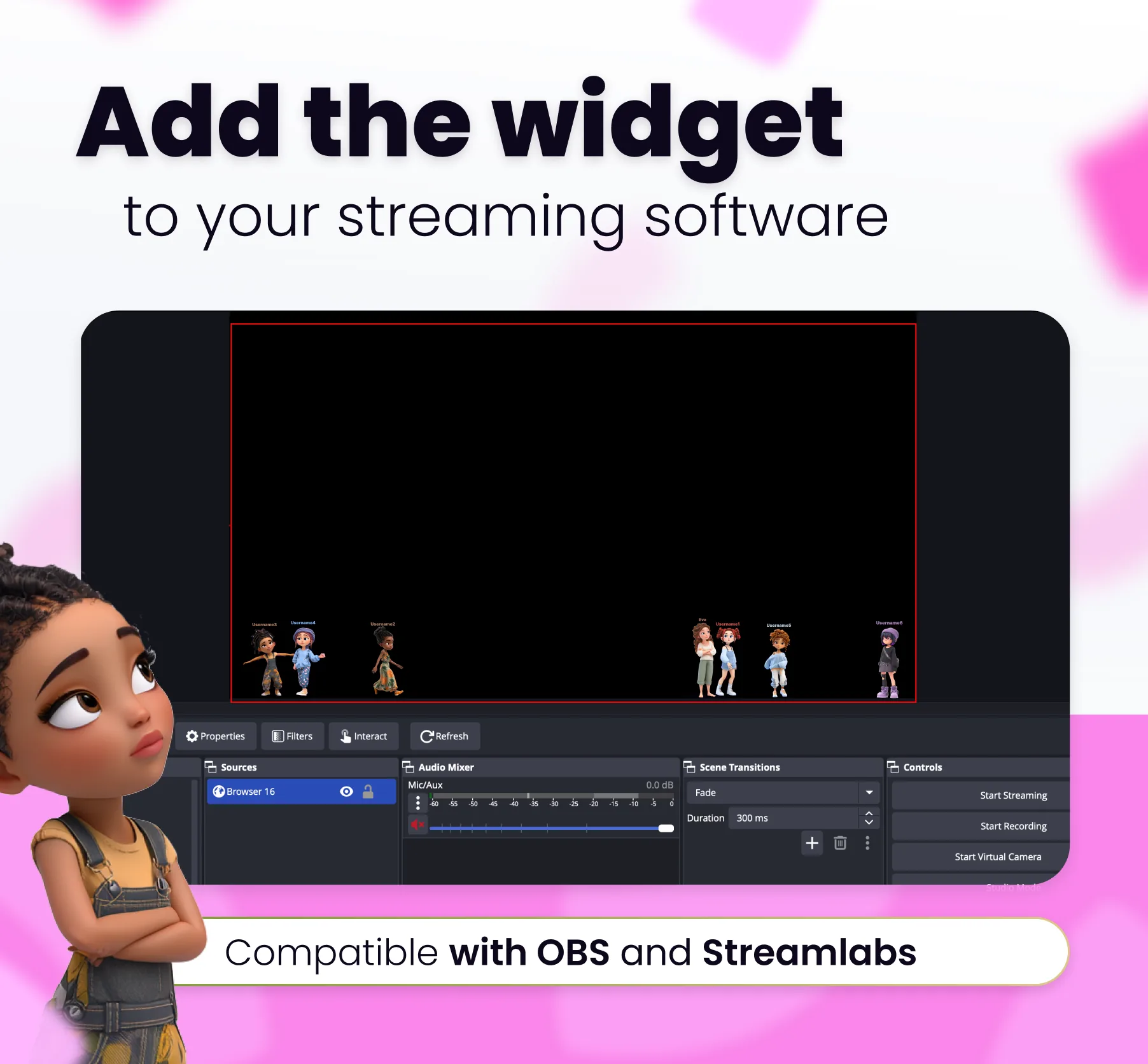
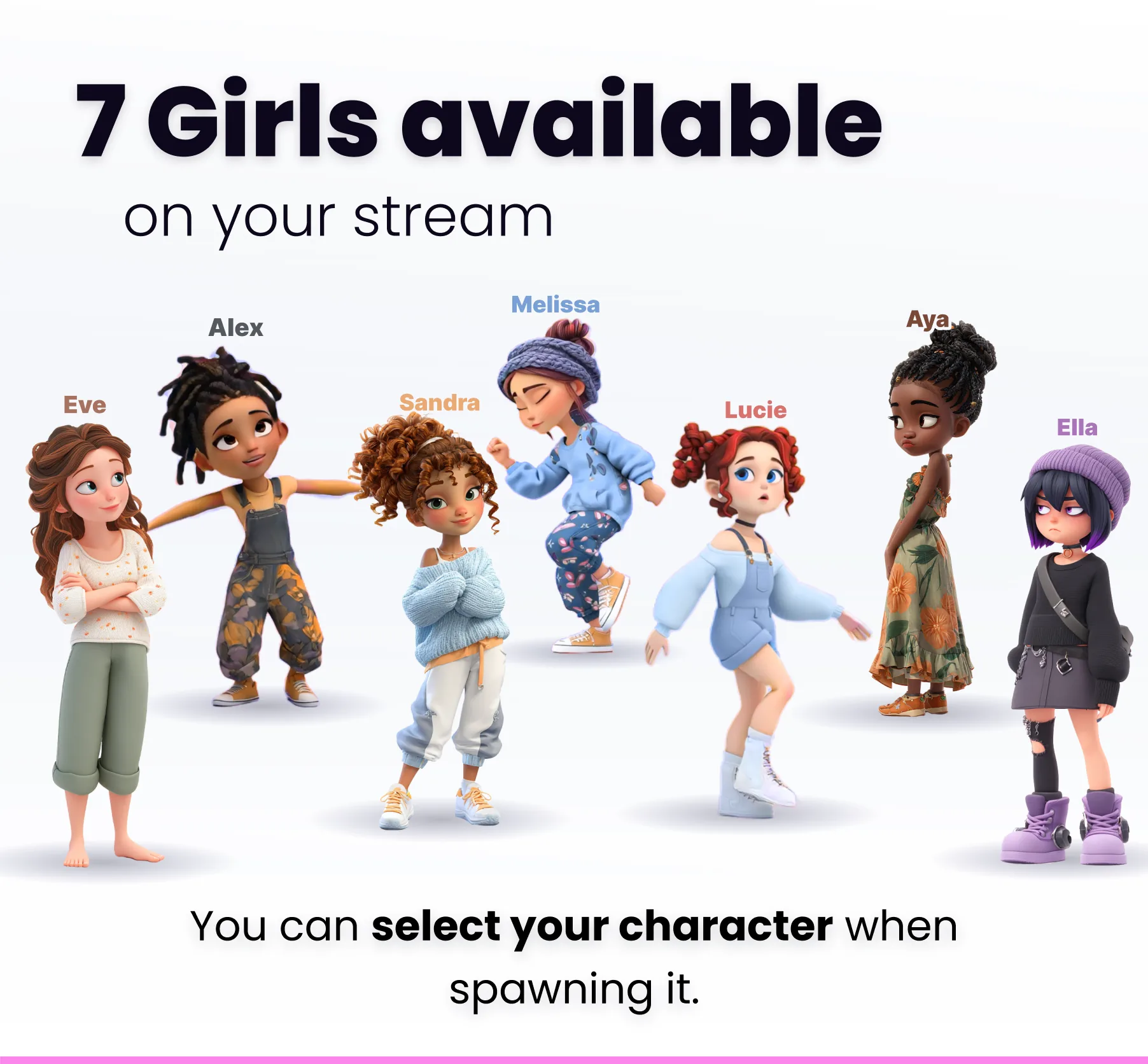
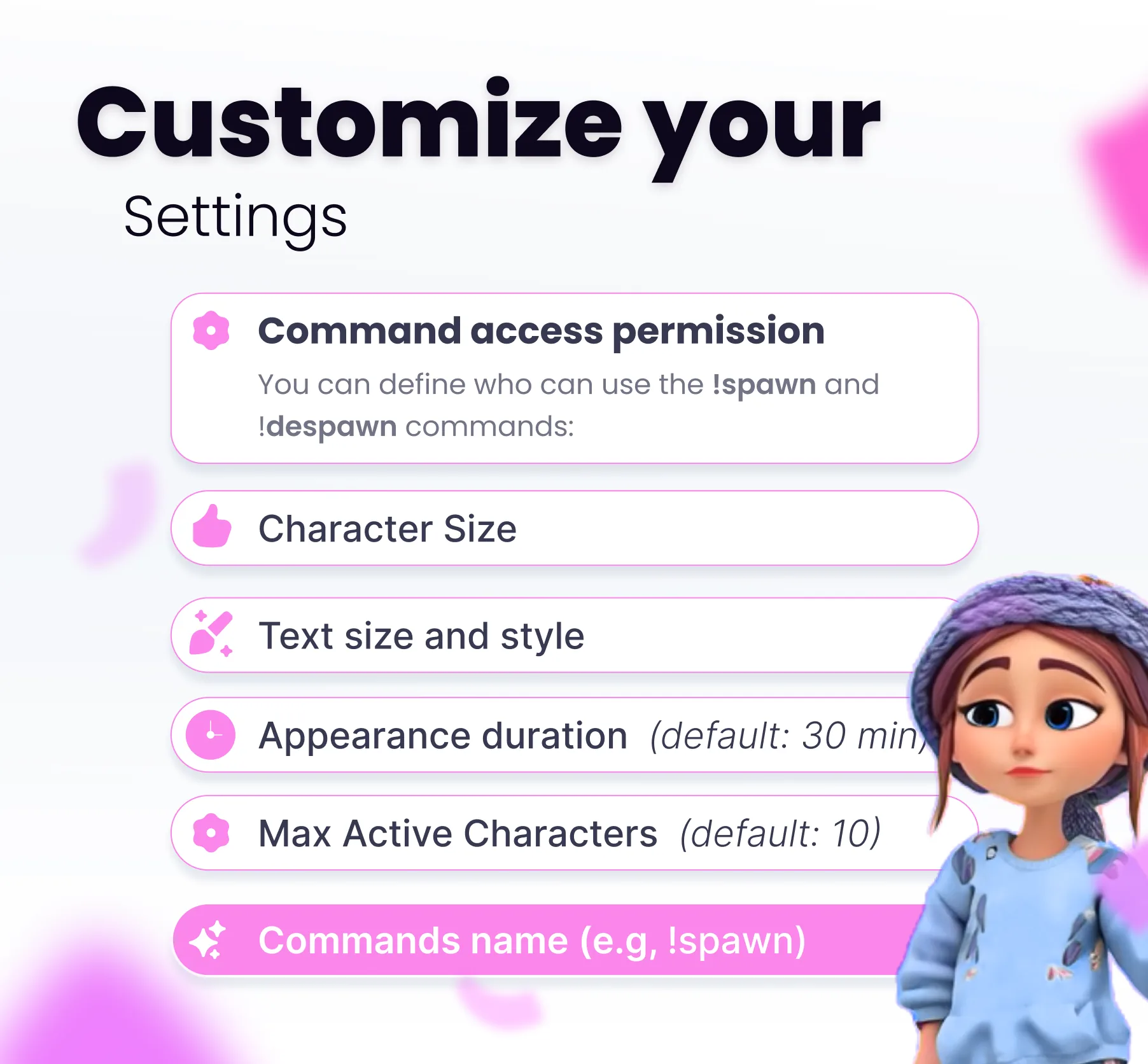
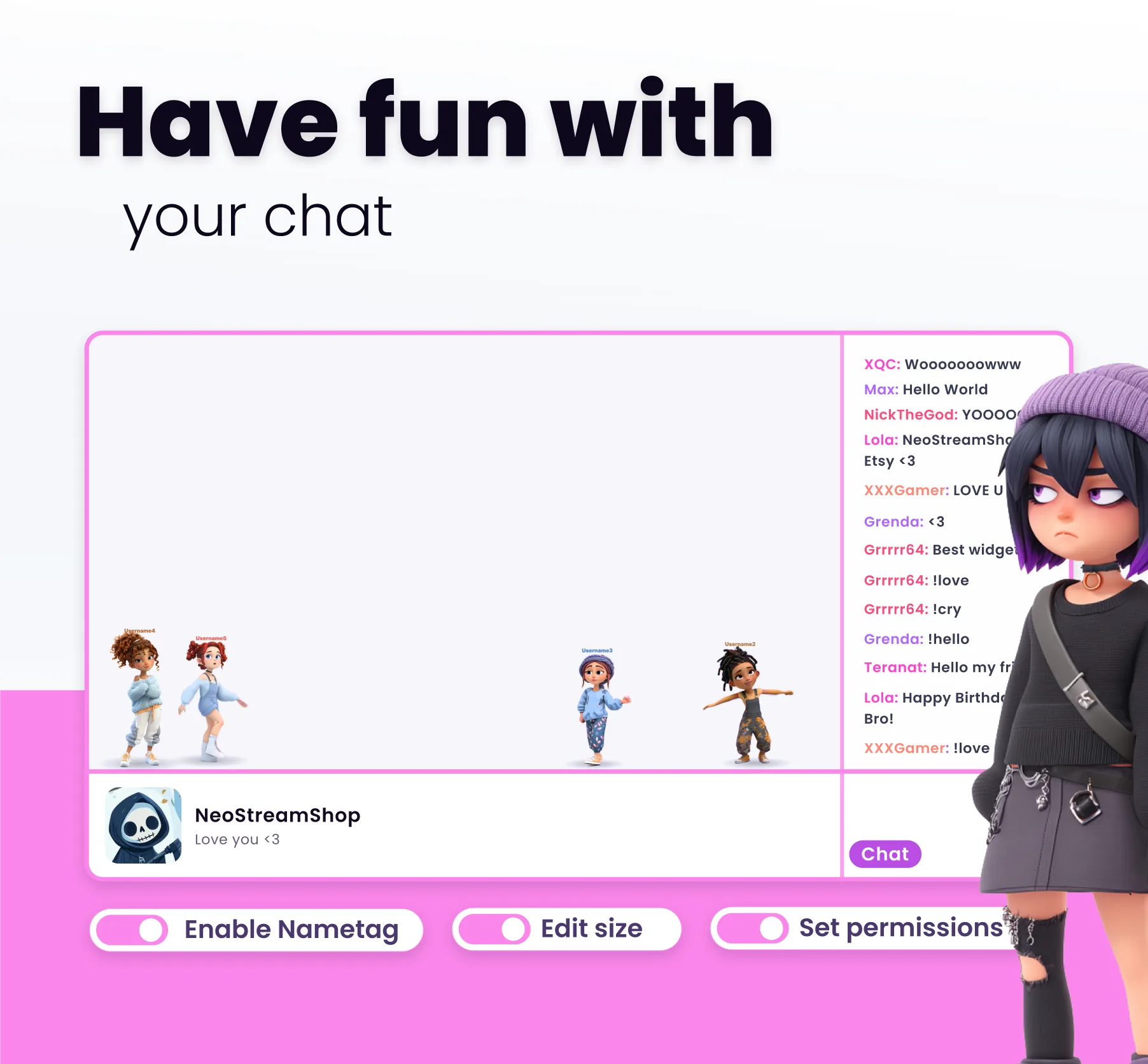
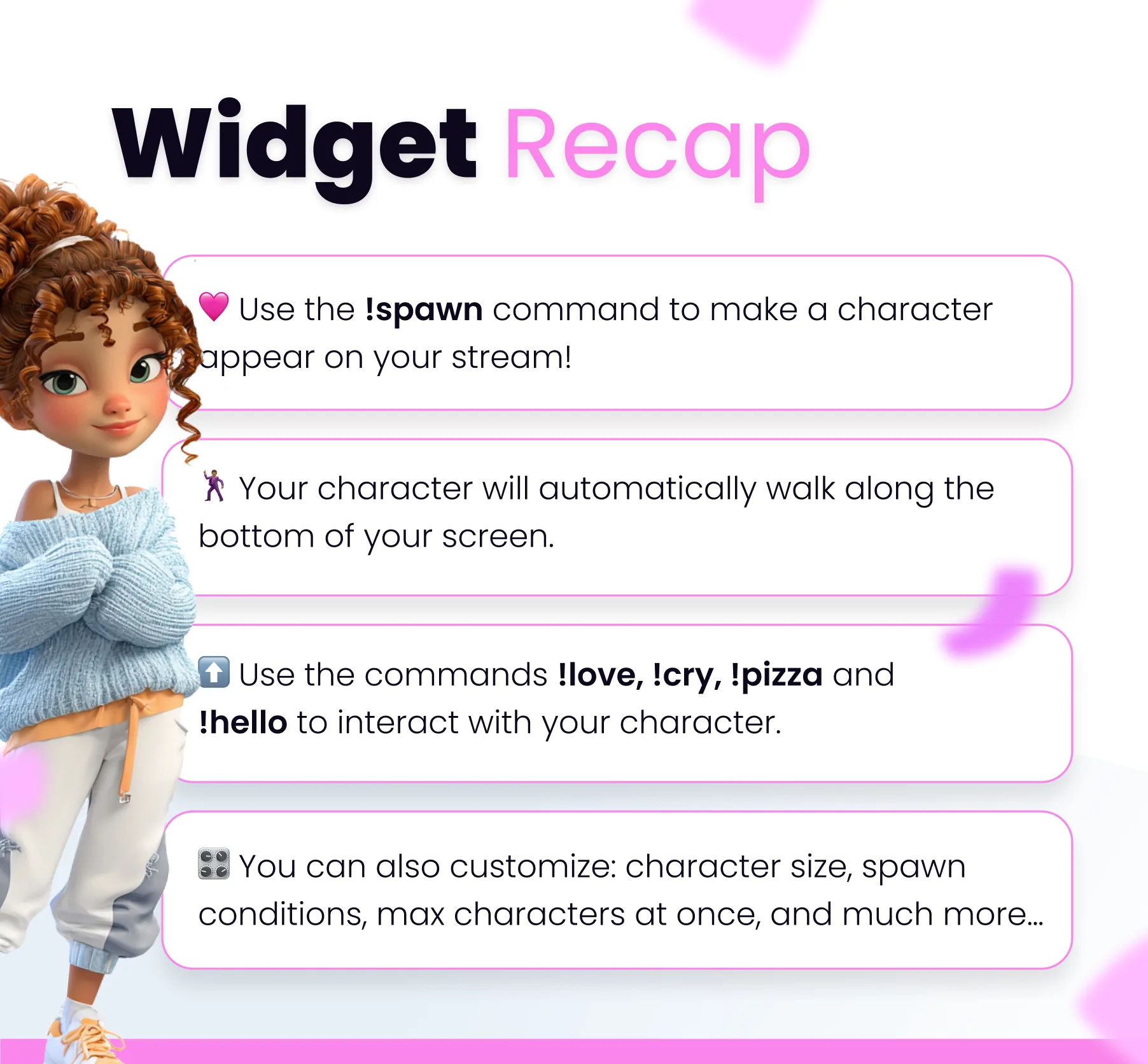
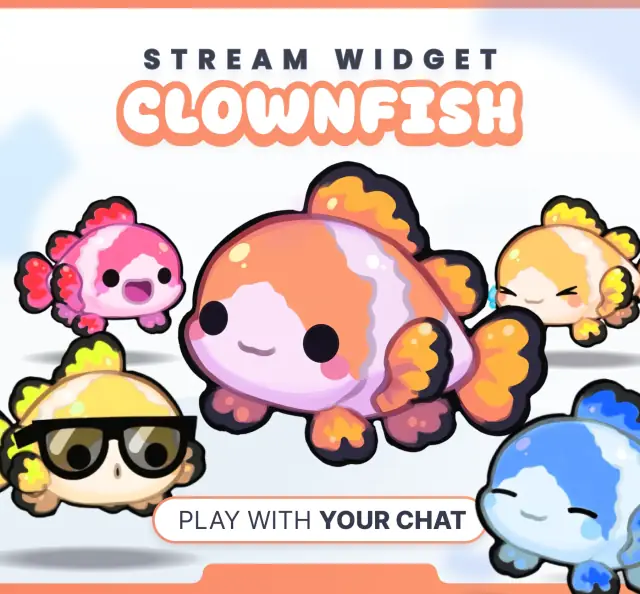
🩷Use the !spawn command to make a cute character appear on your stream. By default, everyone can use this command. 🕺🏽Your character will move randomly across the bottom of your screen, cycling through various actions. 👋There are 7 characters available. If you want to spawn a specific character, just type the command followed by the character’s name. for example, !spawn Aya. 👉You can interact with your character using the commands !love, !hi, !pizza, !cry. 👨🏻‍💻Fully compatible with Streamlabs, OBS, and Lightstream. Plus, it works with any streaming software that allows "Browser" Sources! 💻Your character will stay on screen as long as you're active in chat. After your last message, it will disappear after 30 minutes. 🎛️CUSTOMIZE: --✅Character size: Adjust how big or small the characters appear. --✅Trigger conditions: Choose between chat commands or Channel Points. --✅User permissions: Restrict usage to Mods, Subs, VIPs, etc. --✅Custom command name: Change the !spawn command to anything you like. --✅On-screen duration: Set how long characters stay on screen before disappearing. --✅Character names: Customize the names of the individual characters. --✅Character limit: Set the maximum number of characters allowed on screen at once. --✅Toggle name tags: Enable or disable the display of usernames above the characters.

You might also like

  • Wing Sprites Community Widget

    This community widget lets viewers spawn winged sprites on your stream. Triggered by chat commands, alerts, and channel …

  • Spicy Command

    This Twitch command plays a spicy animation overlay on your stream when triggered by chat, alerts, or channel points.

  • Bamboo Panda Village

    This streaming widget adds a bamboo village to your stream. A panda collects resources to level up and unlock new items.

  • Friends Community Widget

    Let viewers spawn friendly characters together on your stream. Triggered by chat commands, alerts, and channel points.