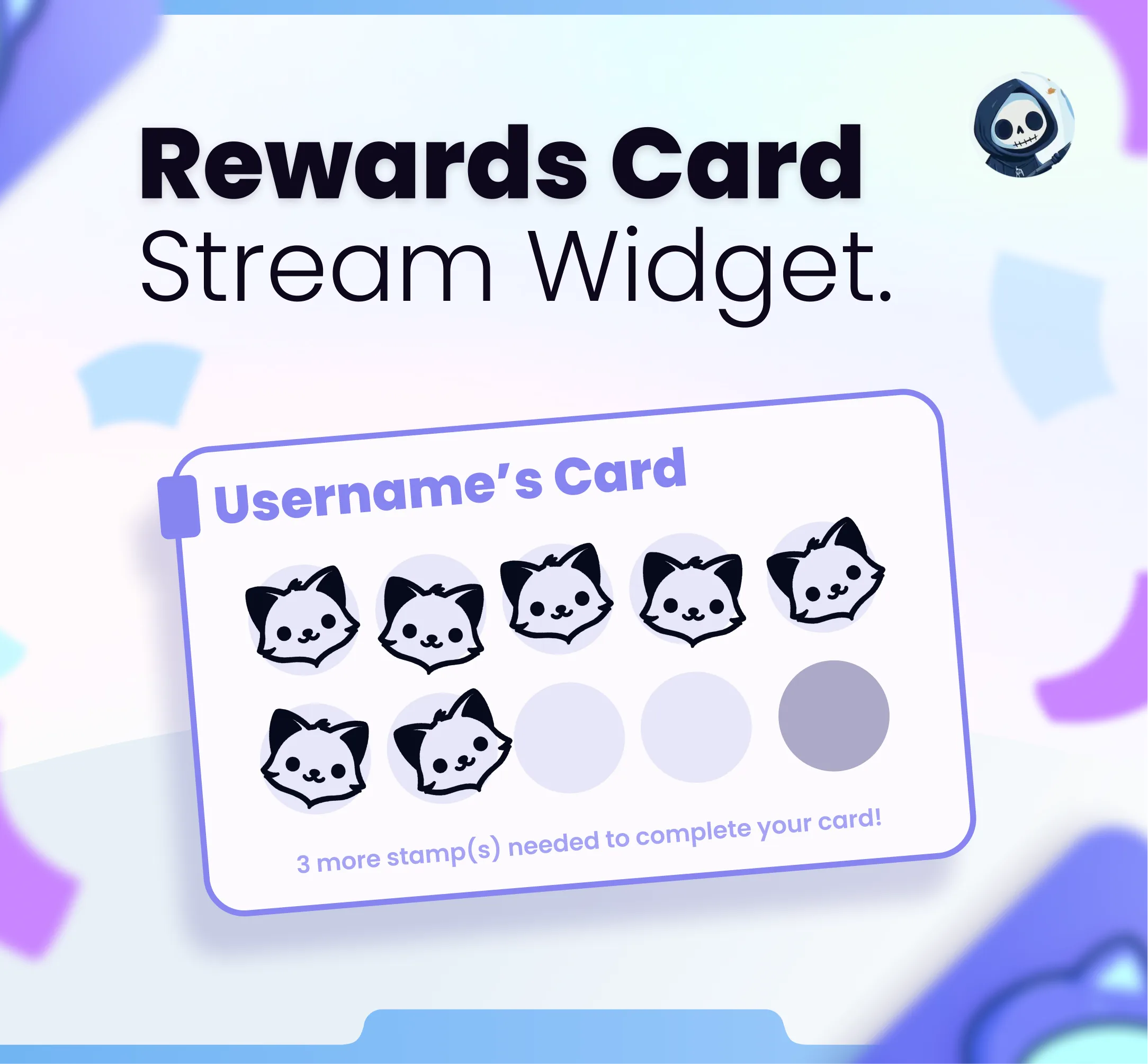
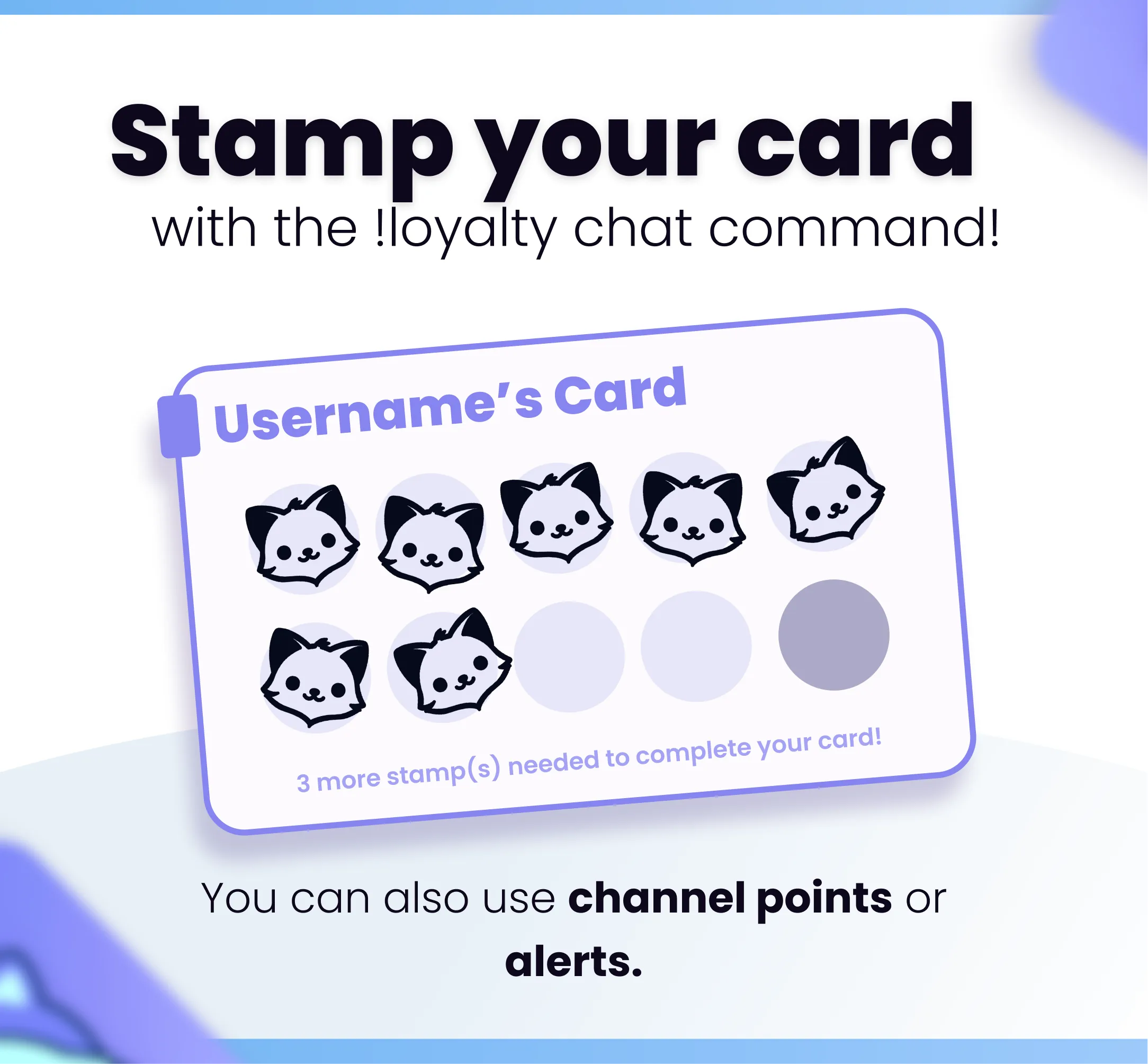
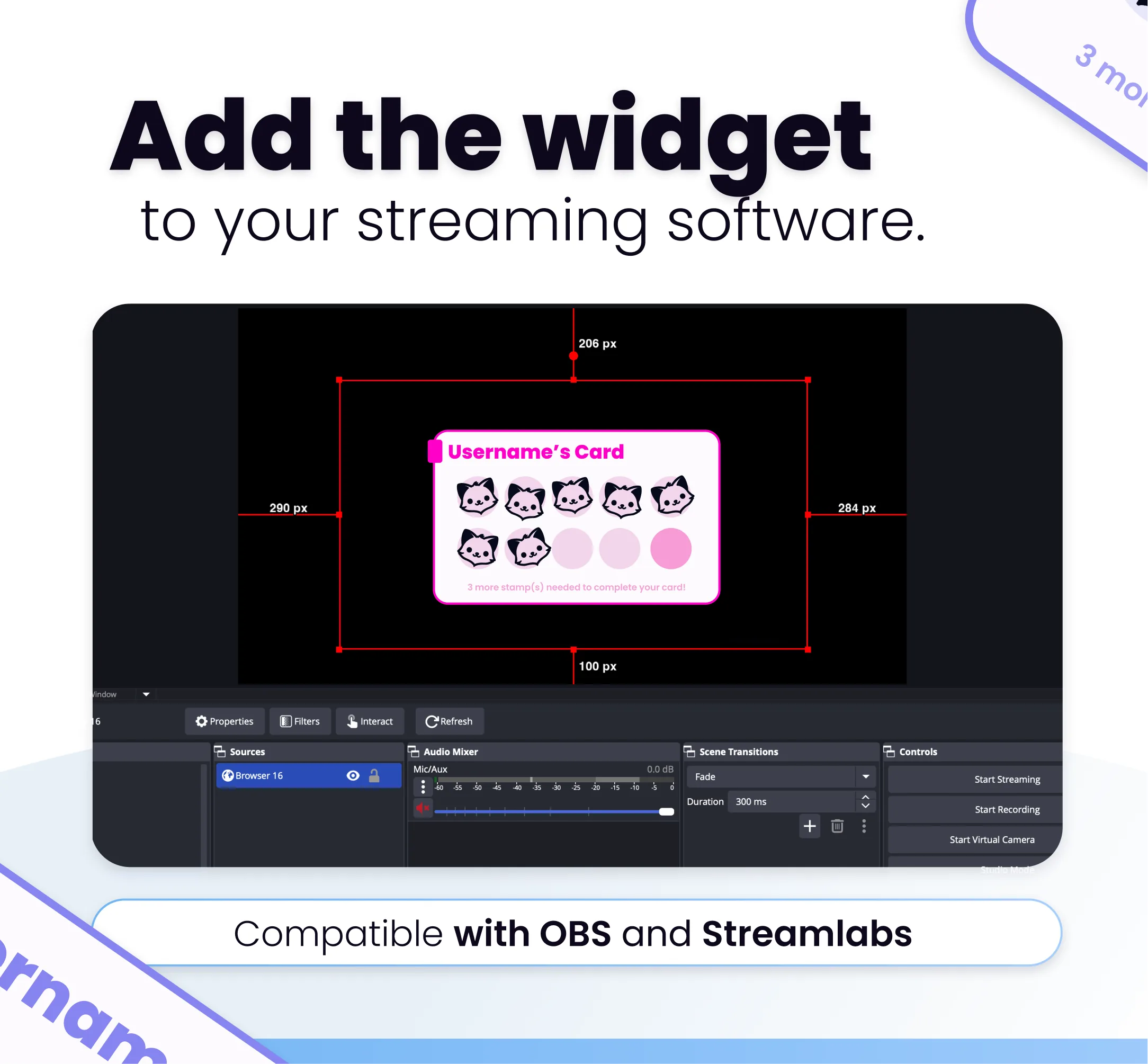
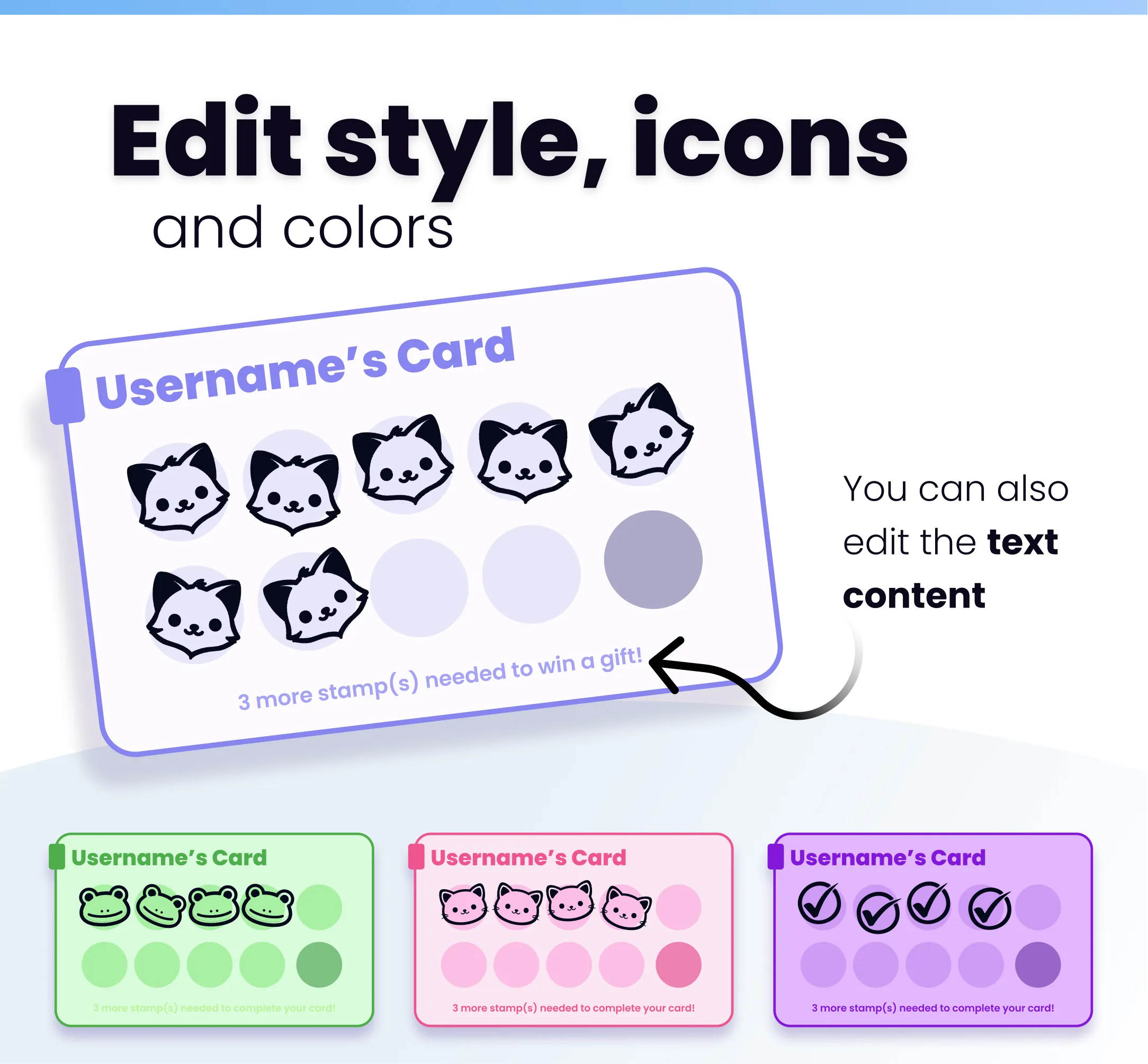
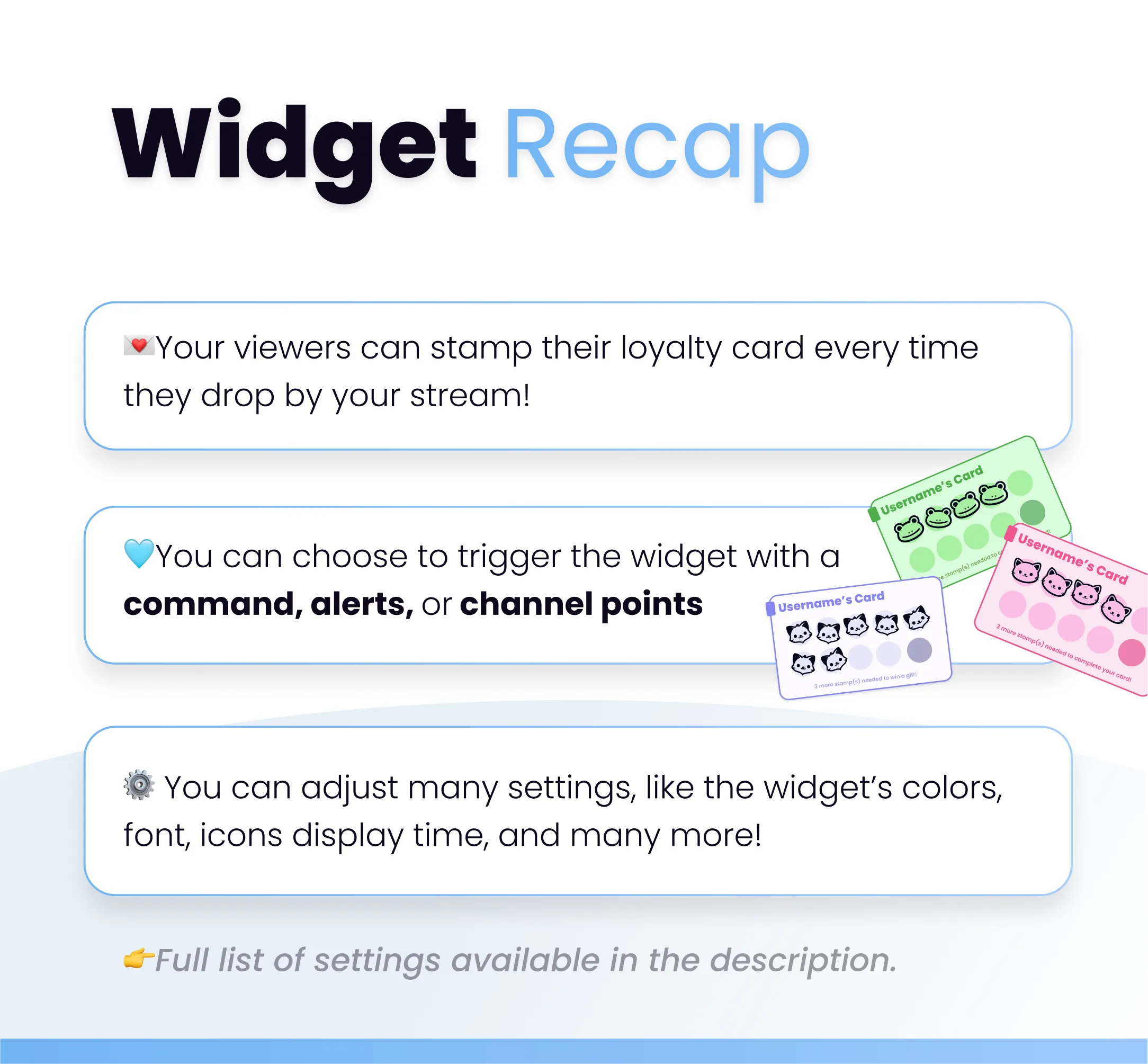
👉Once your widget is set up, your viewers can use the !loyalty command once per day (while your stream is live) to stamp their loyalty card. 🎉Once your card has been stamped, you can use the !loyaltycheck command anytime to check your progress and see how far you've come. 👑Each user has their own loyalty card. Once they've used the !loyalty command, they won't be able to use it again until the cooldown period has passed. 🔔You can also choose to trigger the widget with alerts or channel point rewards. ( adjust these settings directly from StreamElements. ) ⚙️ You can adjust many settings, like the widget’s colors, card display time, and access permissions. 👉Get creative and reward all your viewers who complete their card! For example, offer a private game session or a spot in your server to your most loyal fans.

Compatible with

OBS & Streamlabs

OBS Studio Streamlabs

Works on

Twitch & Kick

Twitch Kick

You might also like

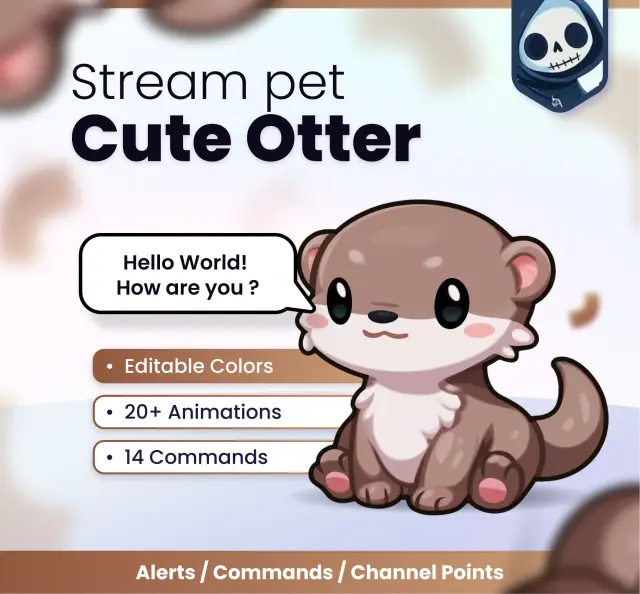
  • Otter

    Otter

    Add an adorable interactive mascot to your Twitch, YouTube, or Kick stream. He will react to your stream events and be j…

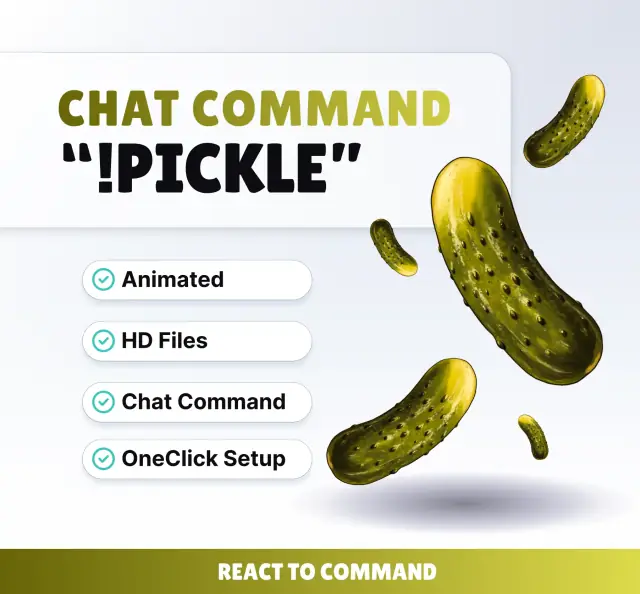
  • Pickle Command

    Pickle Command

    This Twitch command plays a pickle animation overlay on your stream when triggered by chat, alerts, or channel points.

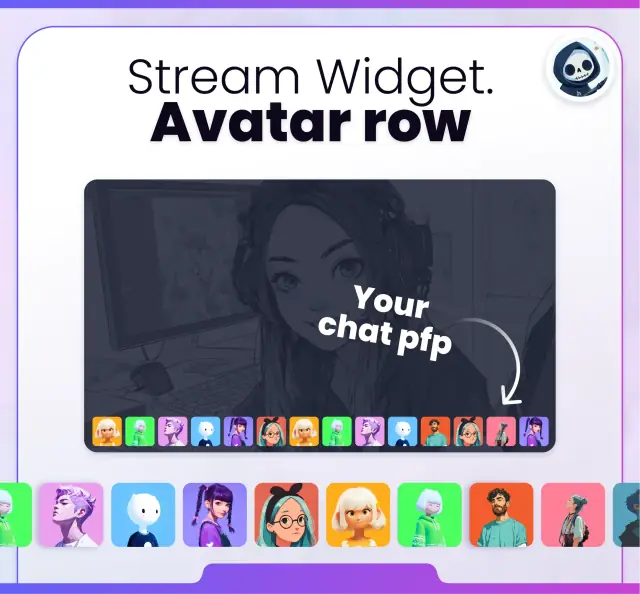
  • Widget Avatar Row

    Widget Avatar Row

    Add a dynamic row featuring the profile pictures of your Twitch and Kick chat members. Triggered by commands, alerts, or…

  • Halloween Sound Pack

    Halloween Sound Pack

    A free Halloween sound pack for streamers with witch laughs, zombie groans, werewolf howls, creaky doors, and spooky org…