Create 3D animated logos for free → Studio Neostream
Back to shop
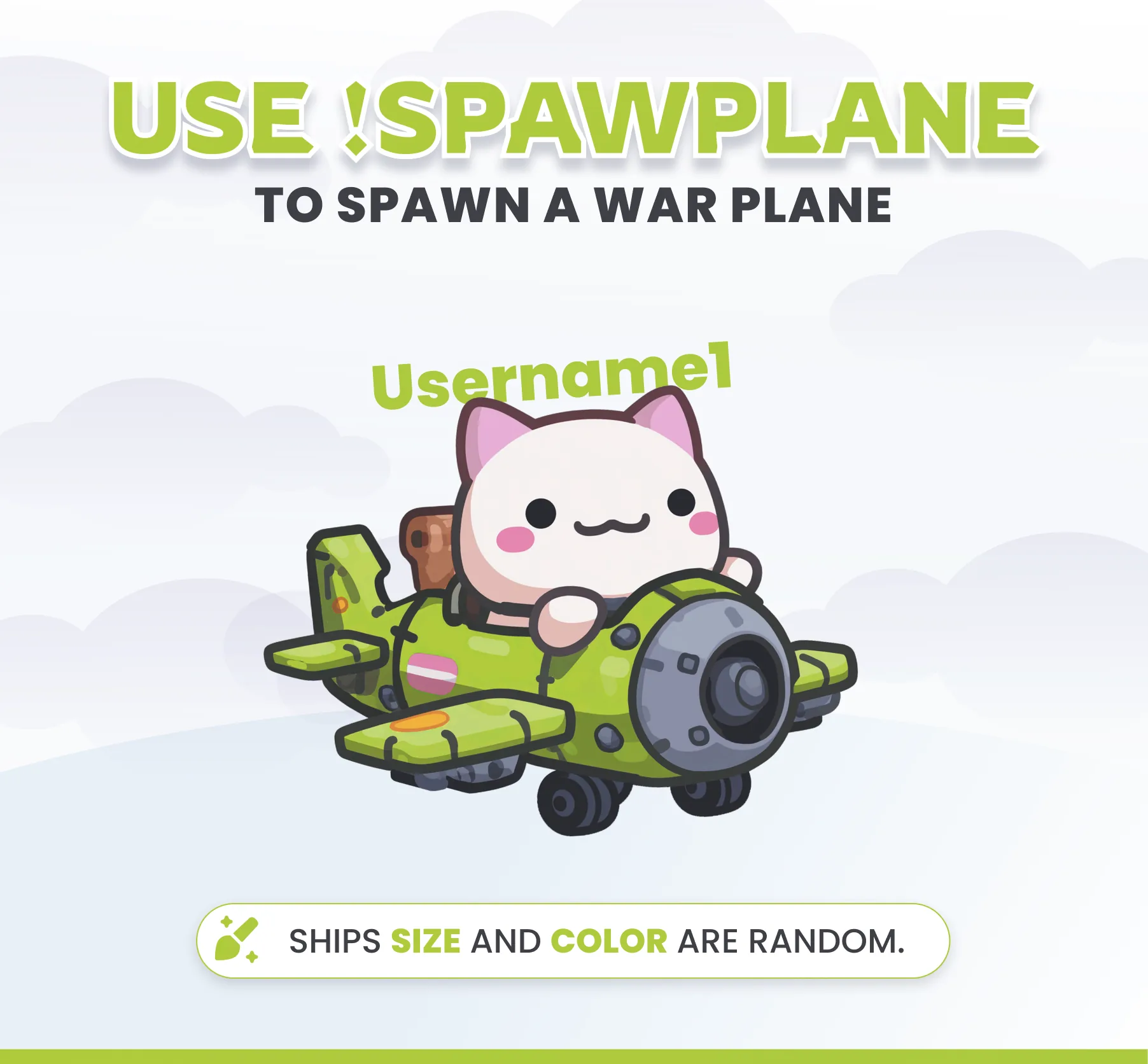
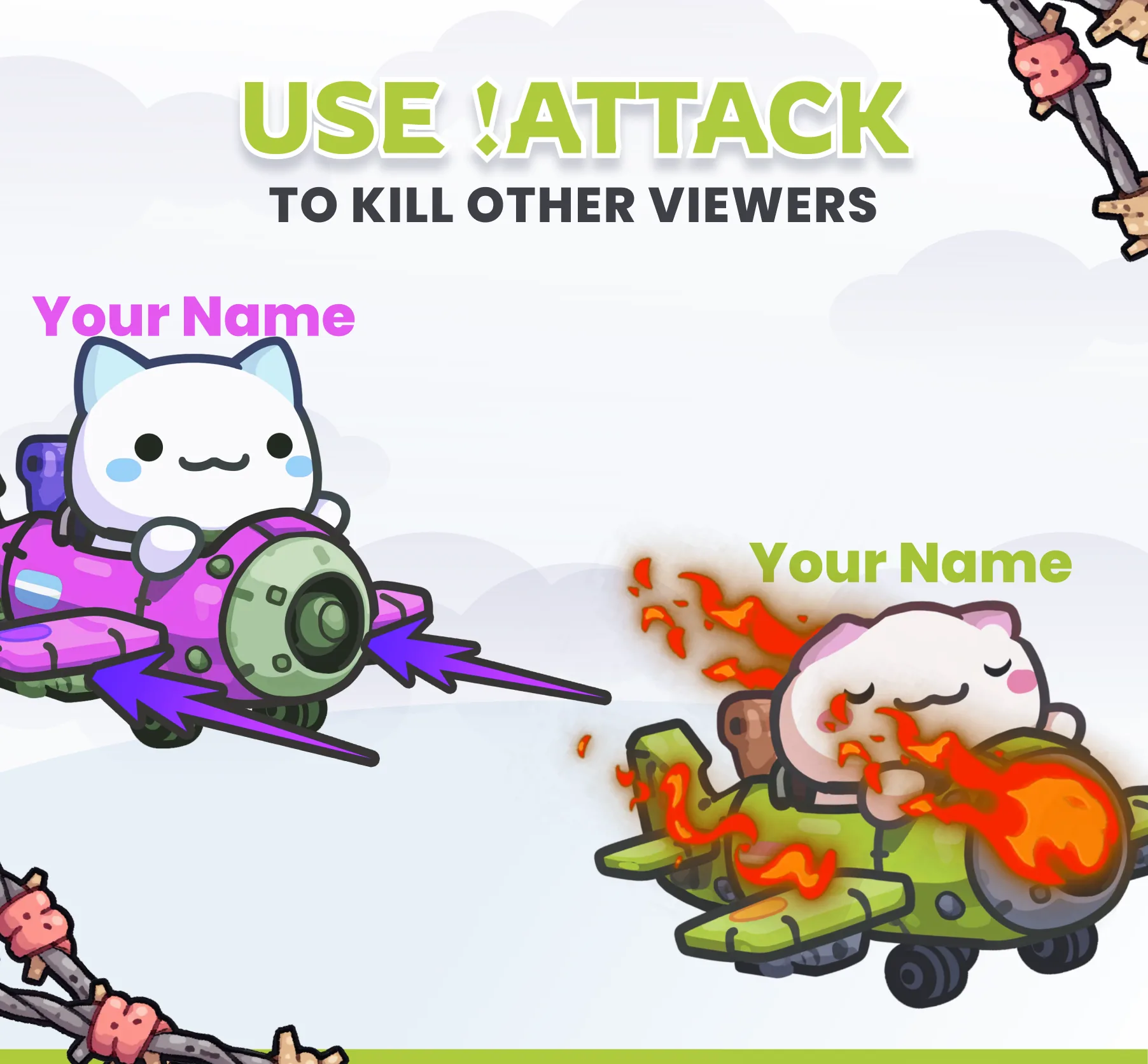
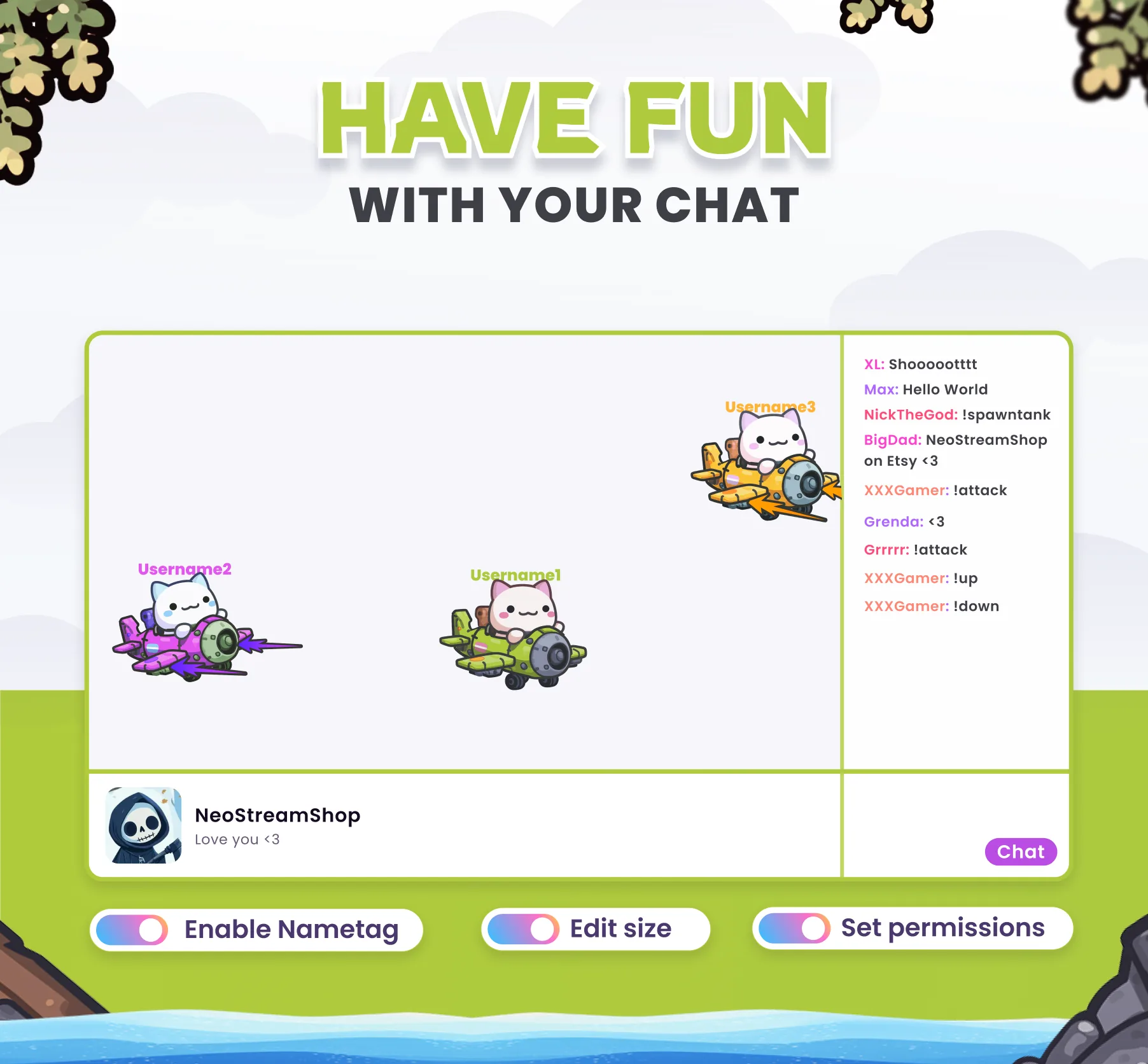
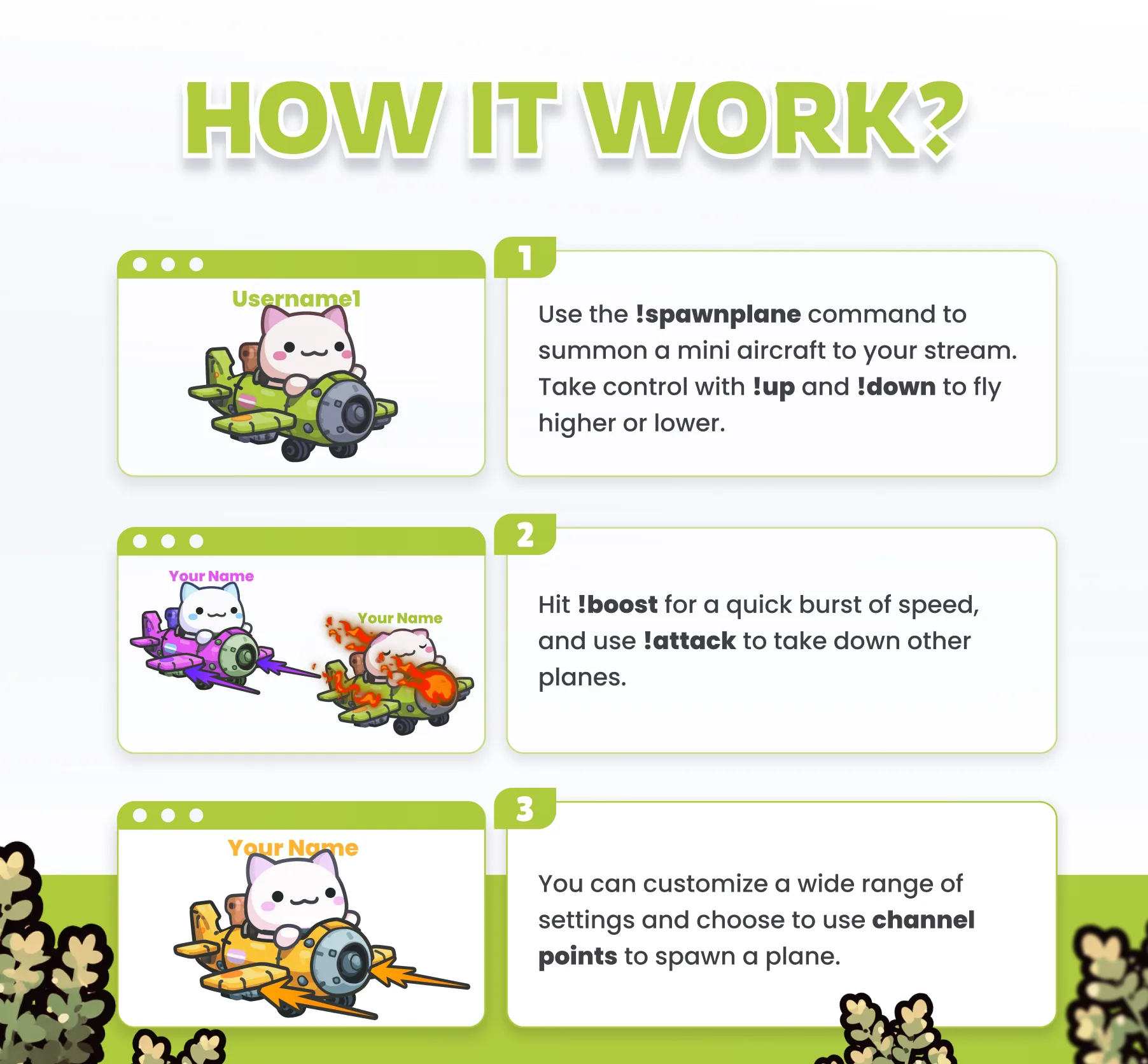
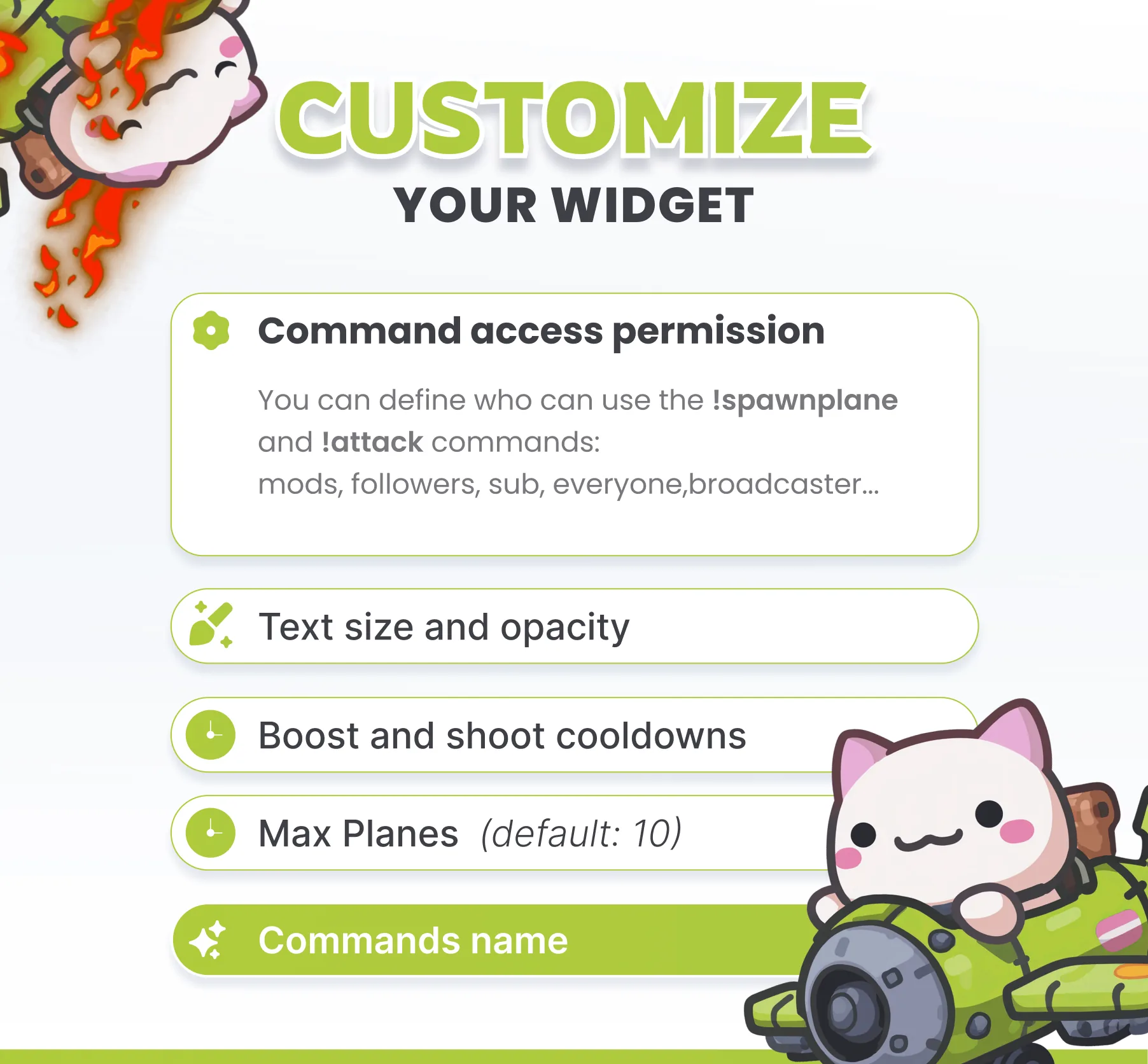
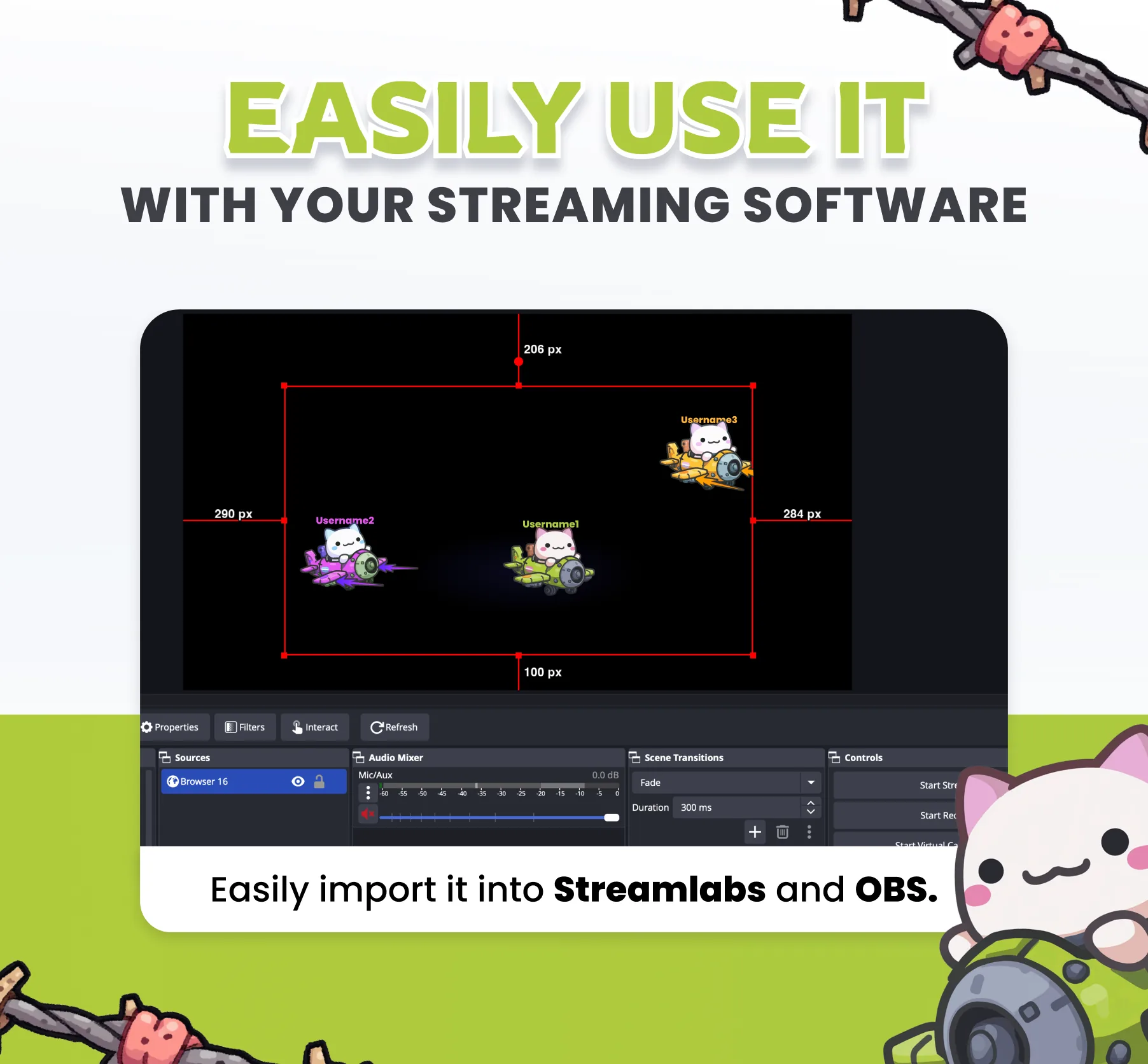
✈️ Make a plane appear directly on your stream using the command `!spawnplane`. ➡️Your plane will move from right to left, and you can make it go up or down using the commands `!up` and `!down`. 🔫You’ll be able to shoot at other planes using the command `!attack` and boost your speed with the command `!boost`. 🎨Your plane’s color will be random, and the username of the person who spawned it will be displayed above it. 🔒You’ll be able to set access permissions or choose to trigger the widget using a channel point reward. ✨ FEATURES: ✅ Use `!spawnplane` to spawn a plane ✅ Use `!attack` to fire. ✅ Use `!boost` to boost your speed ✅ Destroy other planes. CUSTOMIZE: ✅Command to Spawn Planes (!spawnplane) ✅ Channel point trigger ✅Command to Shoot (!attack) ✅Access Permissions ✅Maximum Number of Planes ✅Username Text Size ✅ Planes size ✅ Planes speed ✅ Respawn cooldown

You might also like

  • Axolotl Community Widget

    This community widget lets viewers spawn an axolotl on your stream. Triggered by chat commands, alerts, and channel poin…

  • Stream Village Widget

    This streaming widget adds a village to your stream. The village is populated with a character that collect ressources t…

  • Widget Skin Case

    Open CS-style skin cases on your stream. Viewers spin the reel for rare skins using commands, alerts, or channel points.

  • Usa Command

    This Twitch command plays a usa animation overlay on your stream when triggered by chat, alerts, or channel points.