
Compatible with
OBS & Streamlabs


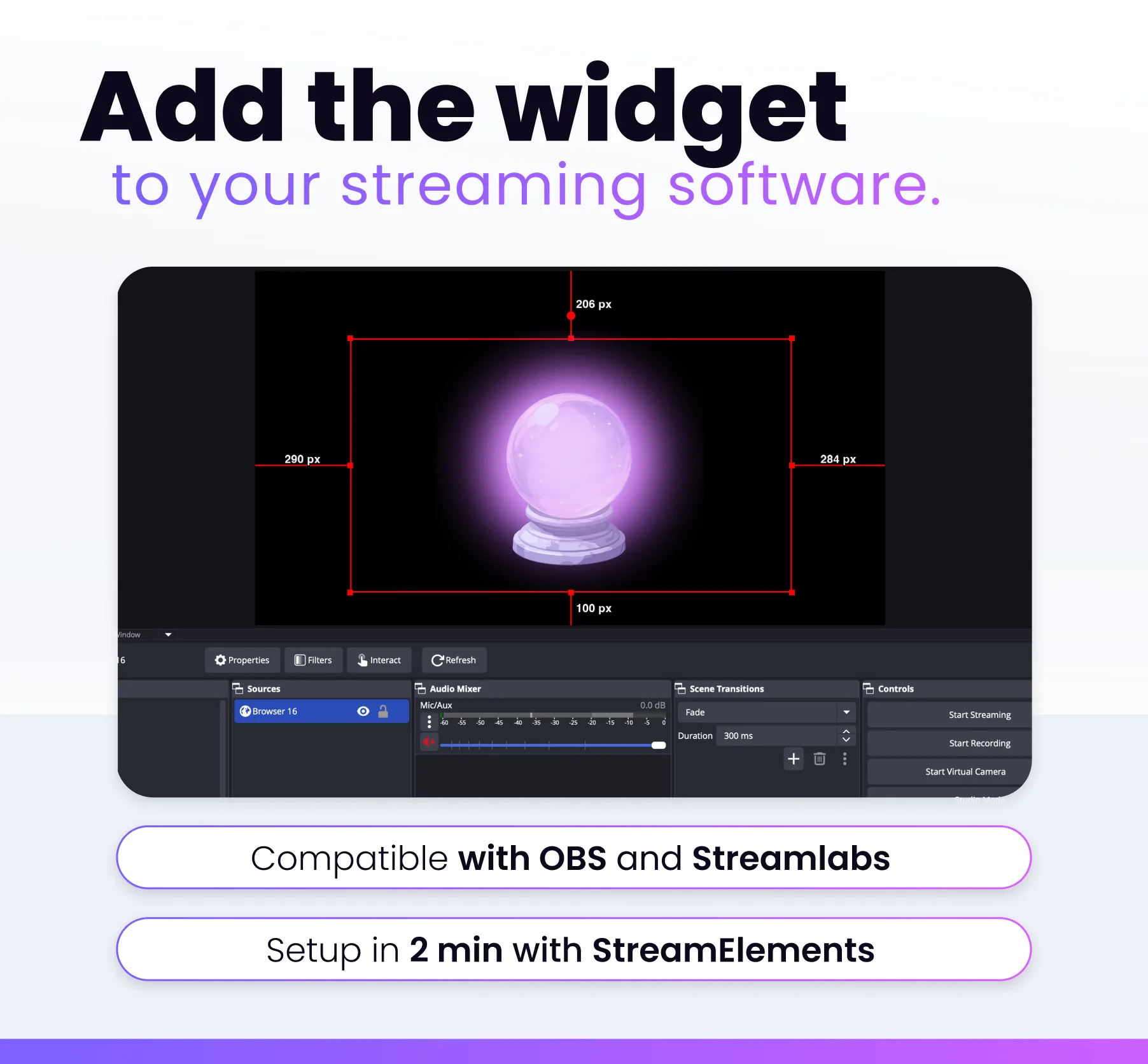
Compatible with
OBS & Streamlabs
Easy to install
Setup guide included
View setup guideWorks on
Twitch & Kick



This streaming widget builds a growing city on your stream. Viewers interact through commands, alerts, and channel point…
 1 100
$8.25
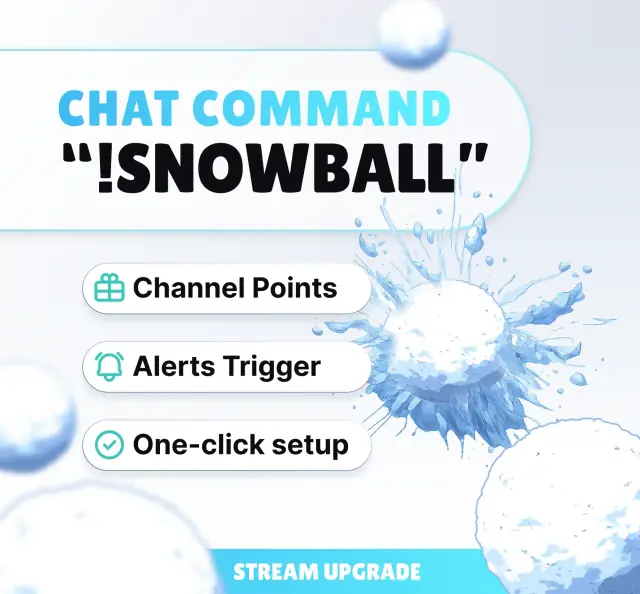
This Twitch command plays a snowball animation overlay on your stream when triggered by chat, alerts, or channel points.
370
$2.78
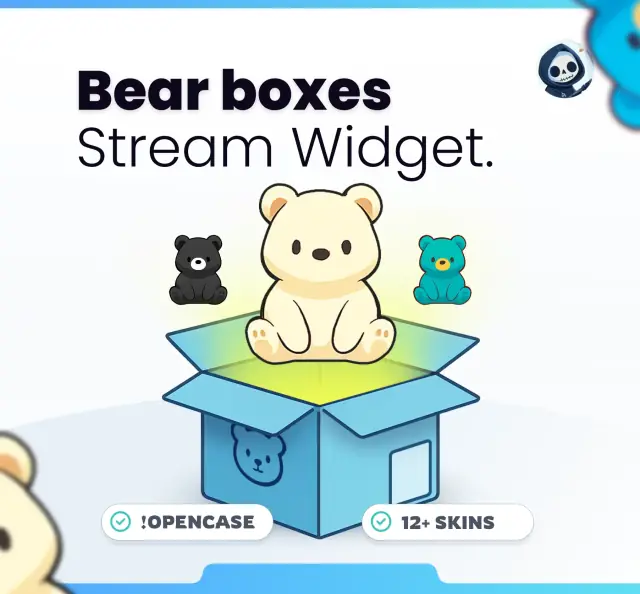
Open bear-themed loot cases on your stream. Viewers spin for rare bear skins using commands, alerts, or channel points.
950
$7.13
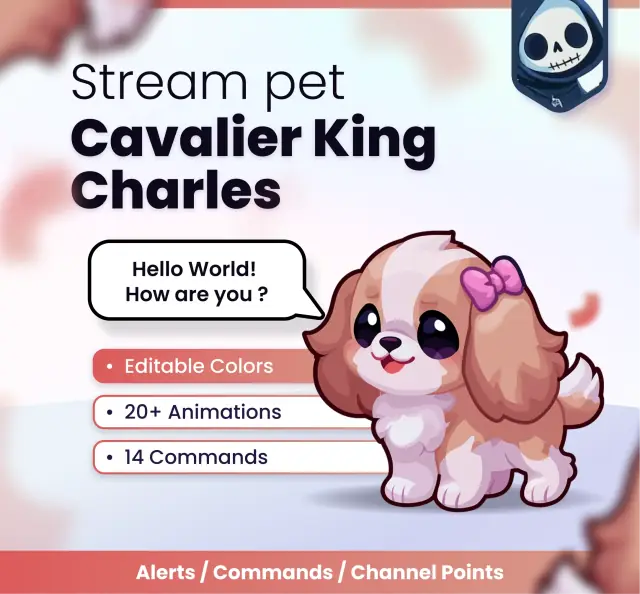
Add an adorable interactive mascot to your Twitch, YouTube, or Kick stream. He will react to your stream events and be j…
750
$5.63
Choose your streaming platform to access your widgets, shop, and account.