Back to shop
1 / 8
Description
⚠️TWITCH AND KICK ONLY⚠️
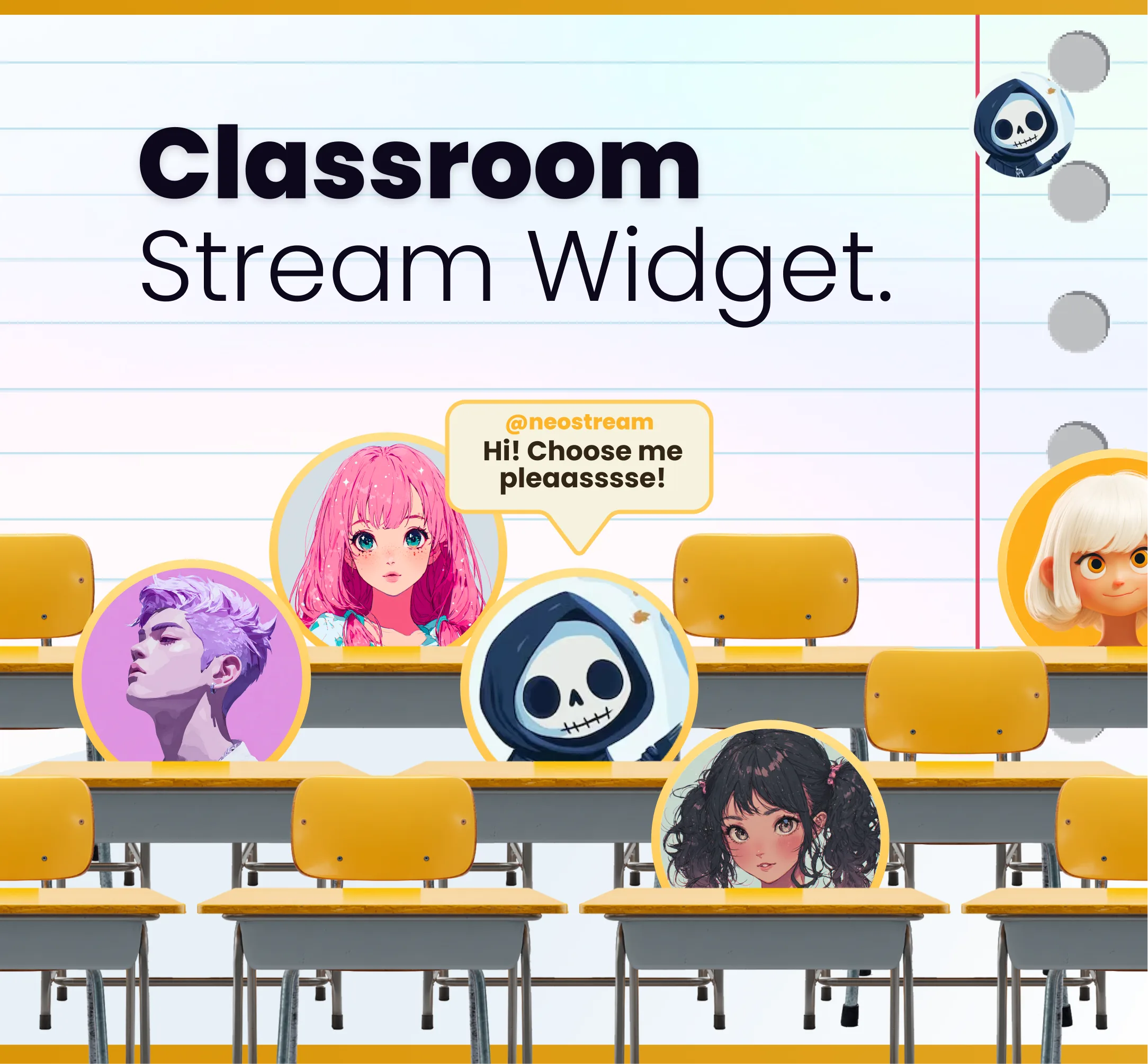
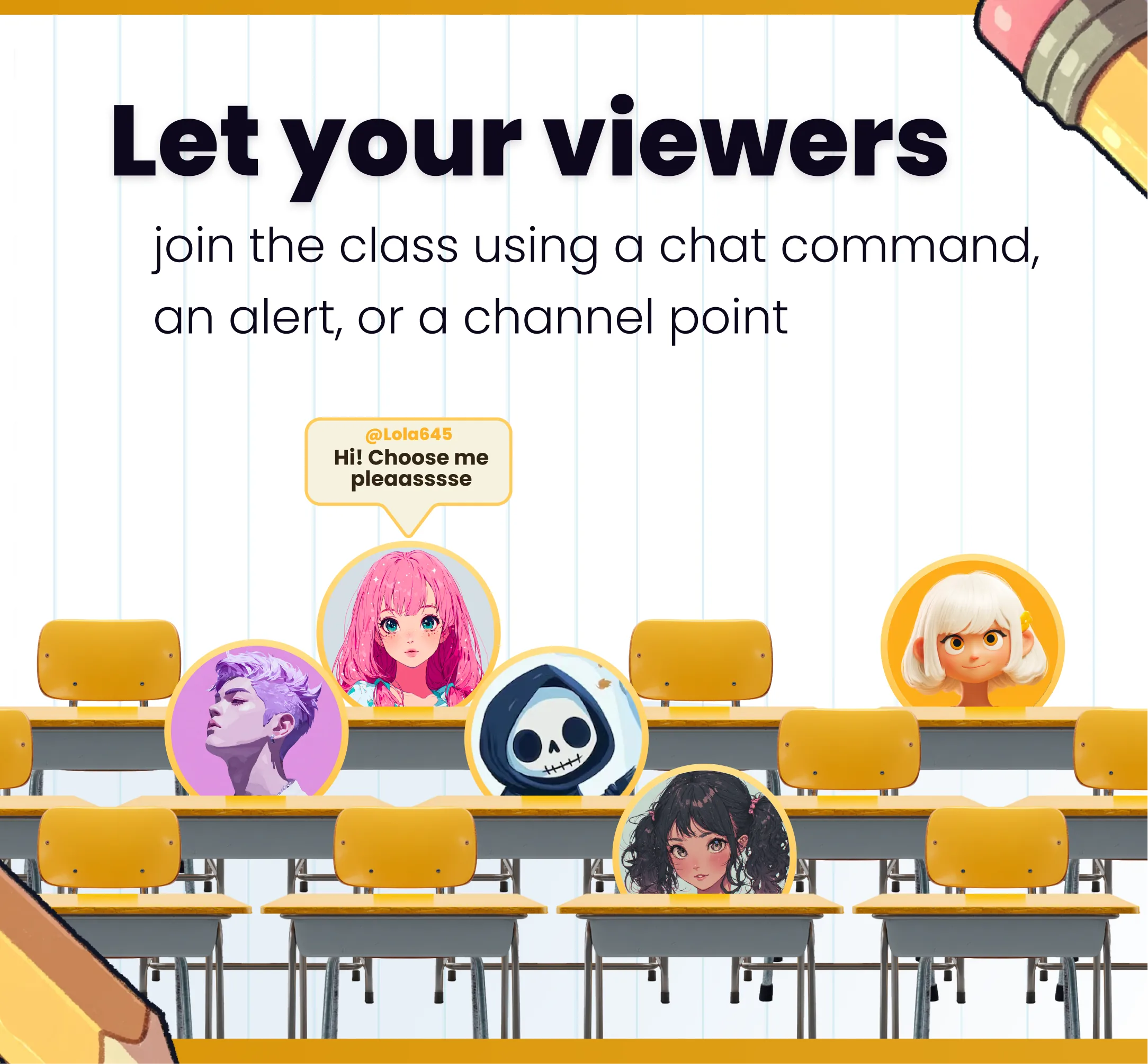
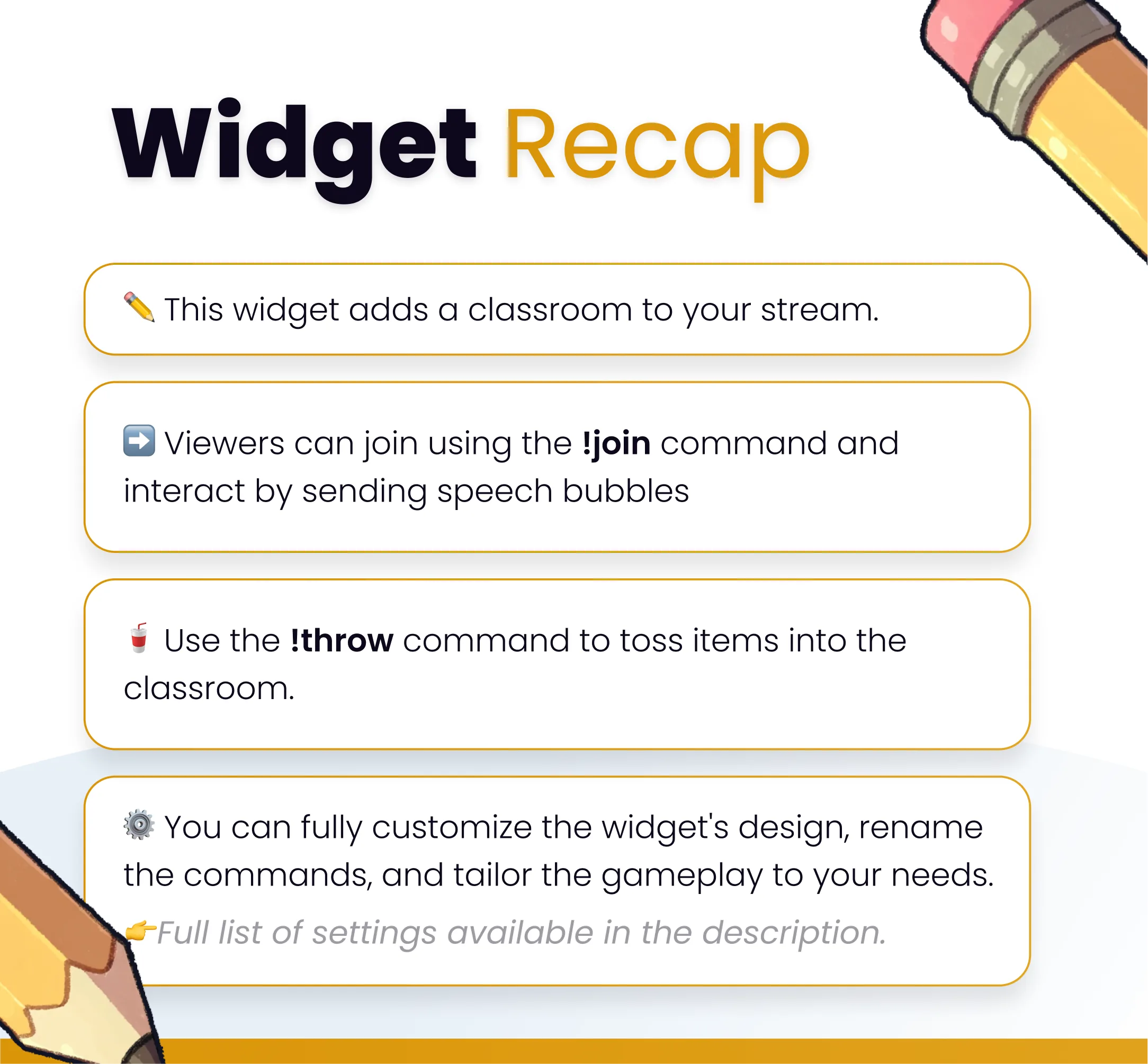
🪑 Add a classroom to your stream. Your viewers can use the !join chat command to join the session.
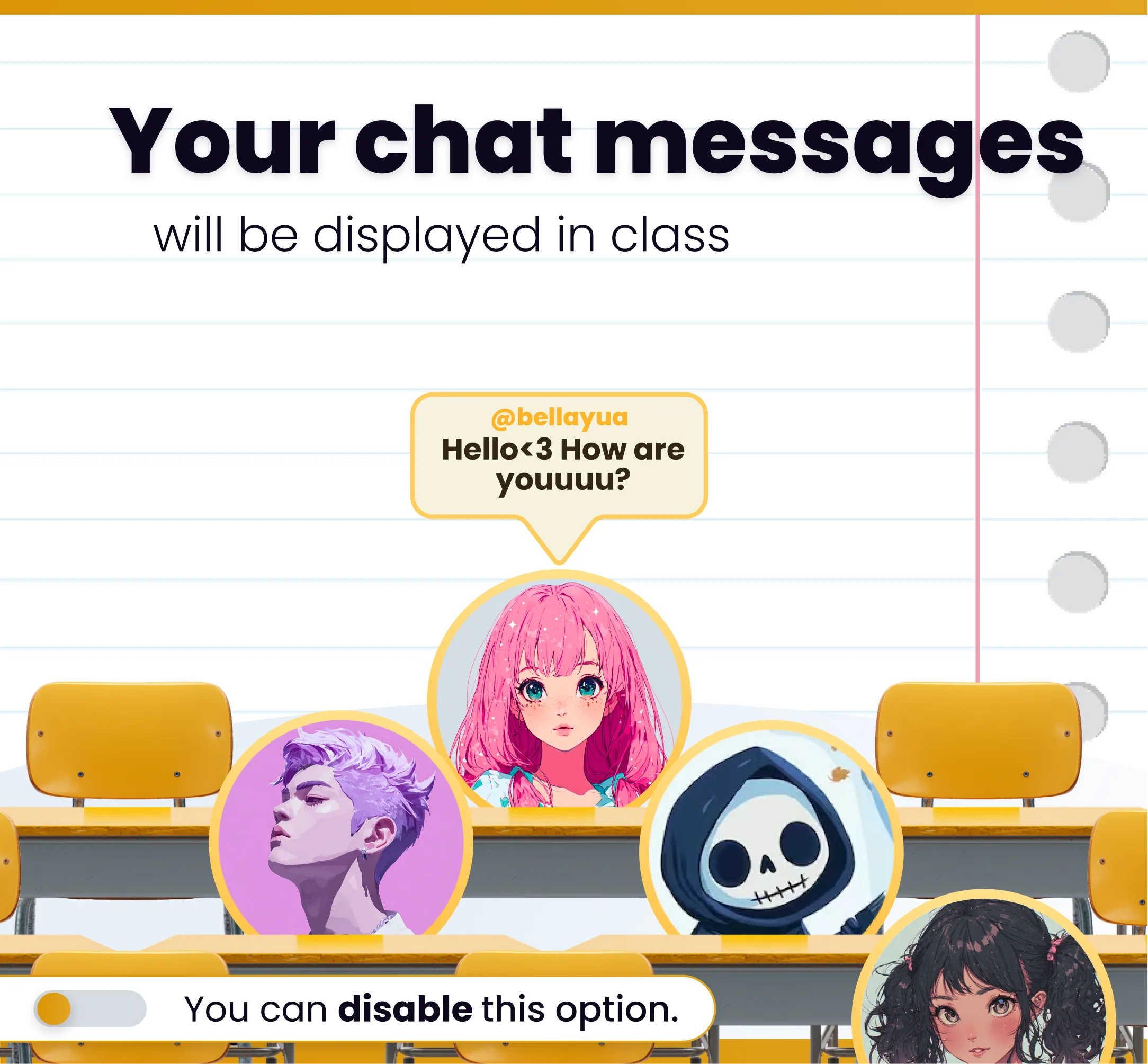
࿃ Their profile pictures will appear on a chair, and their messages will be displayed in speech bubbles.
👋 Viewers can use the !hey command to raise their hand, just like in a real classroom.
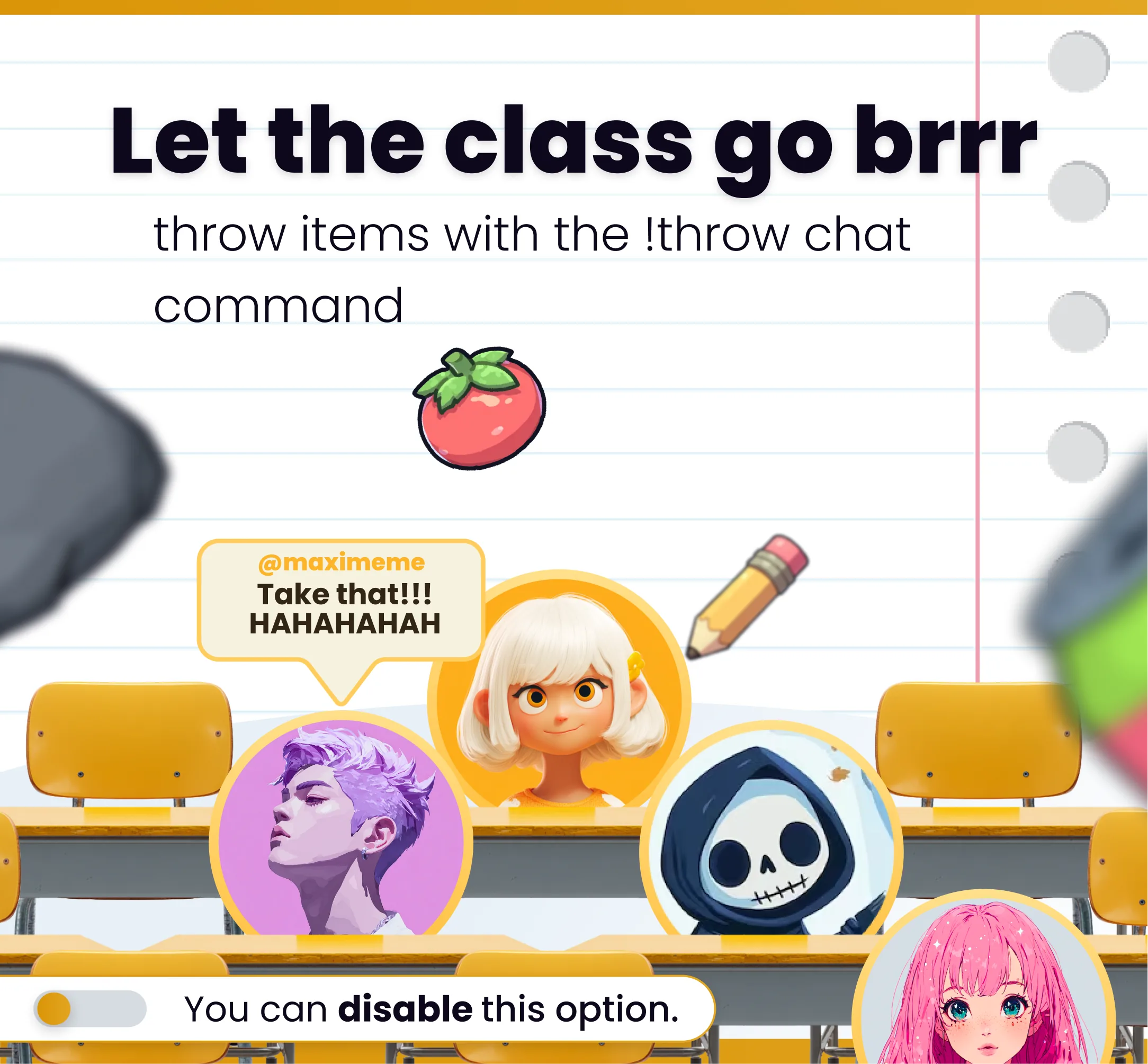
🥤 They can also use the !throw command to toss items at you.
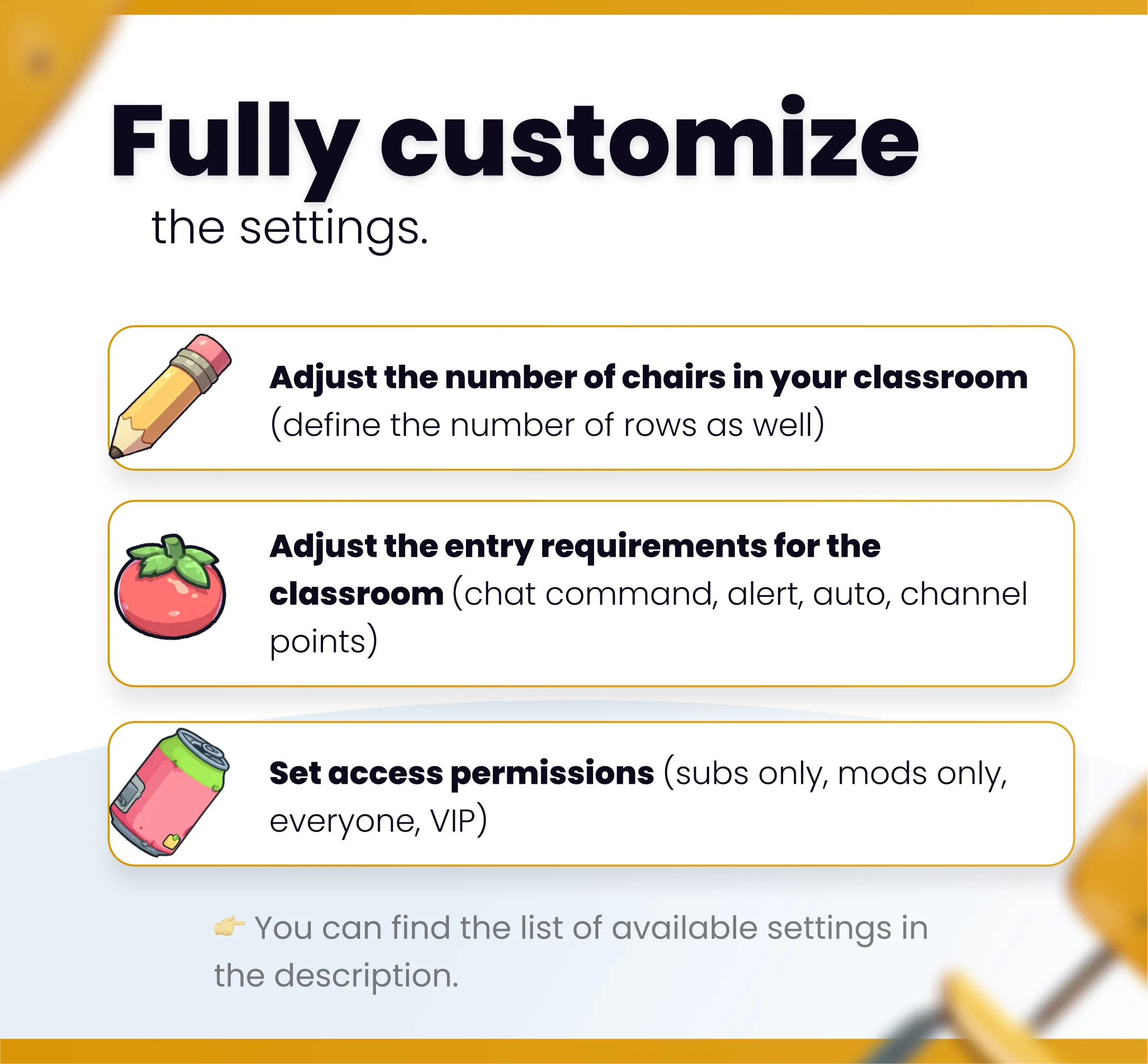
➡️ You can customize the entry requirements (using Channel Points, triggering an alert, being a Subscriber, etc.).
🎨 You can also personalize the design and set the number of available seats.
🎛️ Full list of settings:
* Change the number of seats in the class.
* Adjust the total number of chairs and the number of rows.
* Modify the speech bubble size and its appearance triggers.
* Set a cooldown for the chat bubbles.
* Rename the !throw and !hey interaction commands.
* Set cooldowns for these commands.
* Customize the style of the displayed profile pictures.
* Adjust other style settings such as animation speed, item size, and bubble display duration.
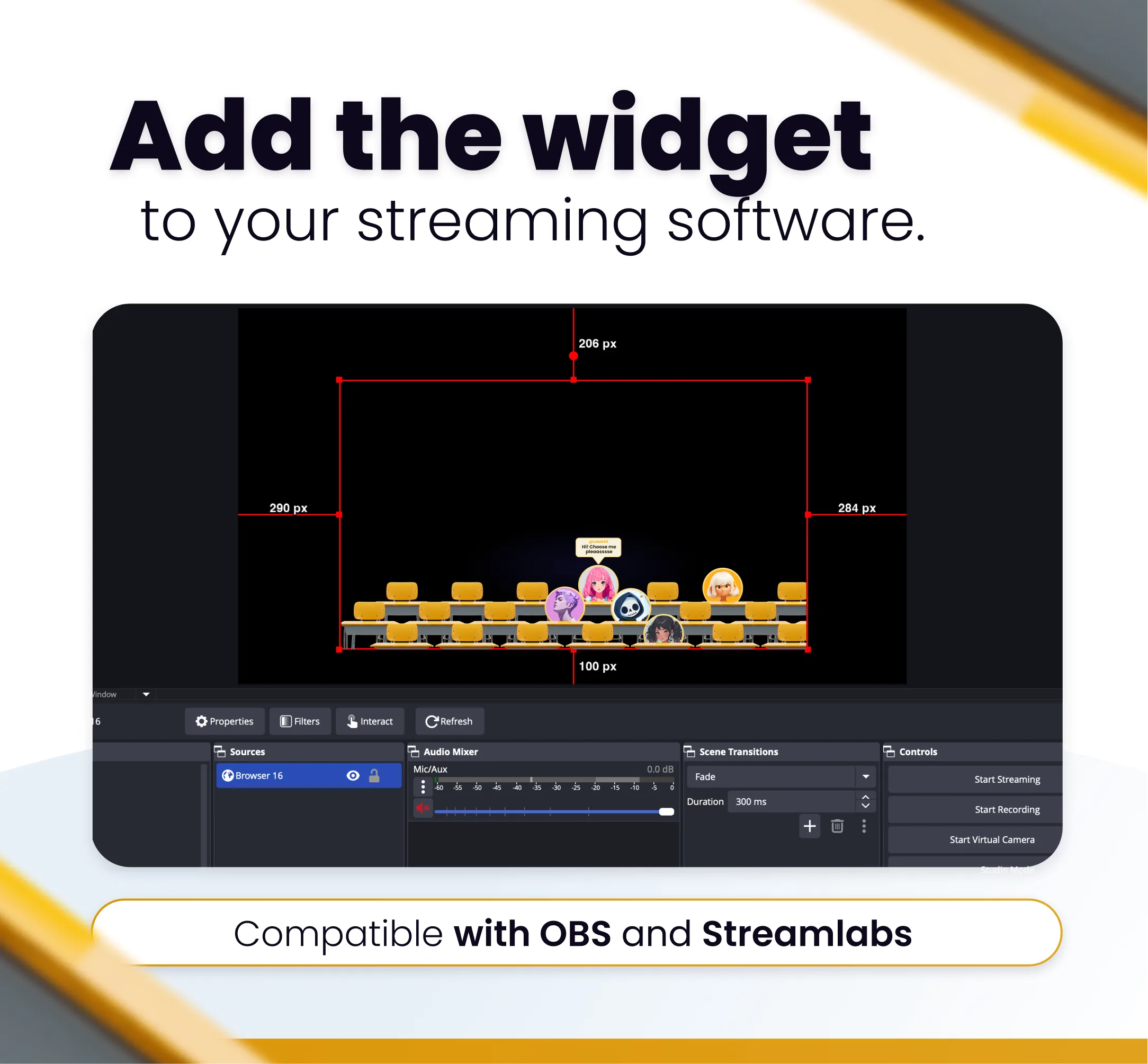
⚙️You can set up the widget on our own website. You will get an https:// link that can be easily added to any streaming software.
Compatibility with the following software is guaranteed:
- OBS
- Streamlabs
- Meld Studio
➡️If you are a StreamElements user, you can also upload your files directly to the platform.
📌What you will get by buying this widget:
- Setup Guide
- Widget Files
📇Feel free to reach out if you have any questions! :)
🛒OTHER WIDGETS:
https://widgets.neostreamshop.com/shop
📛Do not sell this project, do not copy this project, all rights are exclusive to @Createdbynoe📛
🪑 Add a classroom to your stream. Your viewers can use the !join chat command to join the session.
࿃ Their profile pictures will appear on a chair, and their messages will be displayed in speech bubbles.
👋 Viewers can use the !hey command to raise their hand, just like in a real classroom.
🥤 They can also use the !throw command to toss items at you.
➡️ You can customize the entry requirements (using Channel Points, triggering an alert, being a Subscriber, etc.).
🎨 You can also personalize the design and set the number of available seats.
🎛️ Full list of settings:
* Change the number of seats in the class.
* Adjust the total number of chairs and the number of rows.
* Modify the speech bubble size and its appearance triggers.
* Set a cooldown for the chat bubbles.
* Rename the !throw and !hey interaction commands.
* Set cooldowns for these commands.
* Customize the style of the displayed profile pictures.
* Adjust other style settings such as animation speed, item size, and bubble display duration.
⚙️You can set up the widget on our own website. You will get an https:// link that can be easily added to any streaming software.
Compatibility with the following software is guaranteed:
- OBS
- Streamlabs
- Meld Studio
➡️If you are a StreamElements user, you can also upload your files directly to the platform.
📌What you will get by buying this widget:
- Setup Guide
- Widget Files
📇Feel free to reach out if you have any questions! :)
🛒OTHER WIDGETS:
https://widgets.neostreamshop.com/shop
📛Do not sell this project, do not copy this project, all rights are exclusive to @Createdbynoe📛