Create 3D animated logos for free → Studio Neostream
Back to shop
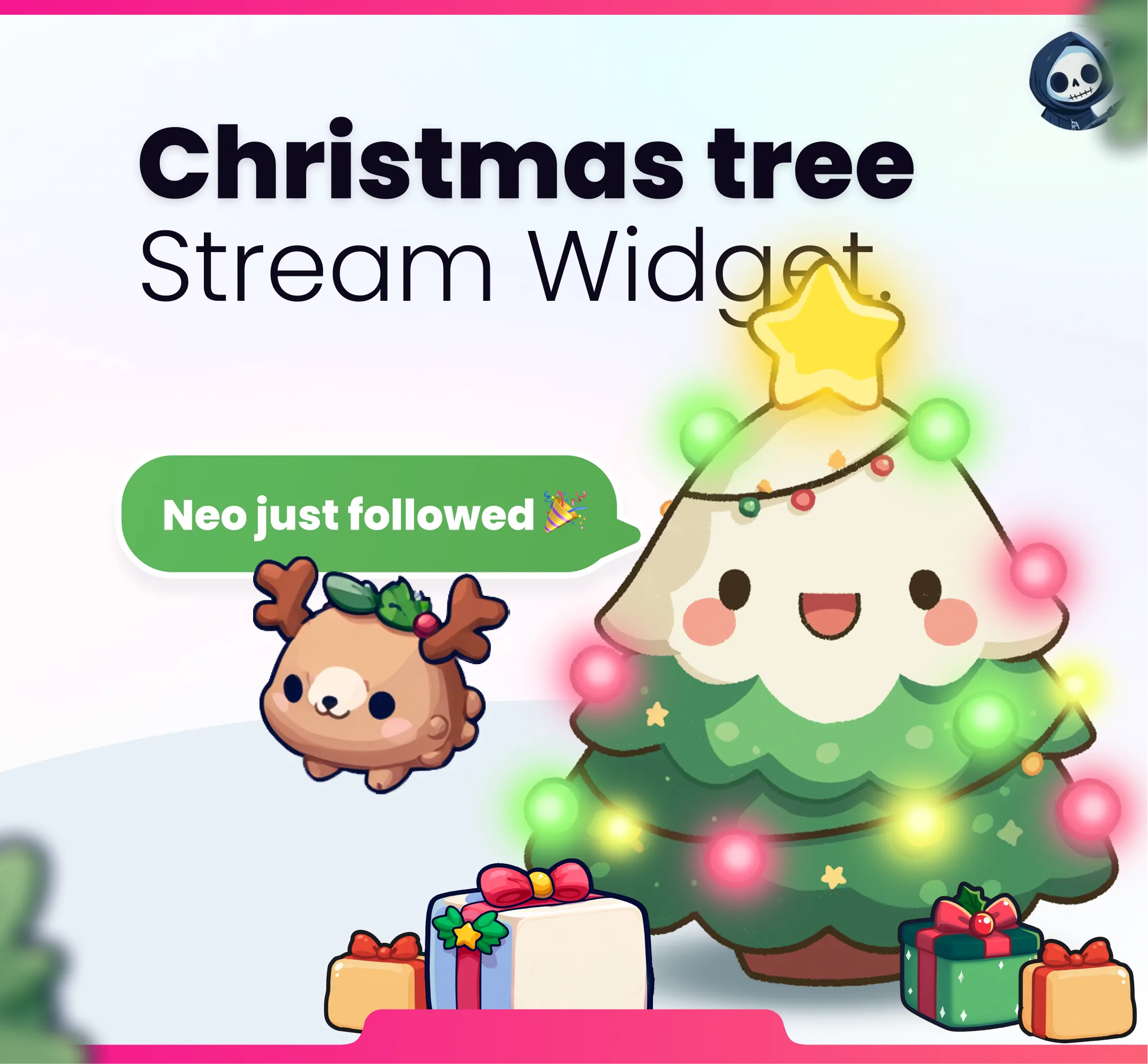
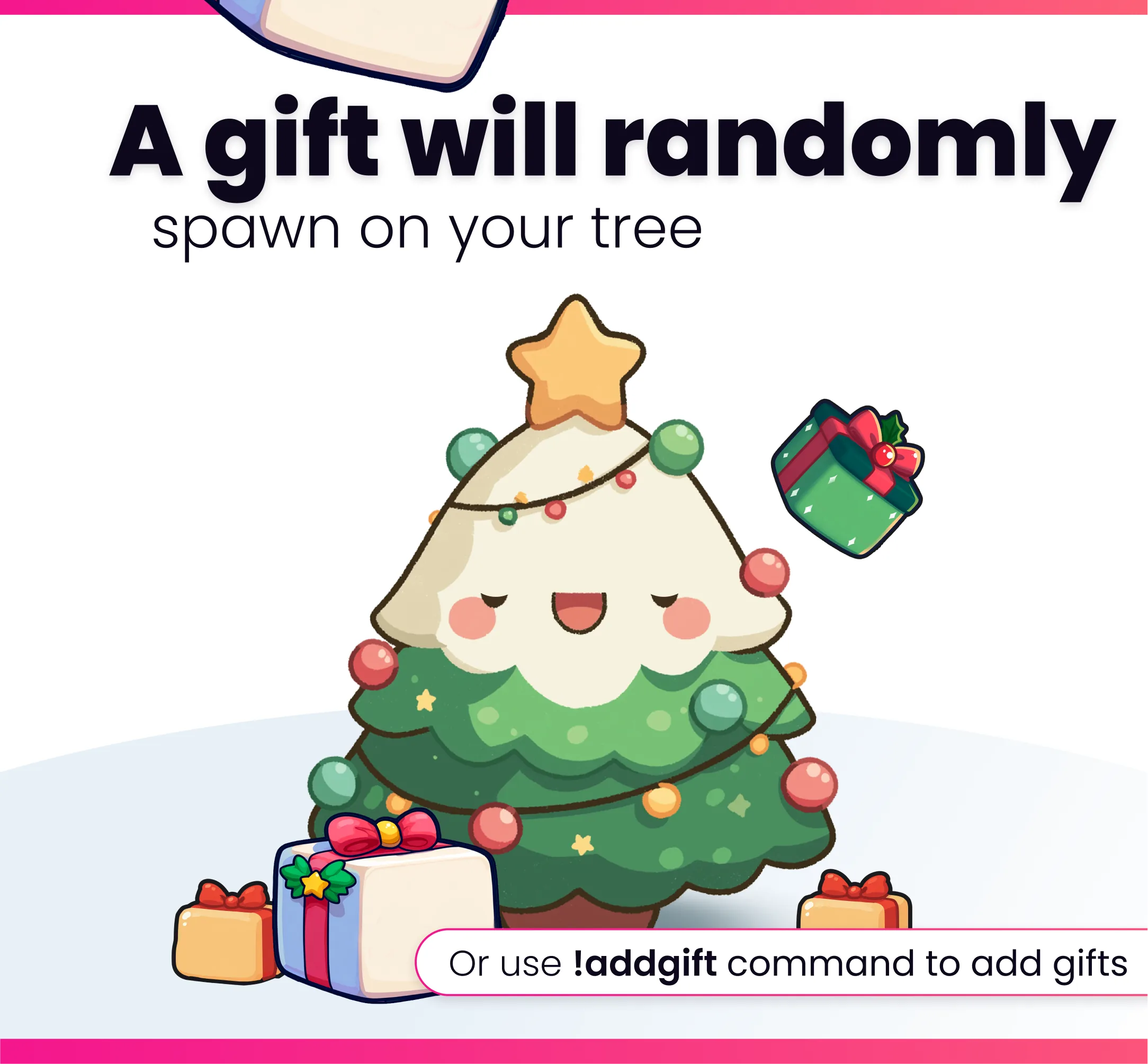
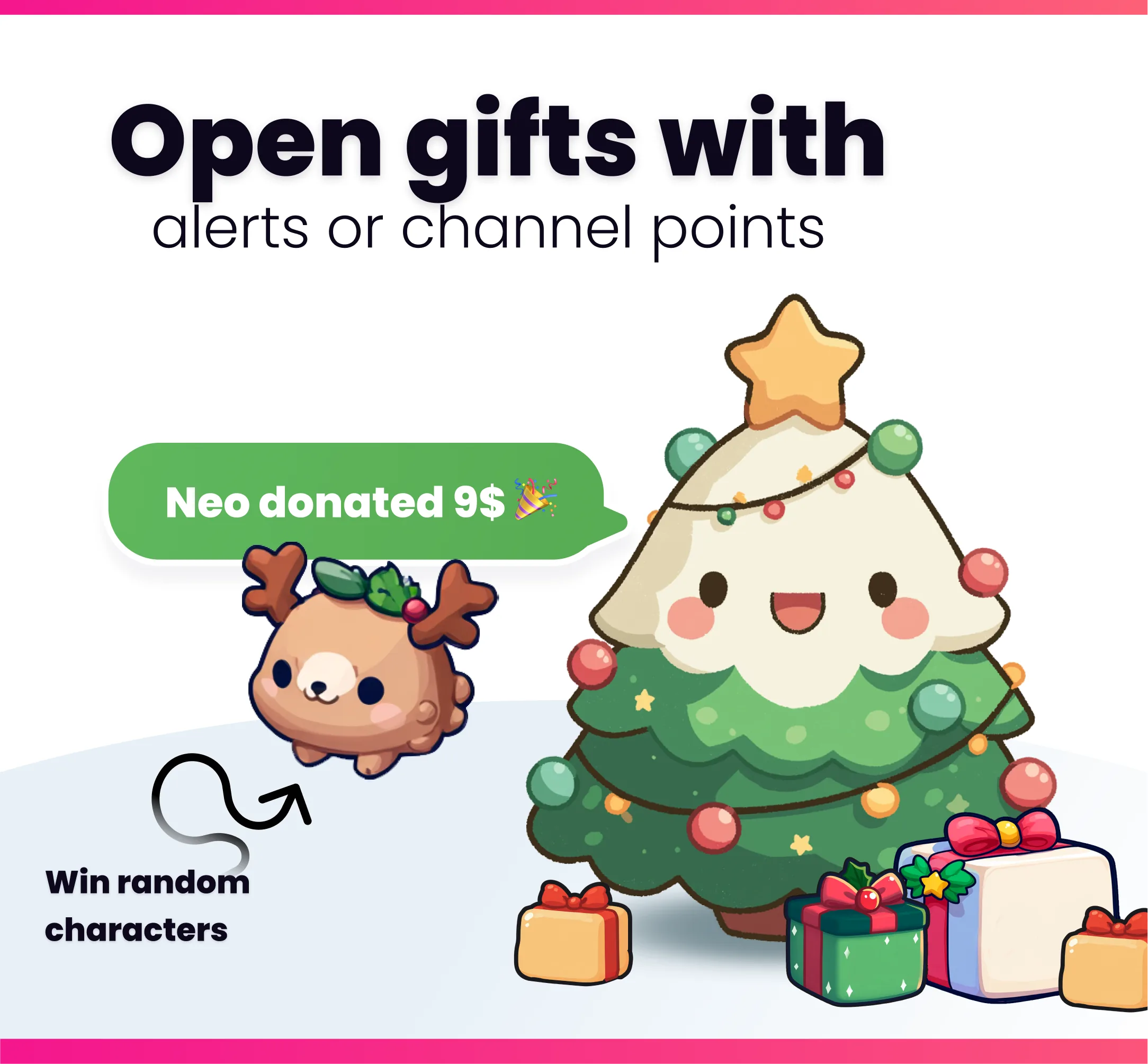
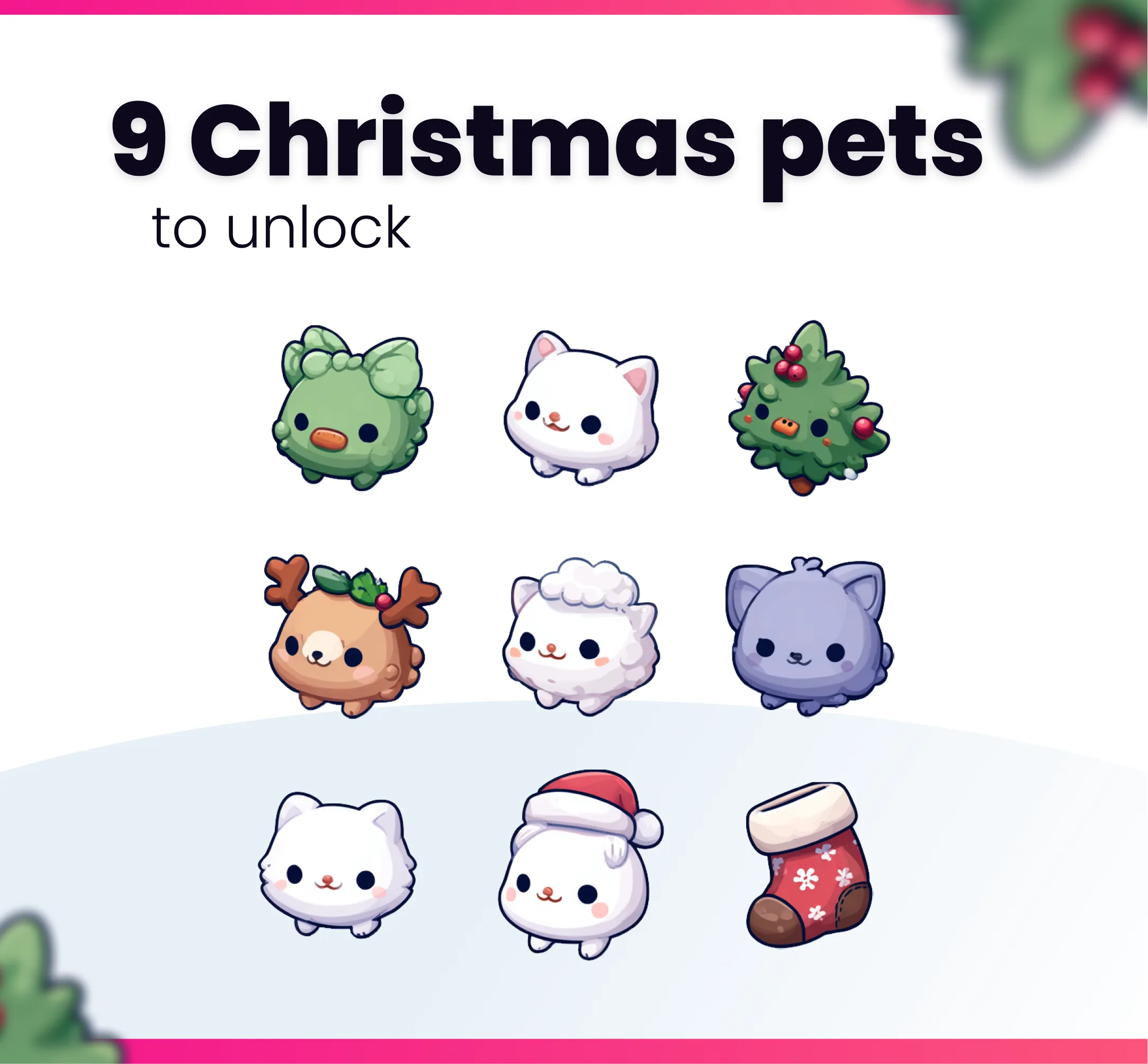
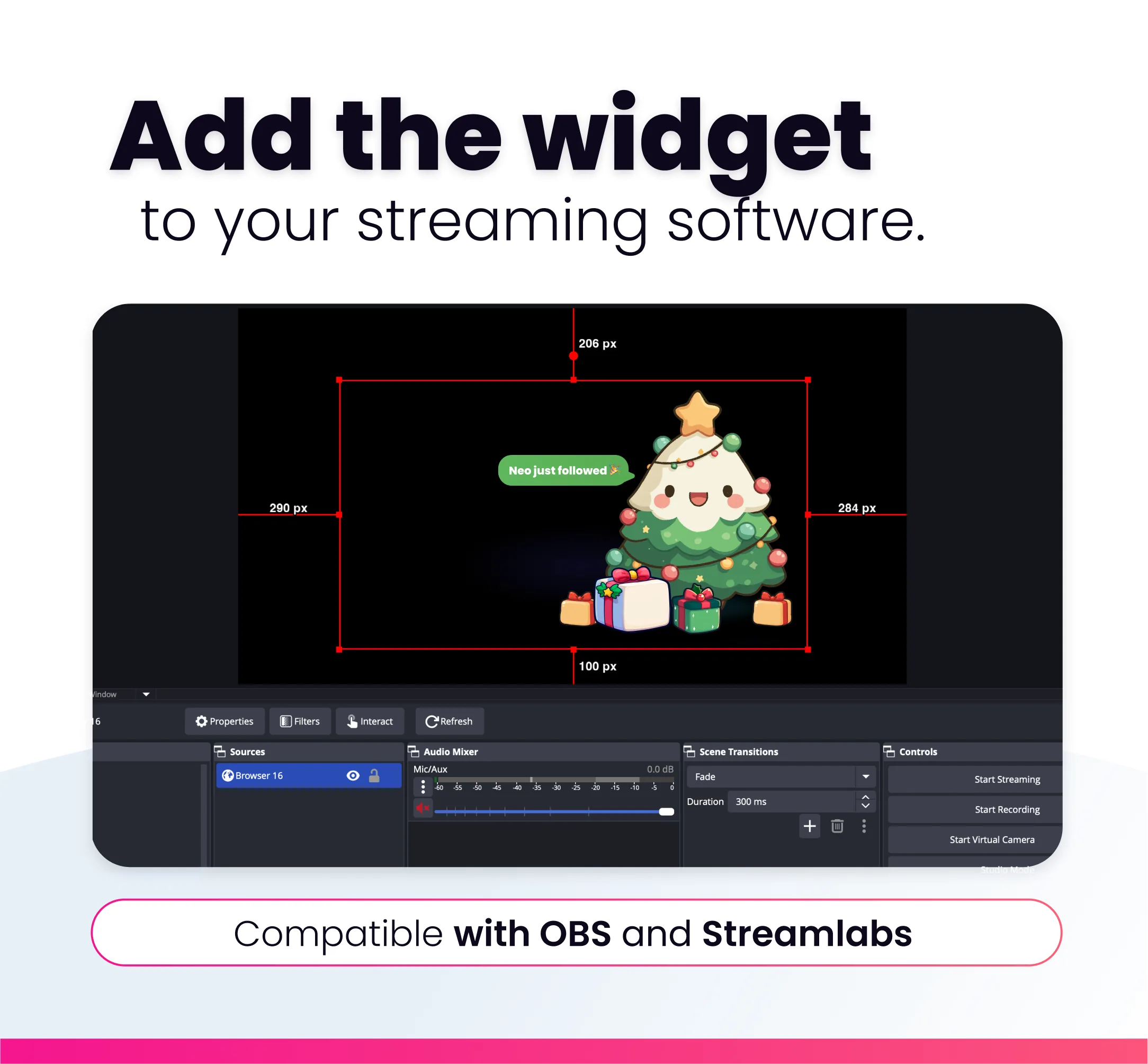
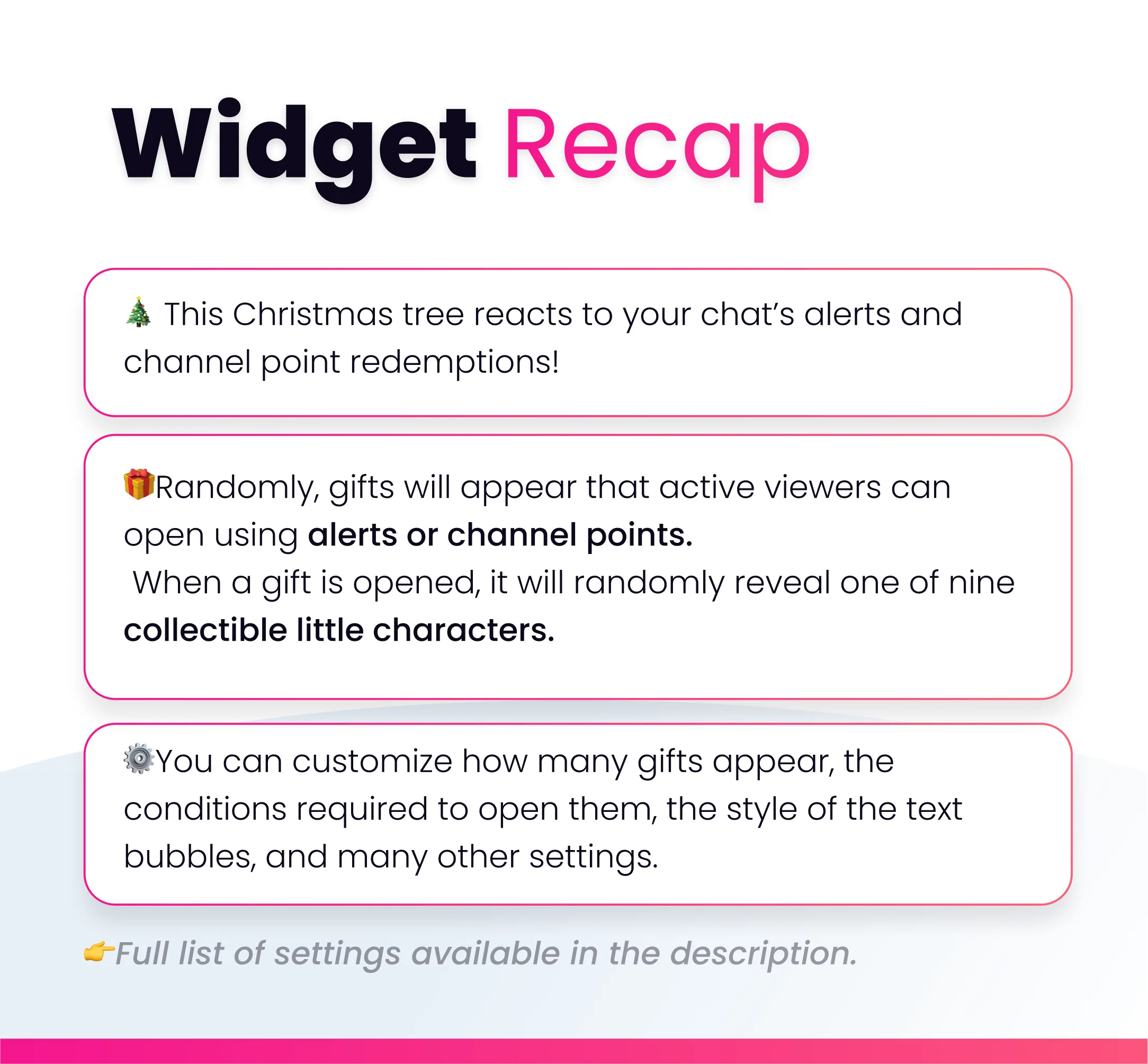
🎄 Once the widget is added, gifts will start randomly falling at the base of the Christmas tree. By default, about eight gifts will appear every 30 minutes. 👉Your viewers can open these gifts to win rewards. To open a gift, they simply need to trigger an alert. (You can also choose to allow gifts to be opened using channel points — this setting can be changed directly in your StreamElements settings.) 👉There are 9 cute rewards to win. 🎁If you want to add gifts manually, you can use the !addgift chat command (streamer and mod only). This will add a gift under the tree that your viewers can open. 🎛️You can modify the trigger conditions for opening a gift, the number of gifts that appear under the tree, and many other options... 🎉Fun things to do: Set up gifts to give to your cat that are linked to characters. For example, if the deer character is unlocked, your viewer can play with you for an evening. You can set conditions, such as requiring donations to receive a gift. This will encourage your viewers to support you.

You might also like

  • Widget Leaderboard

    Display a customizable leaderboard overlay on your stream, updated by chat activity, alerts, and channel points.

  • Mosquitoes Command

    This Twitch command plays a mosquitoes animation overlay on your stream when triggered by chat, alerts, or channel point…

  • Tigers Community Widget

    This community widget lets viewers spawn a tiger on your stream. Triggered by chat commands, alerts, and channel points.

  • Cute Cows Community Widget

    This community widget lets viewers spawn cows on your stream. Triggered by chat commands, alerts, and channel points.