Create 3D animated logos for free → Studio Neostream
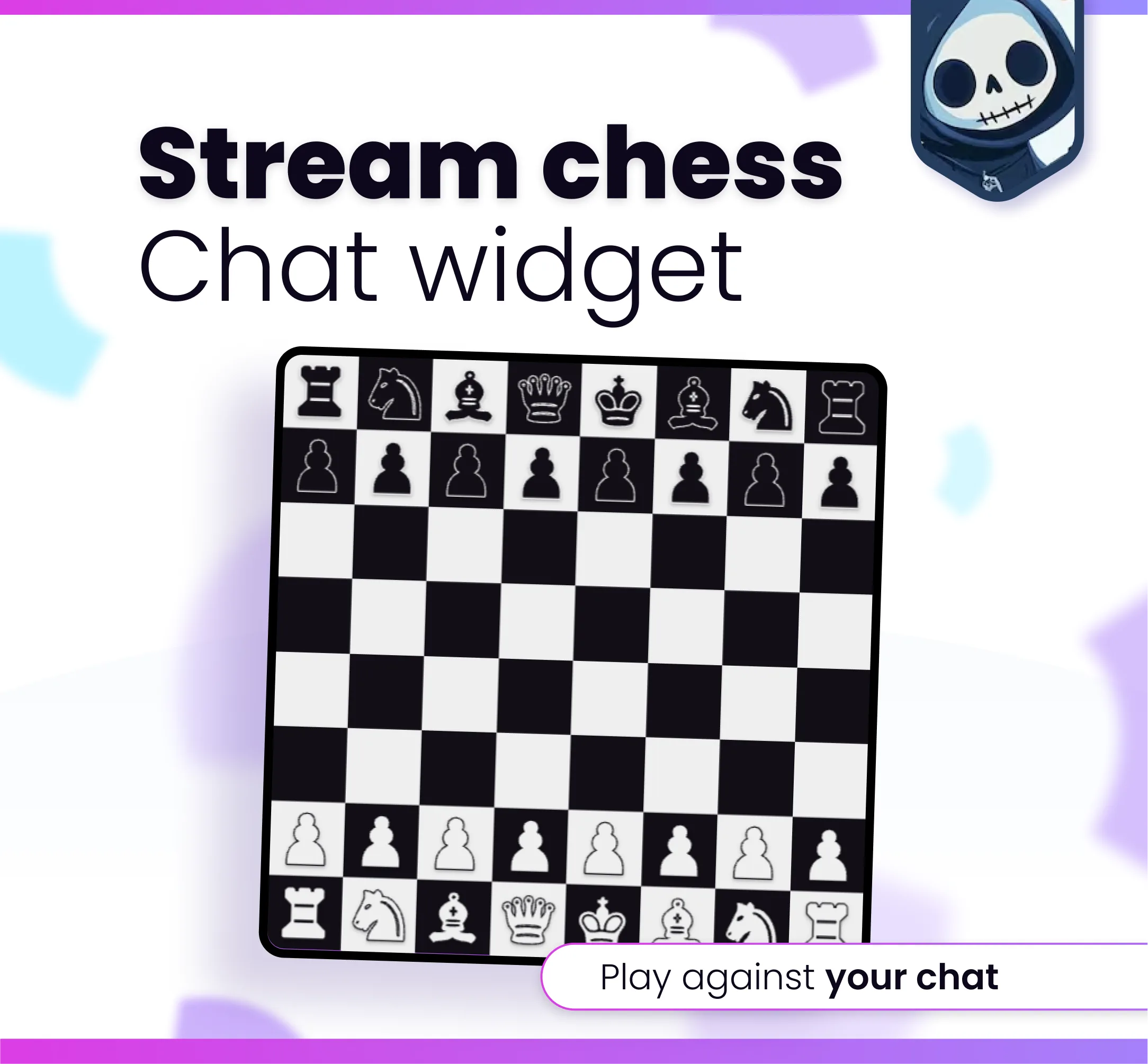
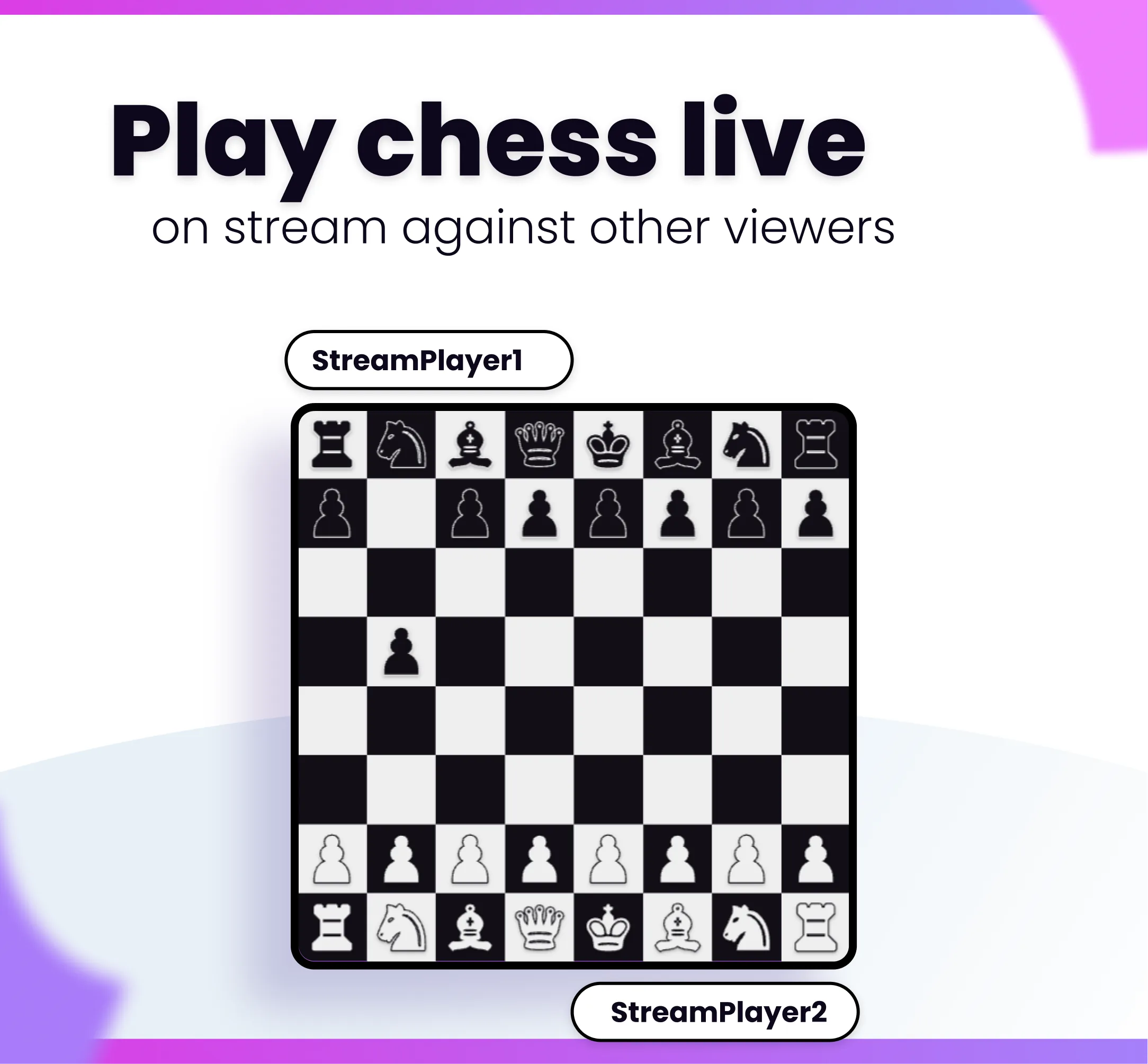
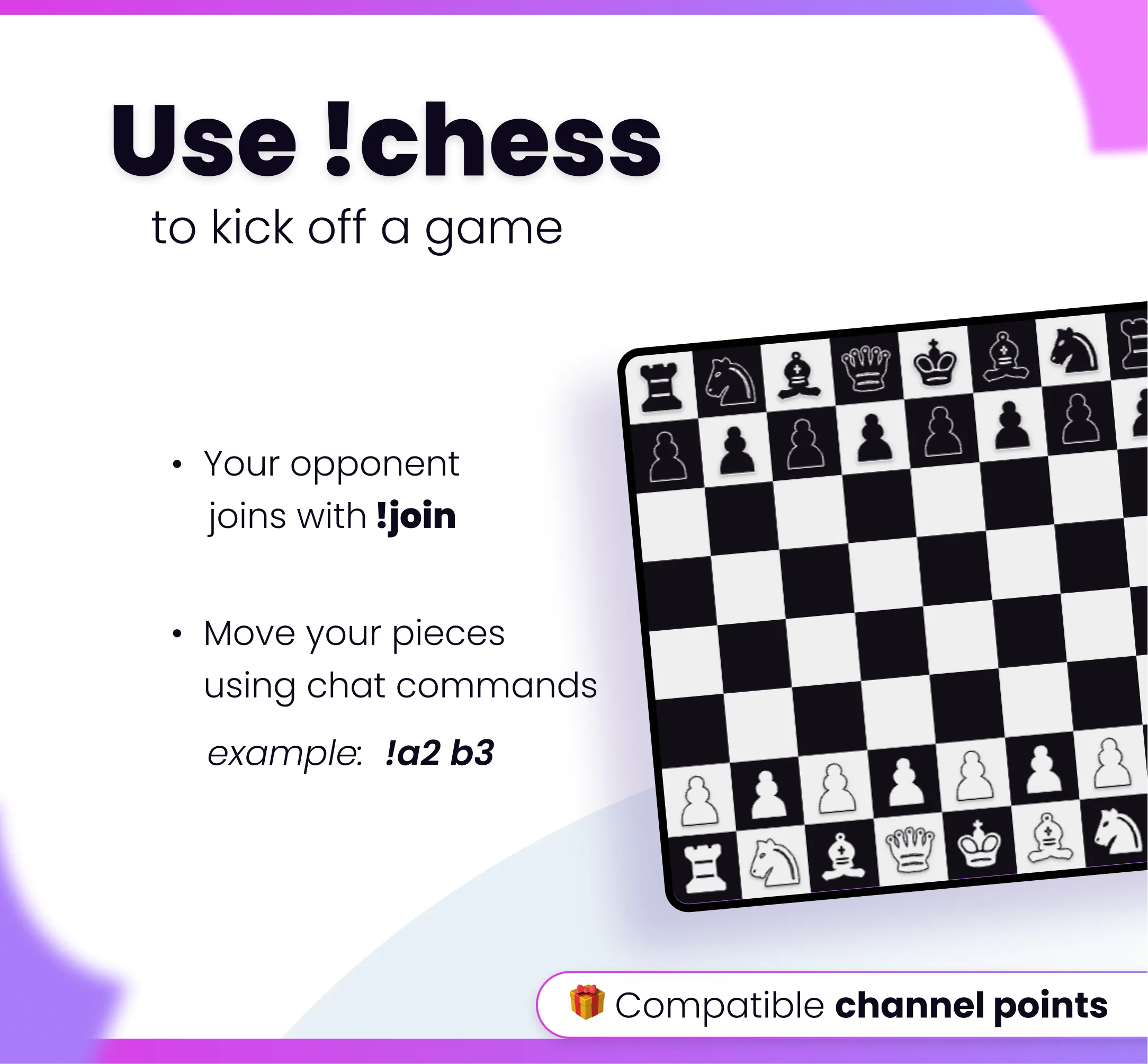
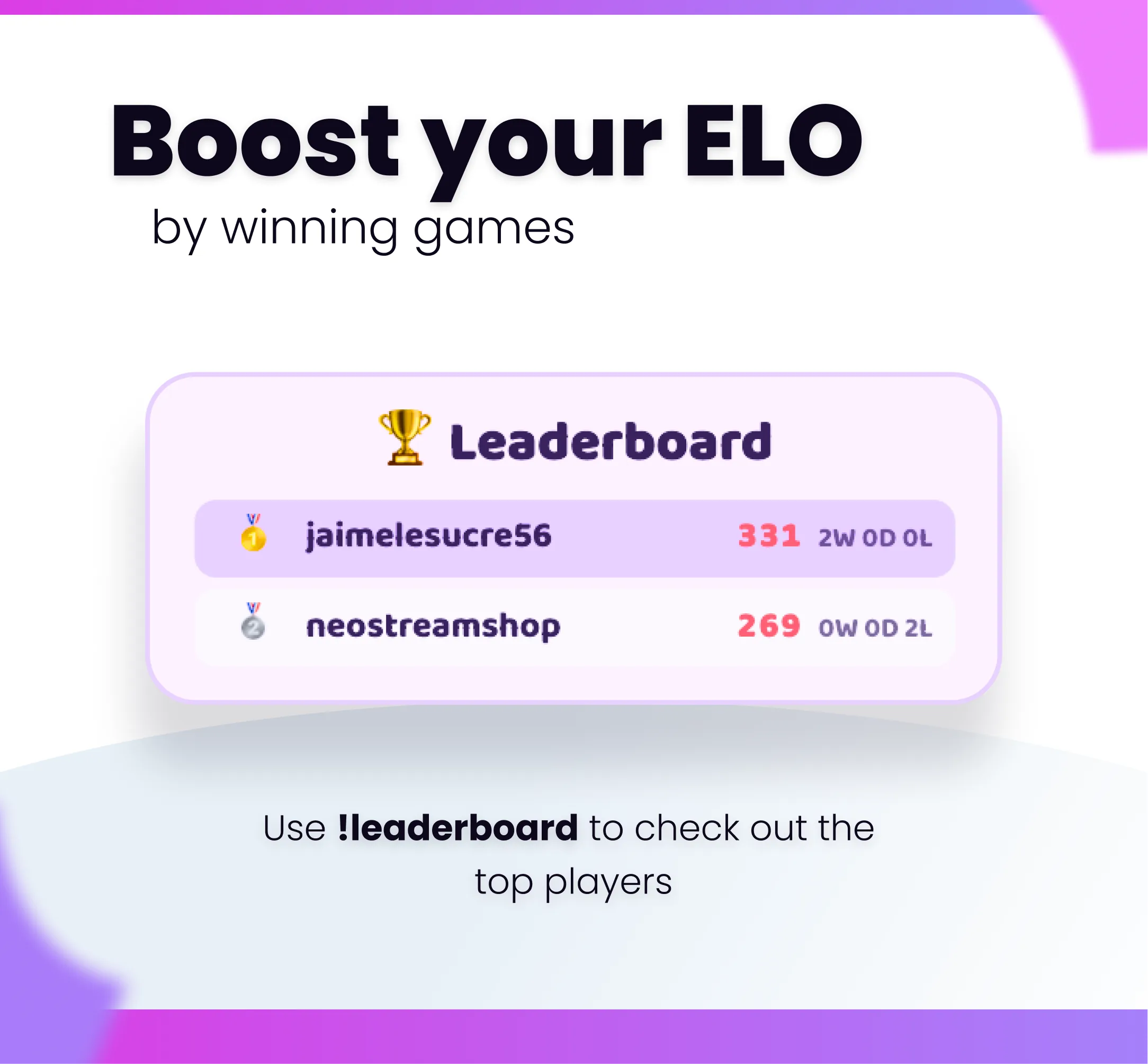
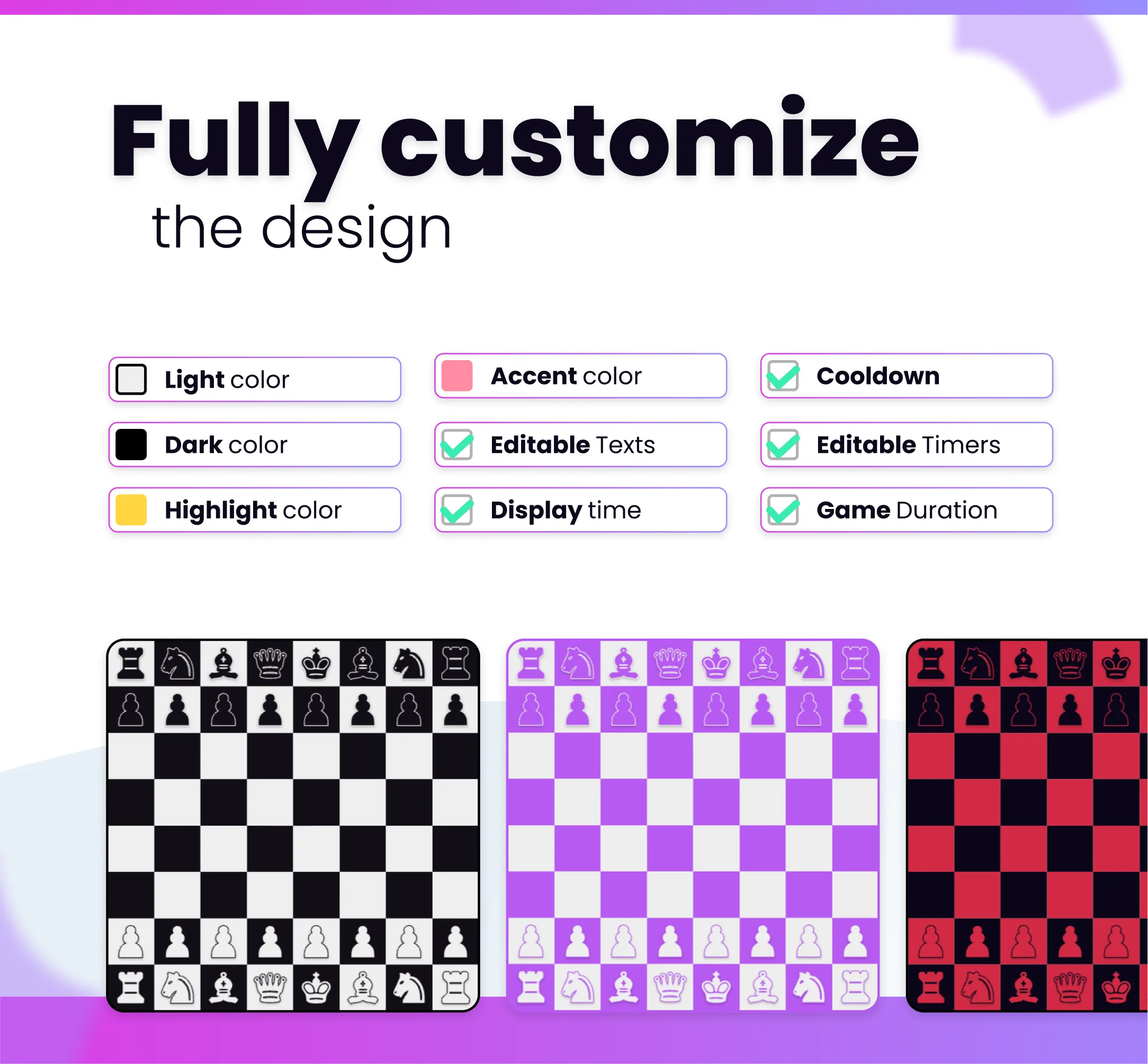
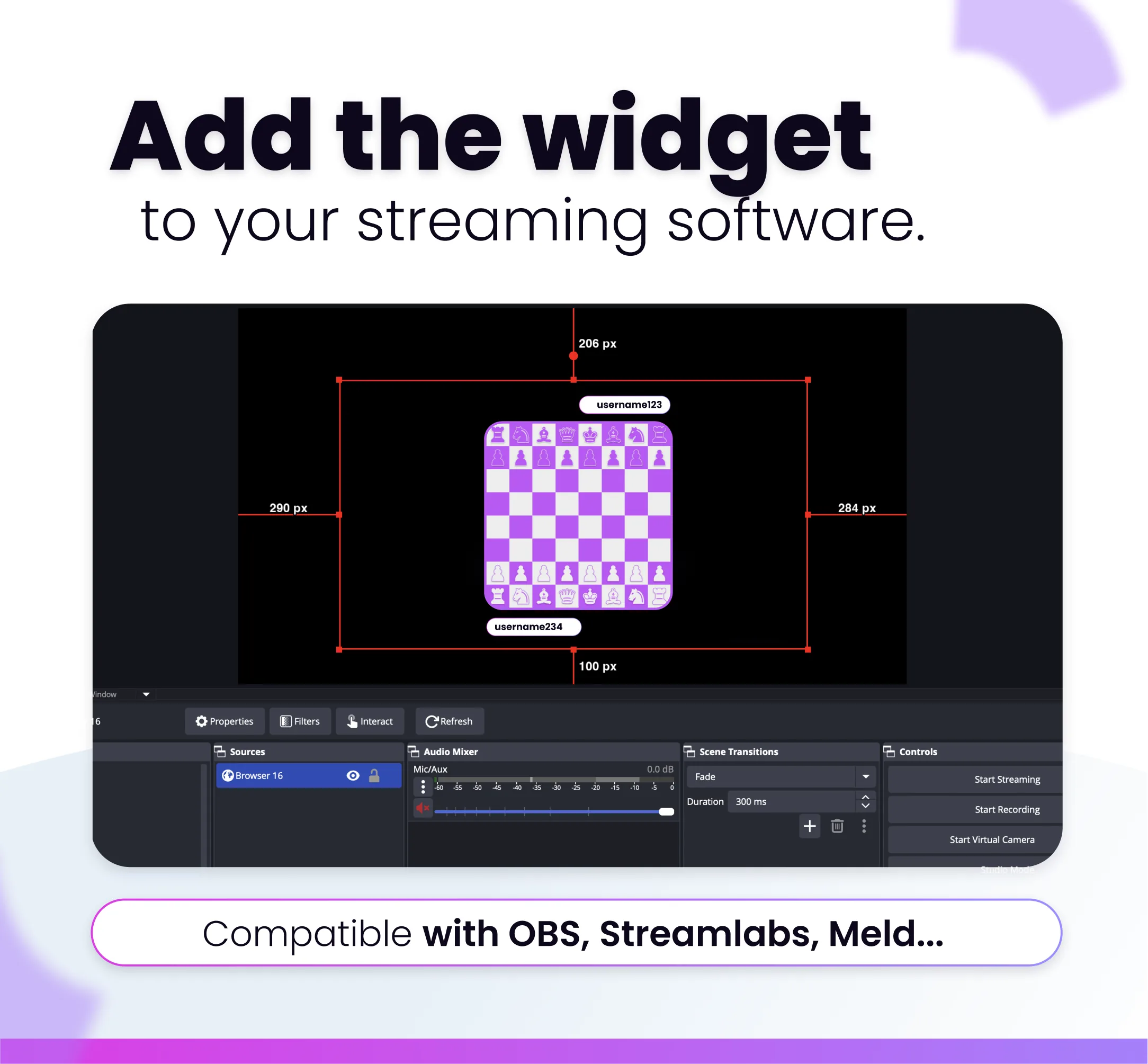
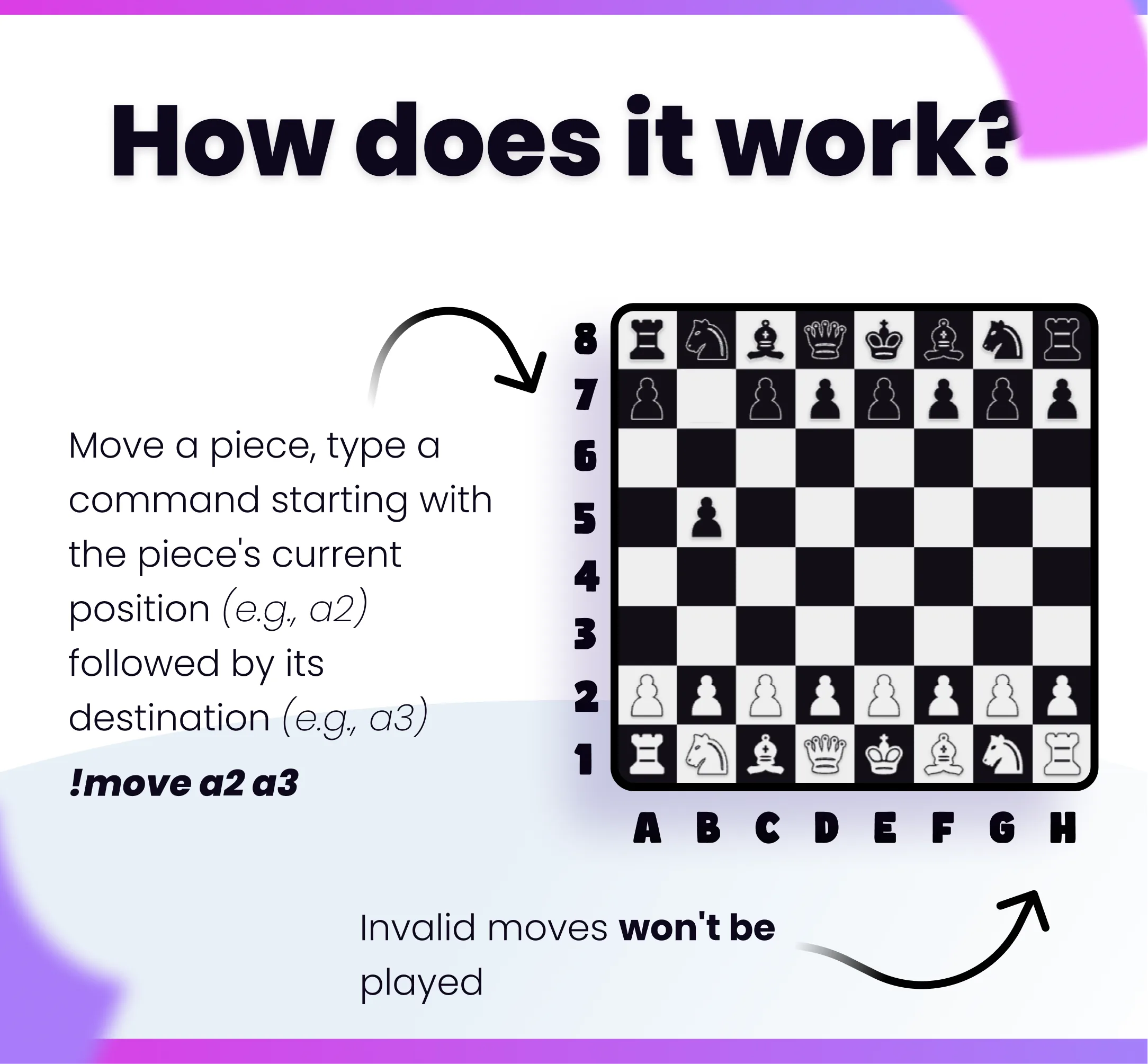
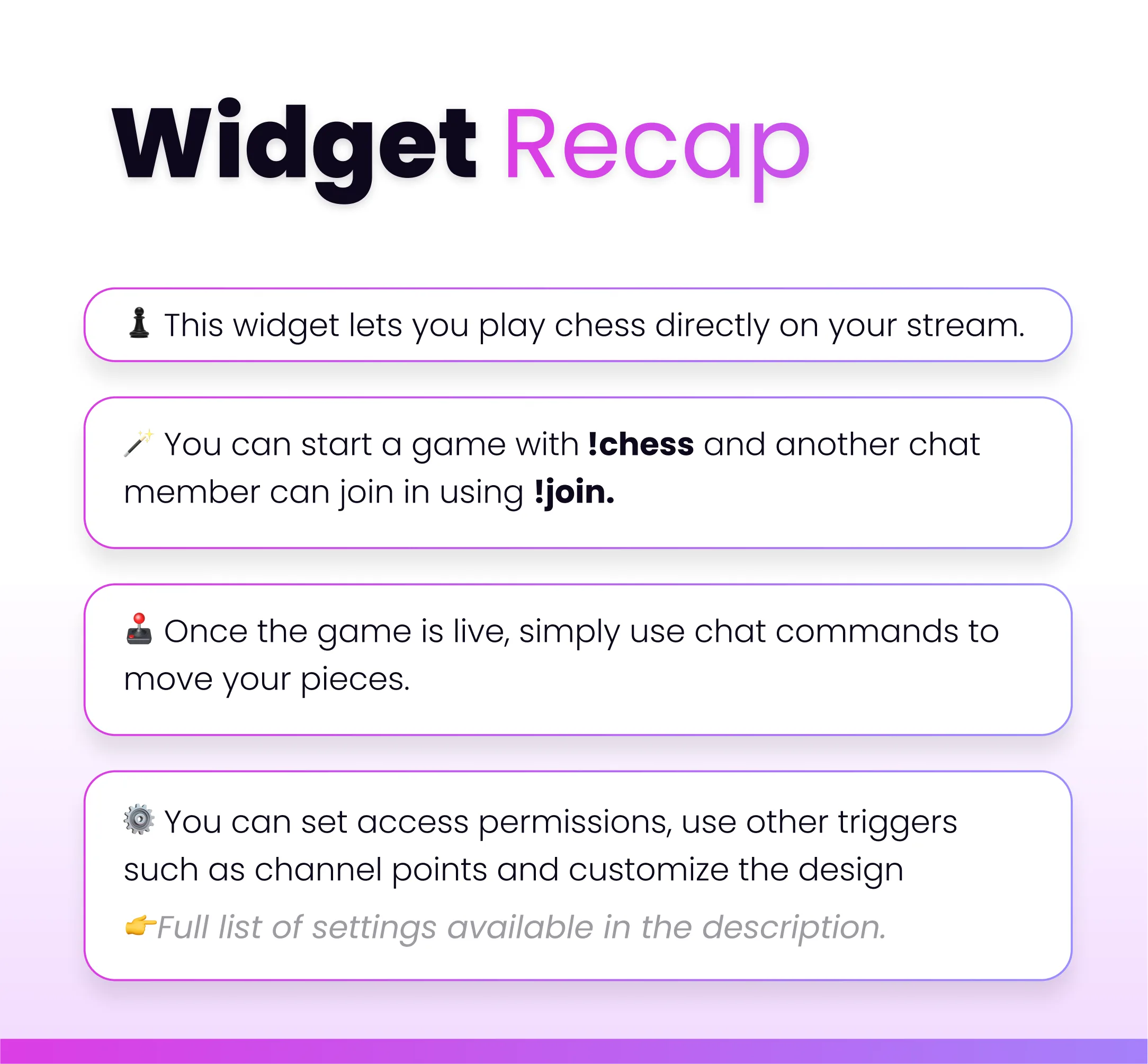
♟️ Turn your chat into a live chess club. Two viewers sit down at a real chessboard on your overlay, play move by move, and the whole stream watches the match unfold. ⚔️ Open a table with !chess and let anyone jump in with !join — or go straight for a rival with !chess @username. They accept with !accept or walk away with !decline. Colors are assigned at random. Then the pieces start moving. 🔢 Moves happen in chat. Type !move e2e4, !move Nf3, or even just e2e4. The board updates instantly: last move highlighted, king flashing in check, pieces popping into place. Castling, en passant, promotions, checkmate, stalemate — this is real chess, not a toy. 🏆 Every finished game updates a ranked ELO leaderboard. Wins, draws and losses are saved between streams, so regulars climb the ladder and newcomers start at the rating you choose. Anyone can pull up the podium with !leaderboard. 🏳️ Players can resign, offer a draw, or run out of time if you enable a per-move clock. You stay in control: stop a match with no rating change, lock who is allowed to start a game, and reset the leaderboard whenever you want. 🎨 The overlay hides itself when nobody is playing, then comes back for lobbies, matches and victory screens. Match it to your brand with custom board colors, texts, icons and every command name. ✨ HOW TO PLAY: ✅ !chess — open a game anyone can join ✅ !chess @user — challenge a specific viewer ✅ !join / !accept / !decline / !cancel ✅ !move e2e4 or !move Nf3 (SAN and coordinates) ✅ !resign / !draw / !leaderboard 🛡️ STREAMER CONTROLS: ✅ Stop the current game without changing ELO ✅ Reset the leaderboard (broadcaster only) ✅ Who can start a game: everyone, subs, mods, or you ✅ Lobby timer and optional time limit per move 🎨 CUSTOMIZE: ✅ All command names ✅ Board colors, last-move highlight, check color, accent ✅ Starting ELO, K-factor, and leaderboard size ✅ Every on-screen text and icon ✅ Permissions and timers ⚙️ You can set up the widget on our own website. You will get an https:// link that can be easily added to any streaming software. Compatibility with the following software is guaranteed: - OBS - Streamlabs - Meld Studio

Compatible with

OBS & Streamlabs

OBS Studio Streamlabs

Works on

Twitch & Kick

Twitch Kick

You might also like

  • Widget Image Displayer

    Widget Image Displayer

    Show images on your stream overlay with smooth animations. Triggered by commands, alerts, or channel points.

  • Megapack x20 Commands

    Megapack x20 Commands

    This megapack includes 20 Twitch command overlays in one widget, at a discounted price compared to buying them separatel…

  • Beer Command

    Beer Command

    This Twitch command plays a beer animation overlay on your stream when triggered by chat, alerts, or channel points.

  • Evil bunny

    Evil bunny

    Add an adorable interactive mascot to your Twitch, YouTube, or Kick stream. He will react to your stream events and be j…