This site is in beta — features and content may change.
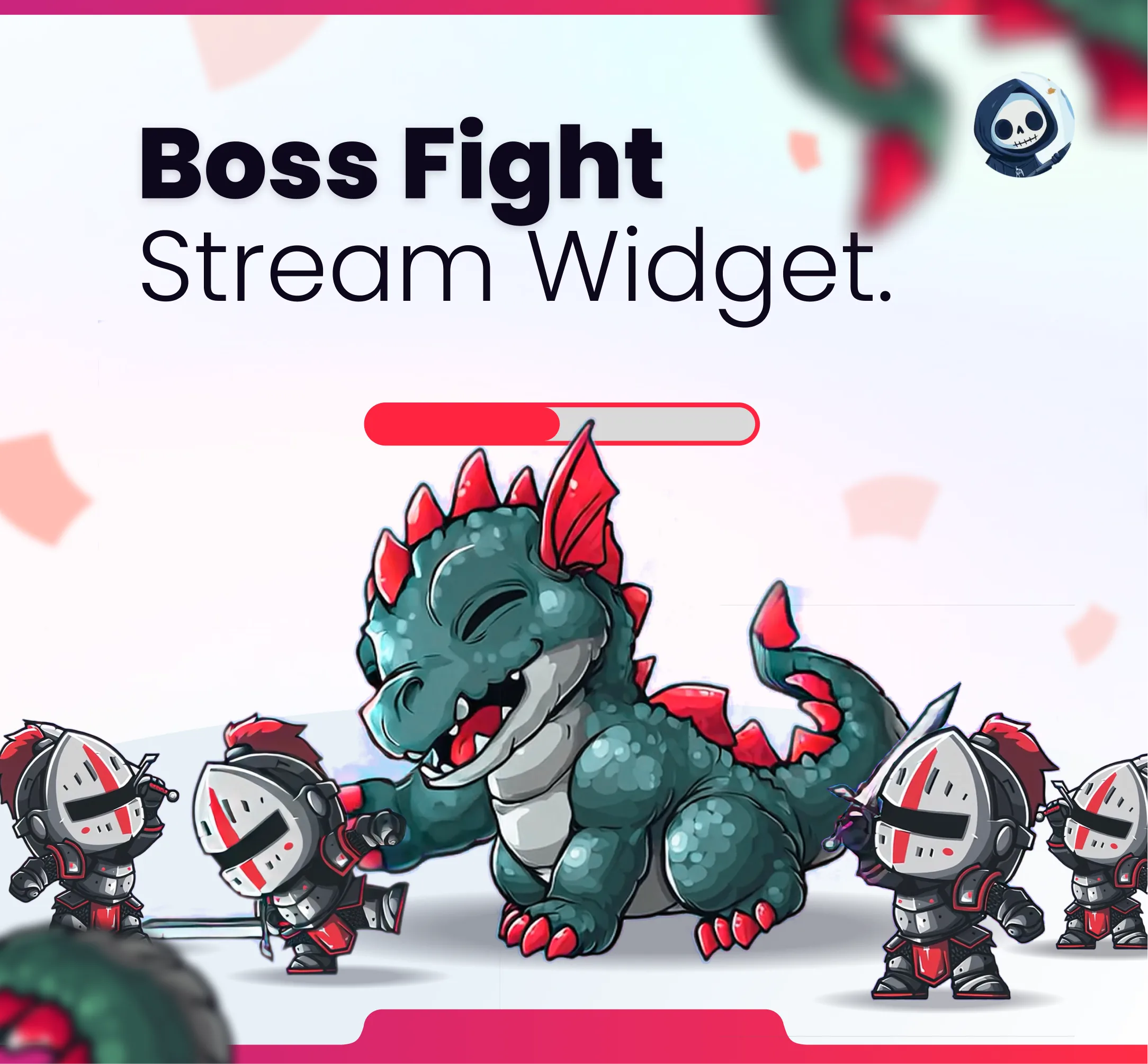
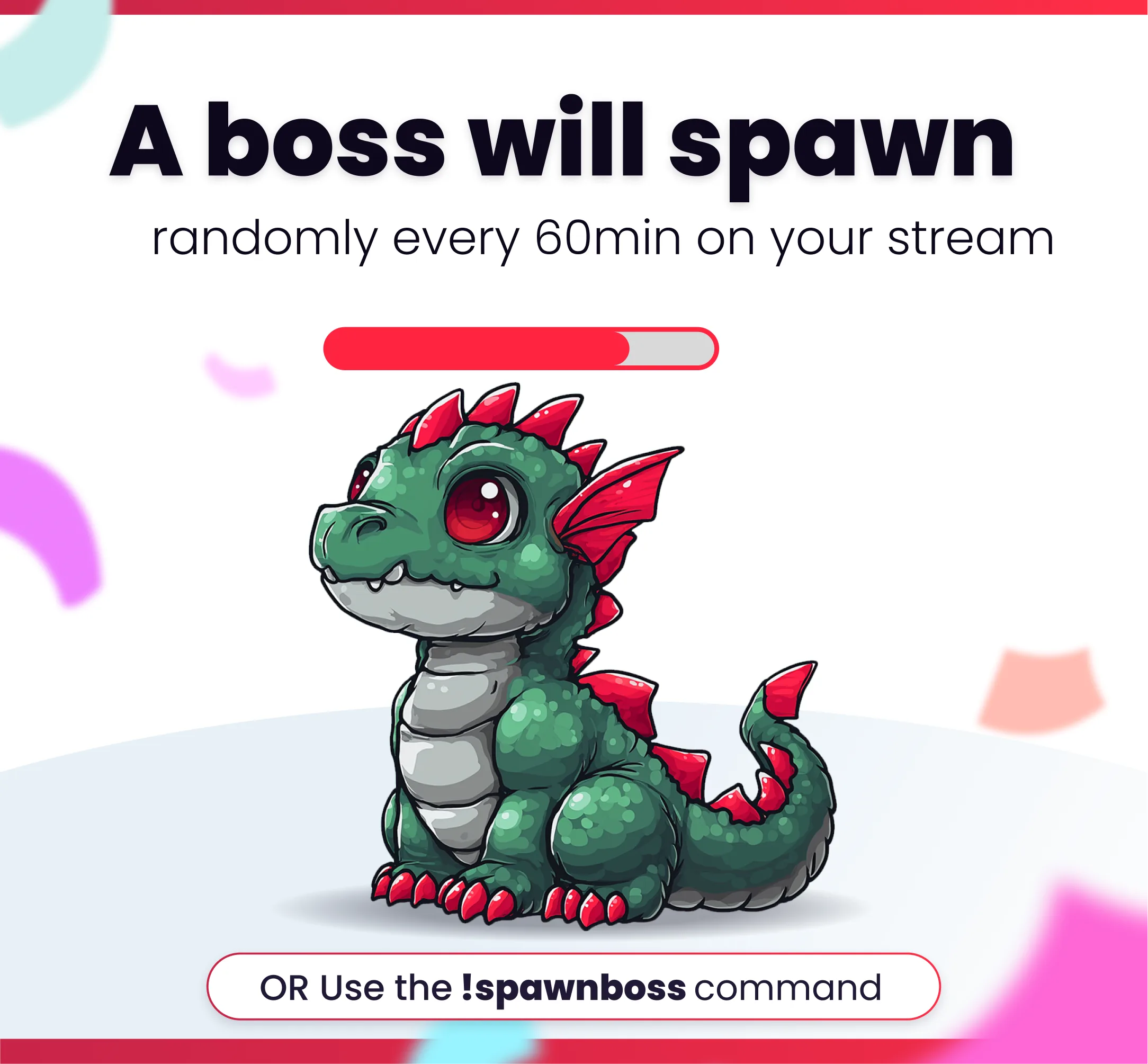
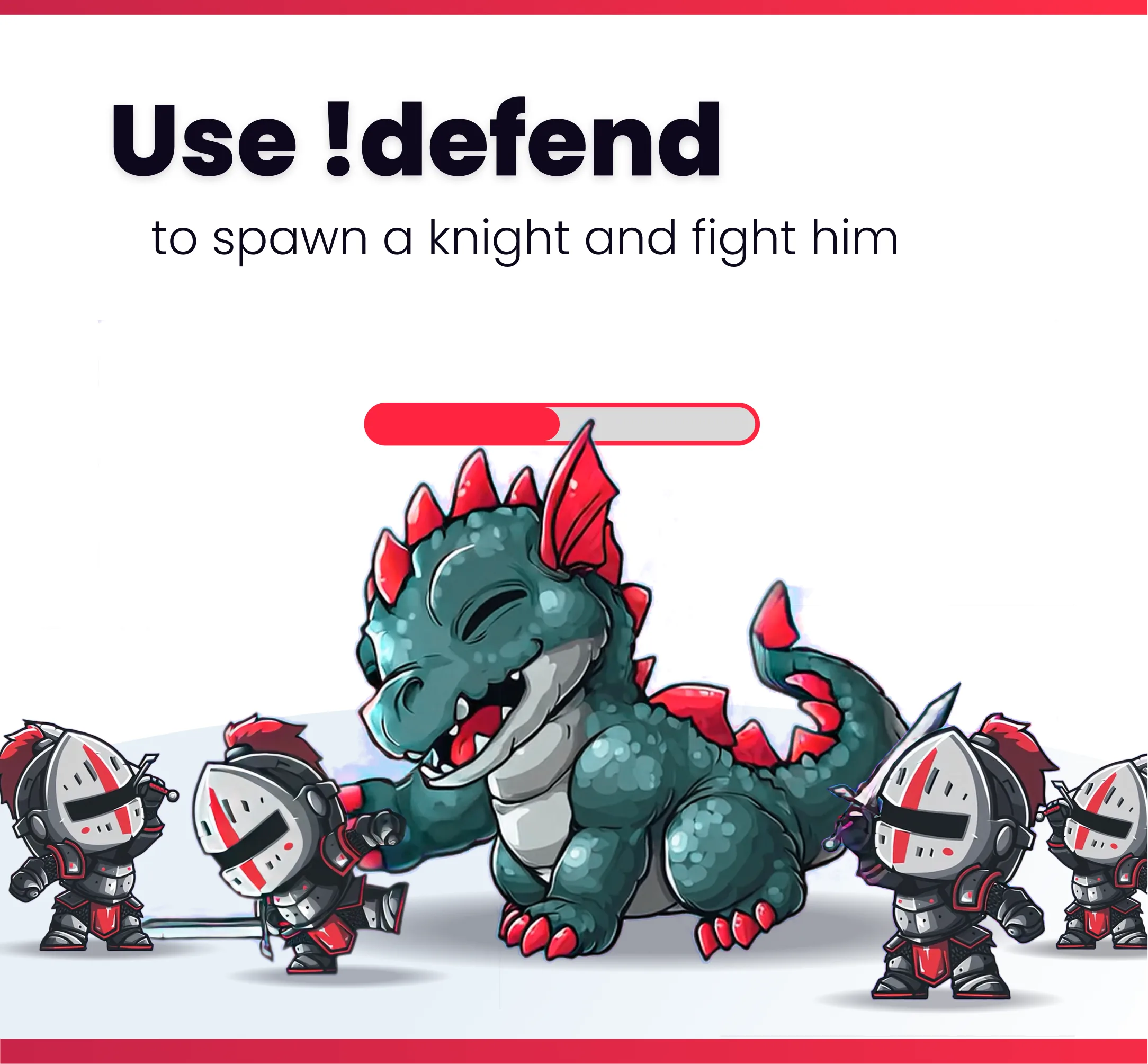
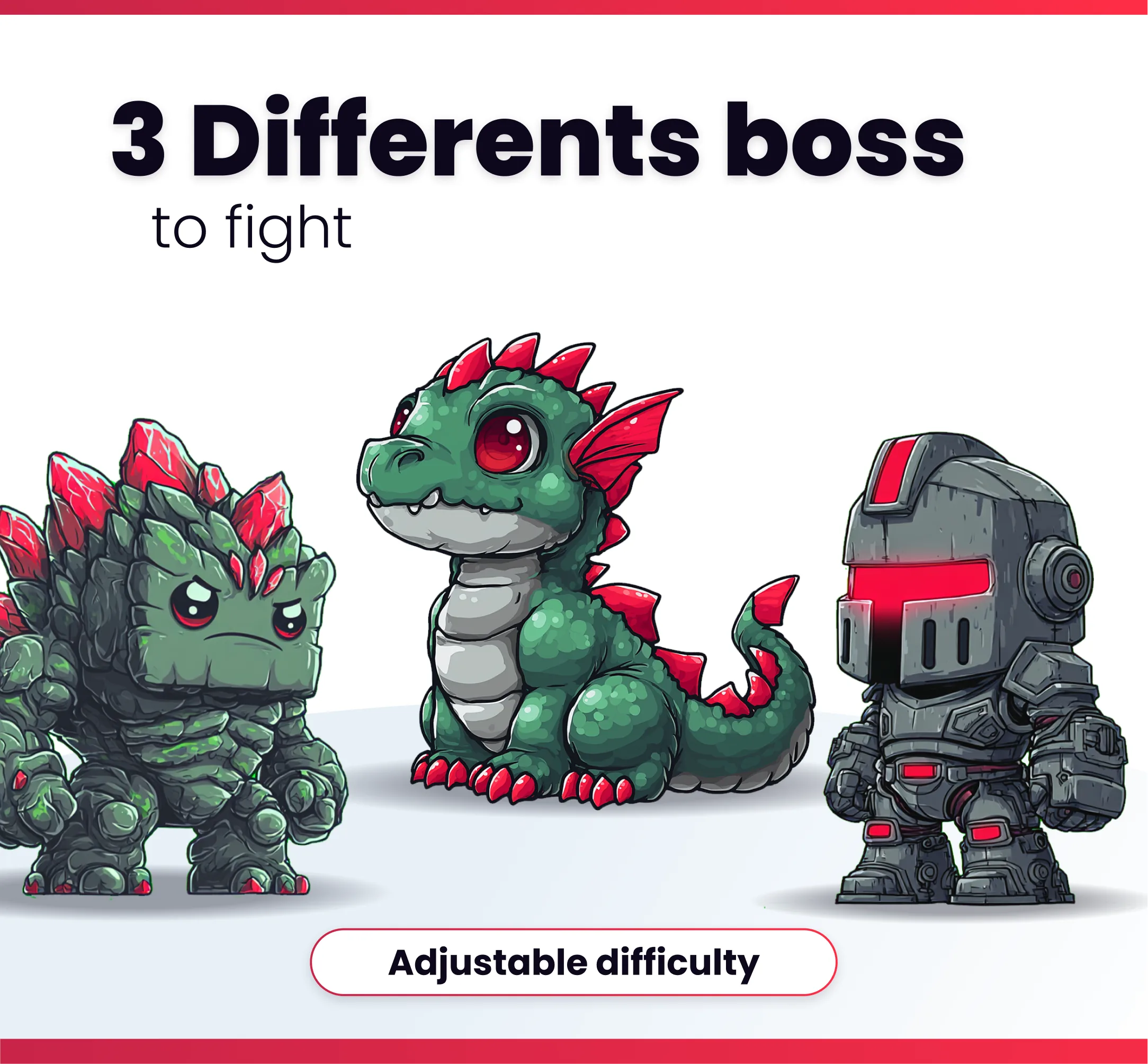
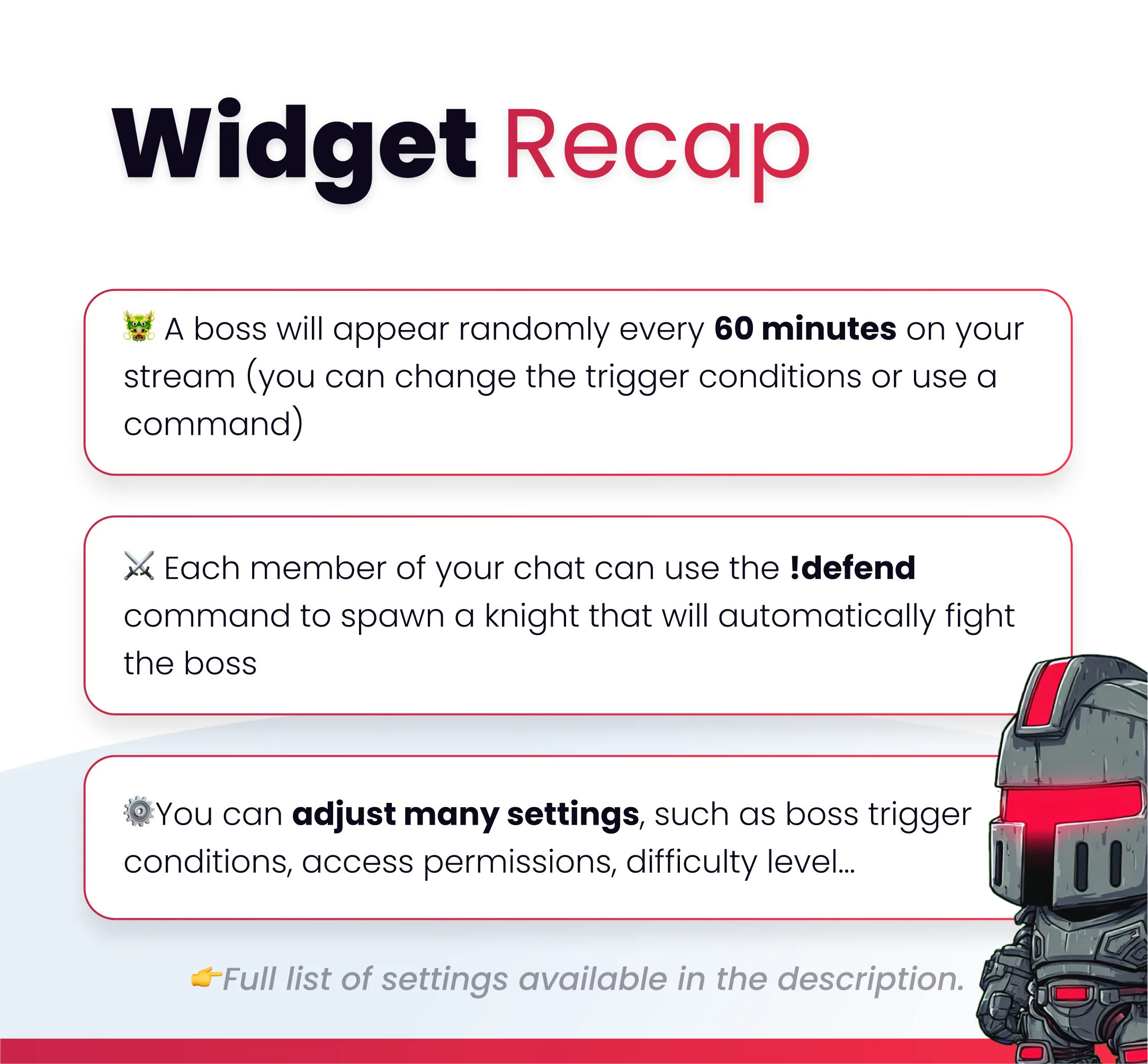
🐲Once the widget is added, a boss will appear randomly every 60 minutes, and you can spawn a boss using the !spawnboss command, this command can only be used by the streamer and moderators ⚔️Protect your stream from boss attacks by spawning a knight with the !defend command, each chat member can spawn a knight, and when your knight dies, you can respawn it 🗡️The knights automatically attack the boss. You don’t have to do anything except watch them fight. 😖If you find the boss too difficult to defeat, you can adjust the widget's settings. 🔫There are three different bosses, each with different health and attack power. ⚙️You can adjust the Bosses spawn conditions, set permissions, and change the command name. ⚙️You can adjust the knight spawn conditions, set permissions, and change the command name.

Compatible with

OBS & Streamlabs

OBS Studio Streamlabs

Works on

Twitch & Kick

Twitch Kick

You might also like

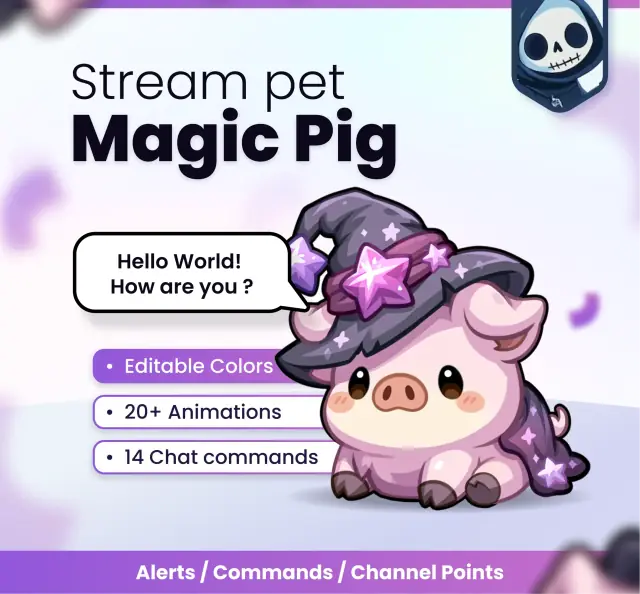
  • Magic pig

    Magic pig

    Add an adorable interactive mascot to your Twitch, YouTube, or Kick stream. He will react to your stream events and be j…

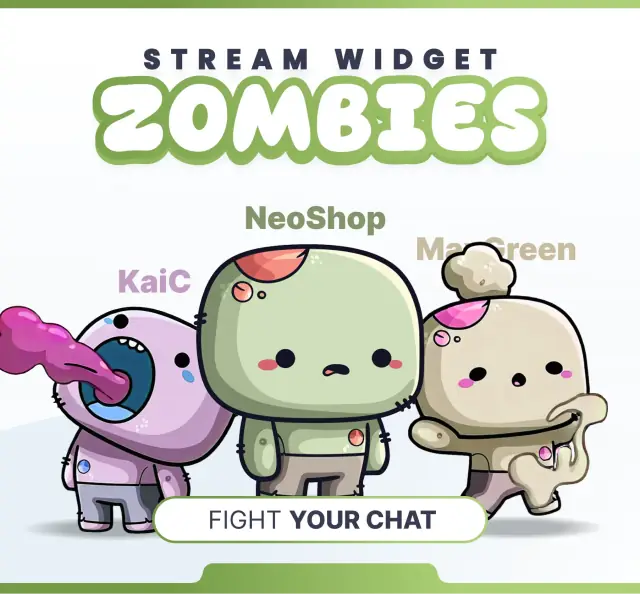
  • Widget Zombies Fight

    Widget Zombies Fight

    This streaming widget adds a zombies fight to your overlay. Viewers trigger battles and effects through commands, alerts…

  • Widget Sweet Game

    Widget Sweet Game

    This interactive sweet game engages your chat on stream. Play along using commands, alerts, and channel points.

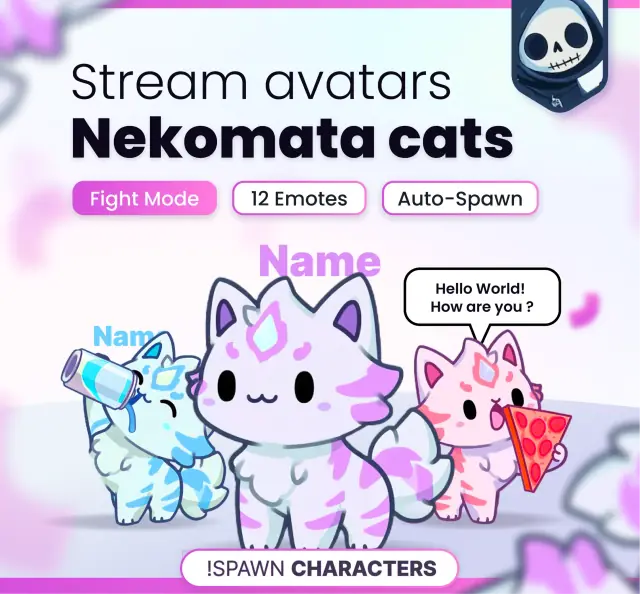
  • Nekomata cats

    Nekomata cats

    Spawn little interactive companions directly on your stream. They can fight each other and talk!